



Autumn Fall for Minecraft 26.2
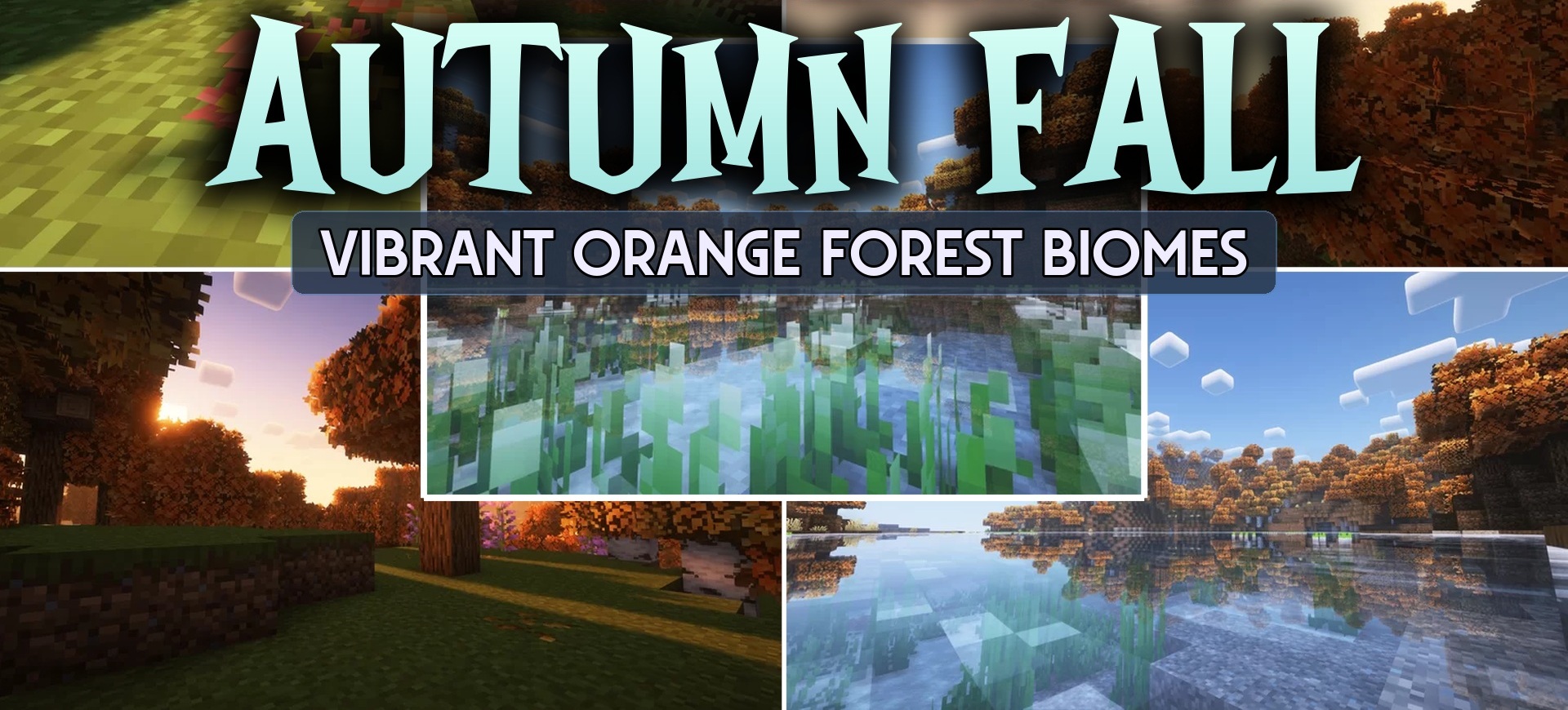
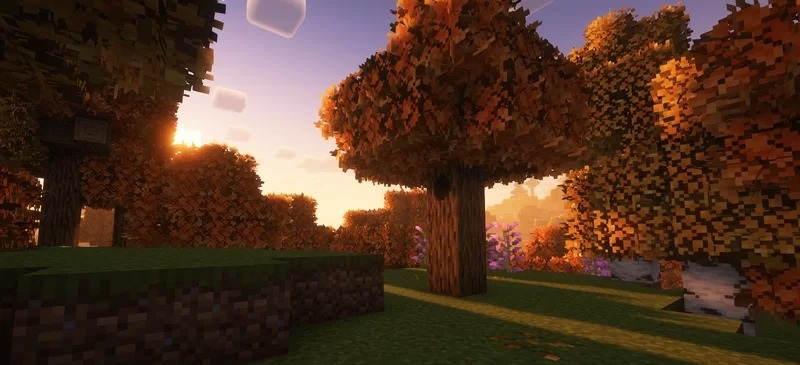
The autumn design in Autumn Fall is based not on a complete replacement of the graphics, but on recoloring the familiar natural environment. Green treetops shift into red, orange, and yellow shades, grass becomes warmer, and images of fallen leaves appear on top of some blocks.
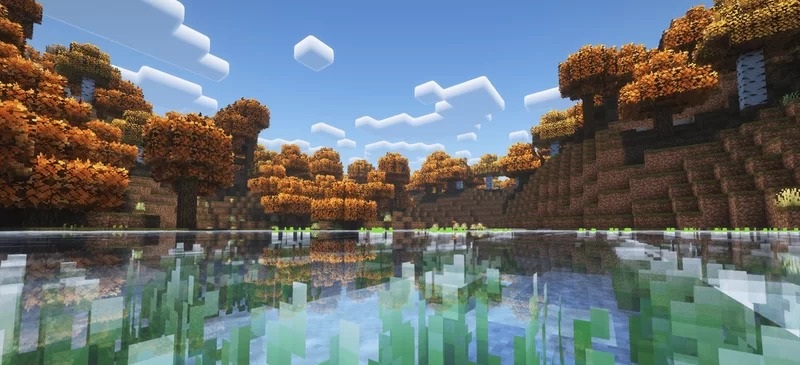
Because of this, forests, plains, and areas around buildings gain a seasonal look without switching to a different texture resolution. The pack also changes the interface, designing the menus in the same autumn palette. The standard pixel structure is preserved, so the new colors do not stand out from Minecraft's usual appearance. The performance impact remains low because the changes mainly affect textures and the color scheme.
How to install the texture pack:
First step: download and install Autumn Fall
Second step: copy the texture pack to the C:\Users\USER_NAME\AppData\Roaming\.minecraft\resourcepacks
Third step: in game settings choose needed resource pack.
Comments (0)