



Better 3D Blocks for Minecraft 26.2
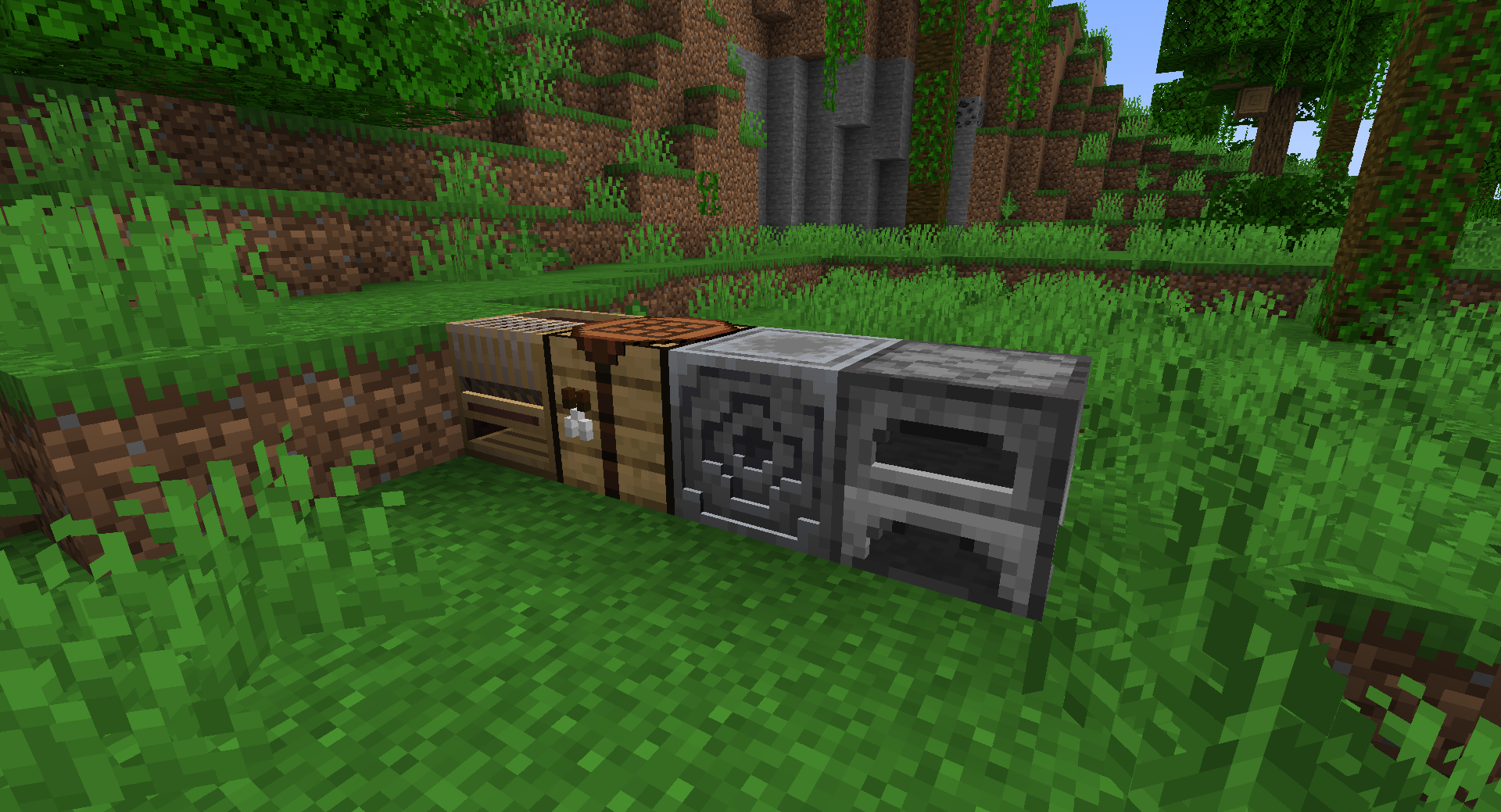
Flat surfaces gain noticeable depth thanks to the Better 3D Blocks resource pack. It adds three-dimensional details to blocks, items, and certain creatures while preserving Minecraft’s recognizable design. Protruding elements, indentations, and additional edges help distinguish materials more clearly and make the surrounding world richer in detail.
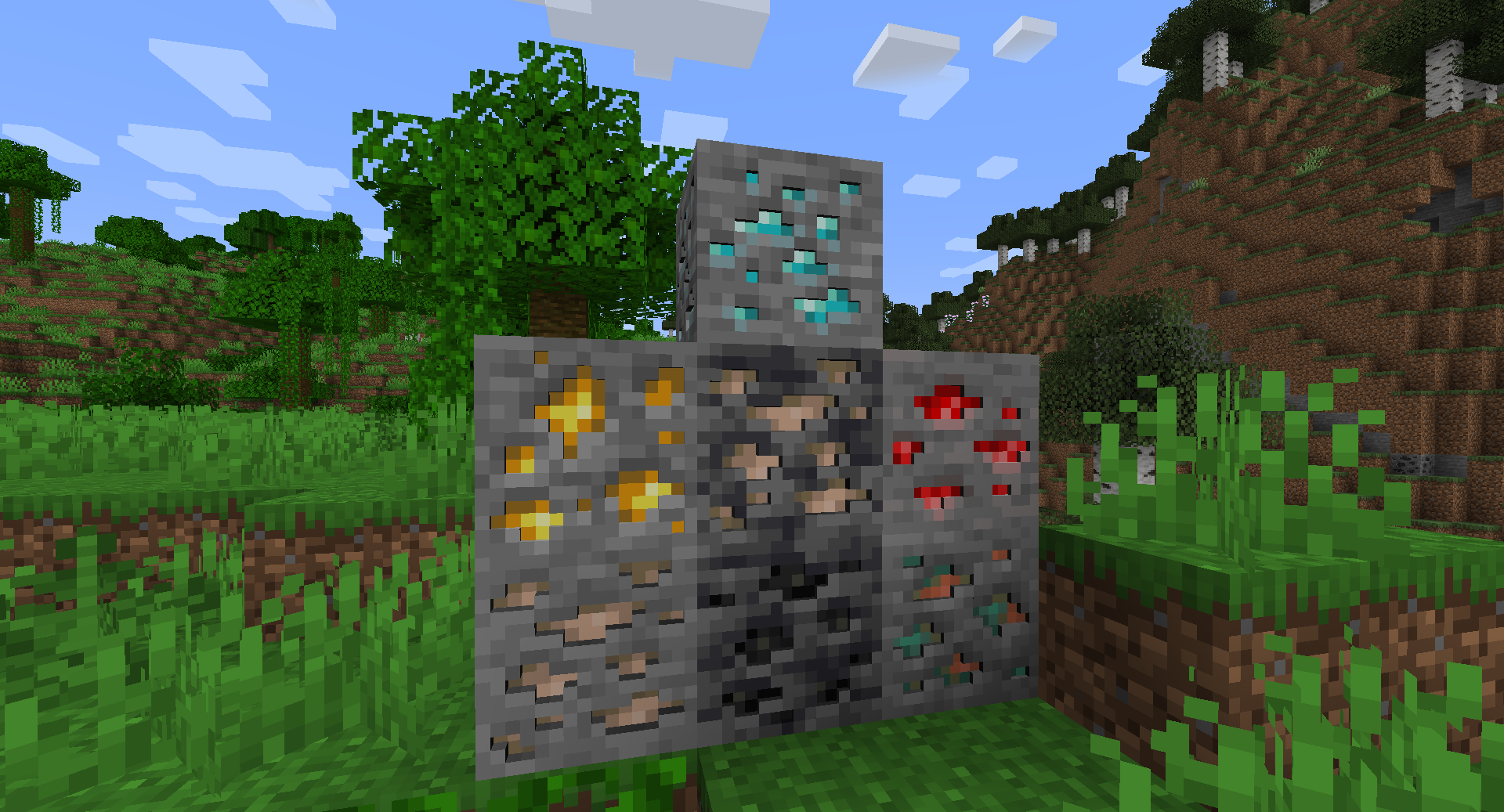
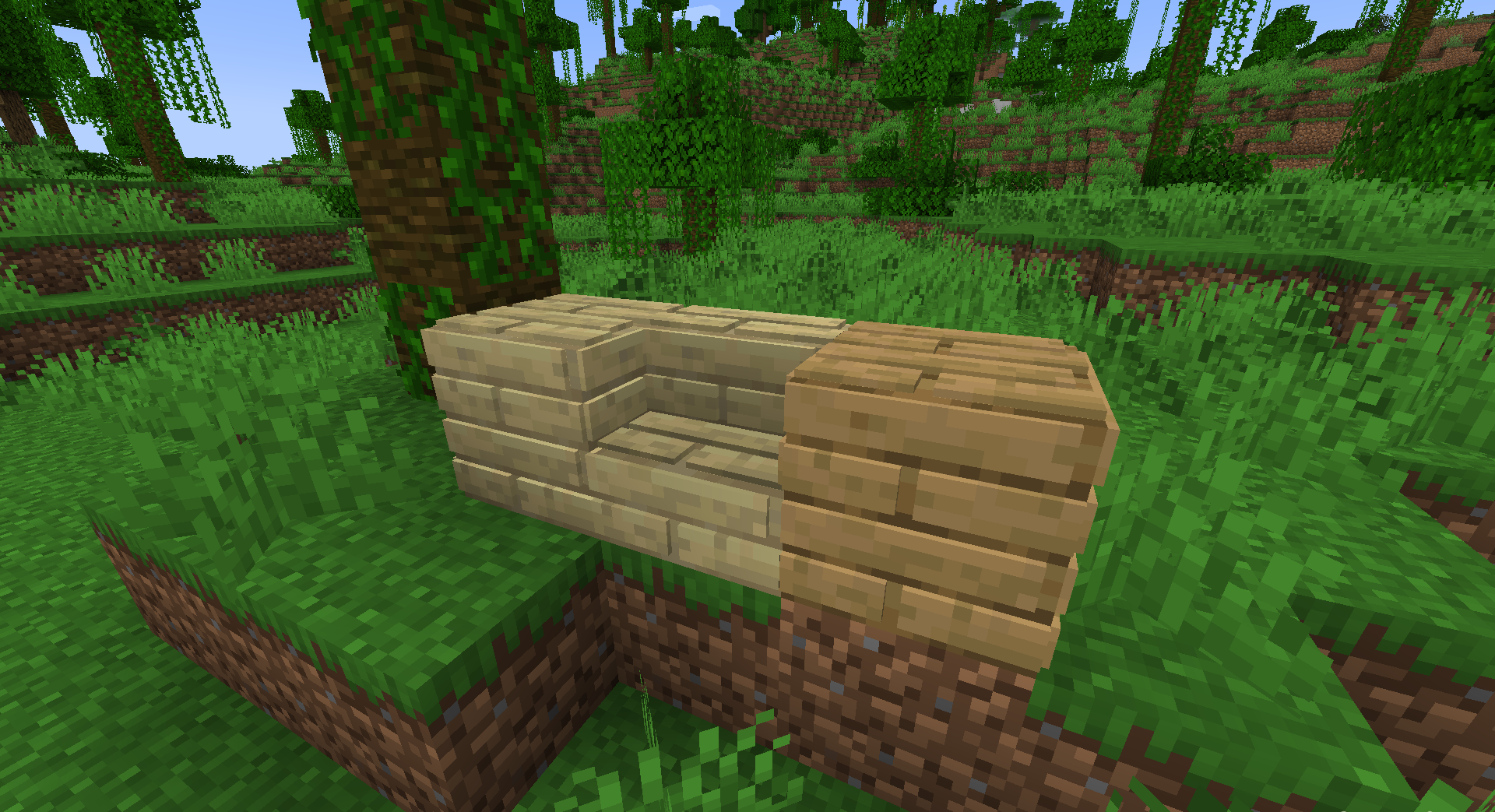
The changes are most noticeable on utility blocks, decorative items, and surfaces that are represented by a simple pattern in the standard game. The pack is designed for smooth performance and tries not to overload scenes with excessively complex models. It can be used in regular survival, building, and screenshot creation.
How to install the texture pack:
First step: download and install Better 3D Blocks
Second step: copy the texture pack to the C:\Users\USER_NAME\AppData\Roaming\.minecraft\resourcepacks
Third step: in game settings choose needed resource pack.
Comments (0)