



Block Pixel for Minecraft 26.2
Clear outlines and square patterns noticeably change the appearance of blocks in Block Pixel. The resource pack preserves the low resolution and recognizable pixel graphics of Minecraft while making every material more expressive. Noticeable borders appear between neighboring blocks, preventing walls, floors, and paths from blending into one continuous surface.
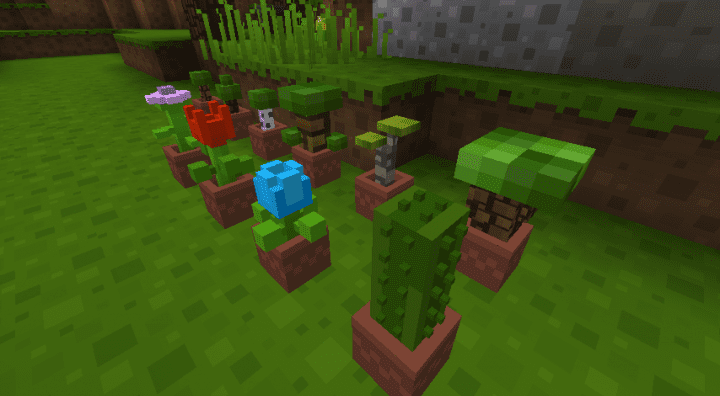
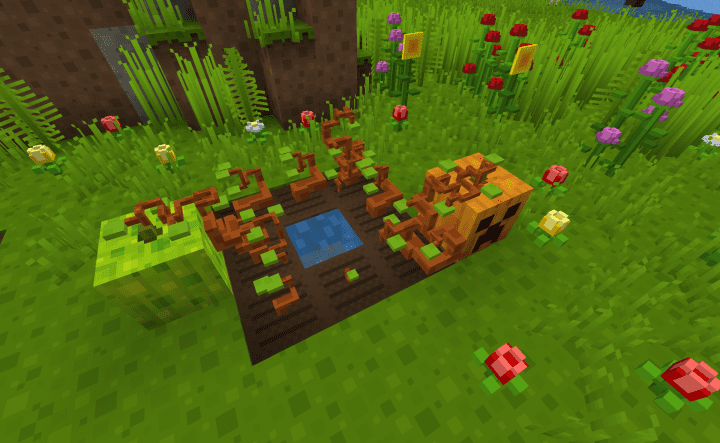
Most textures are composed of neat geometric elements that create a sense of depth without using three-dimensional models. The pack gradually expanded alongside game updates, so it reworks not only older materials but also newer blocks and items.
How to install the texture pack:
First step: download and install Block Pixel
Second step: copy the texture pack to the C:\Users\USER_NAME\AppData\Roaming\.minecraft\resourcepacks
Third step: in game settings choose needed resource pack.
Comments (0)