



Brush and Juice for Minecraft 26.2
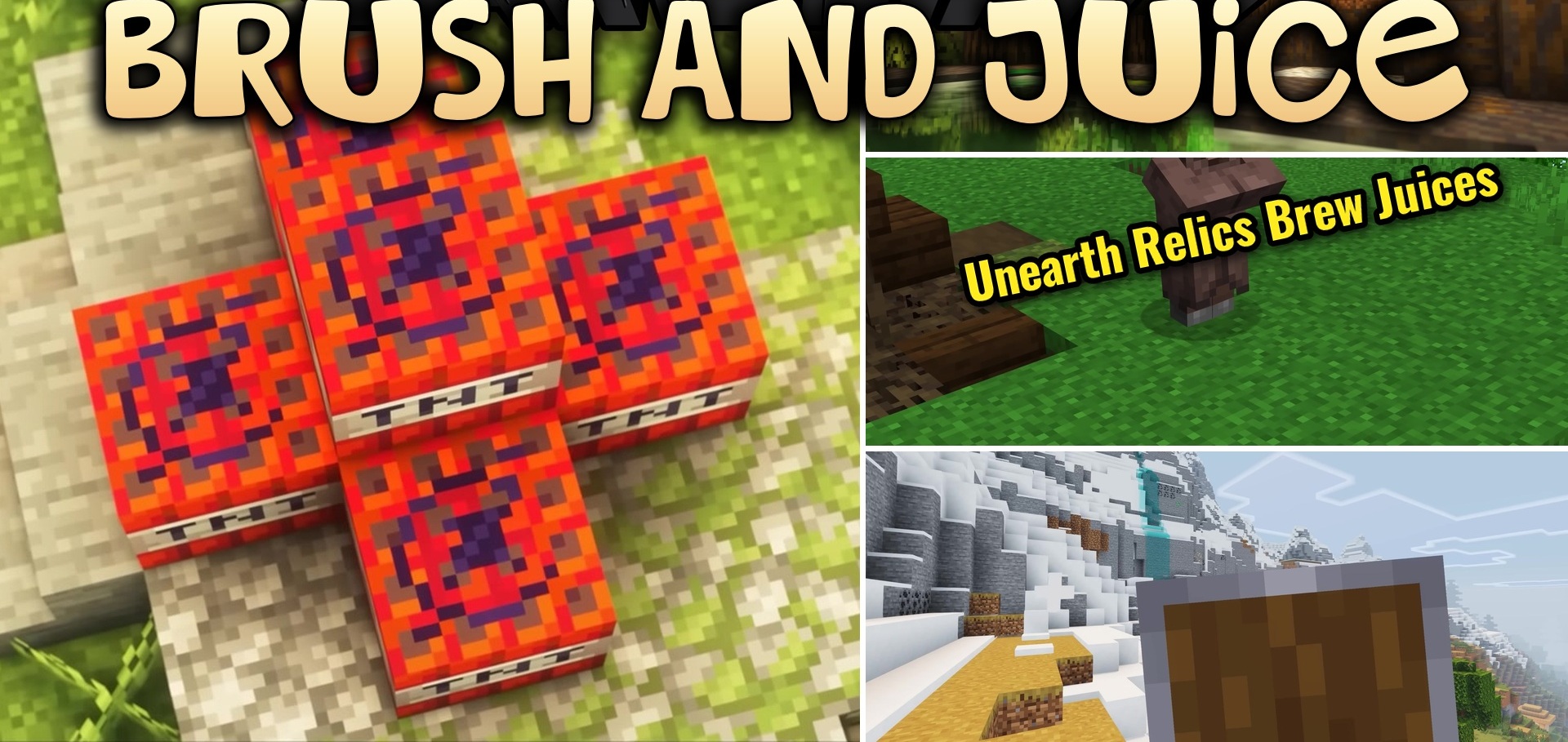
Brush and Juice carefully redraws familiar blocks, items, and menu elements without abandoning the classic pixel-art graphics. Crafting tables receive new details, furnaces gain a small animation, and bookshelves, anvils, stonecutters, barrels, and note blocks look noticeably fresher.
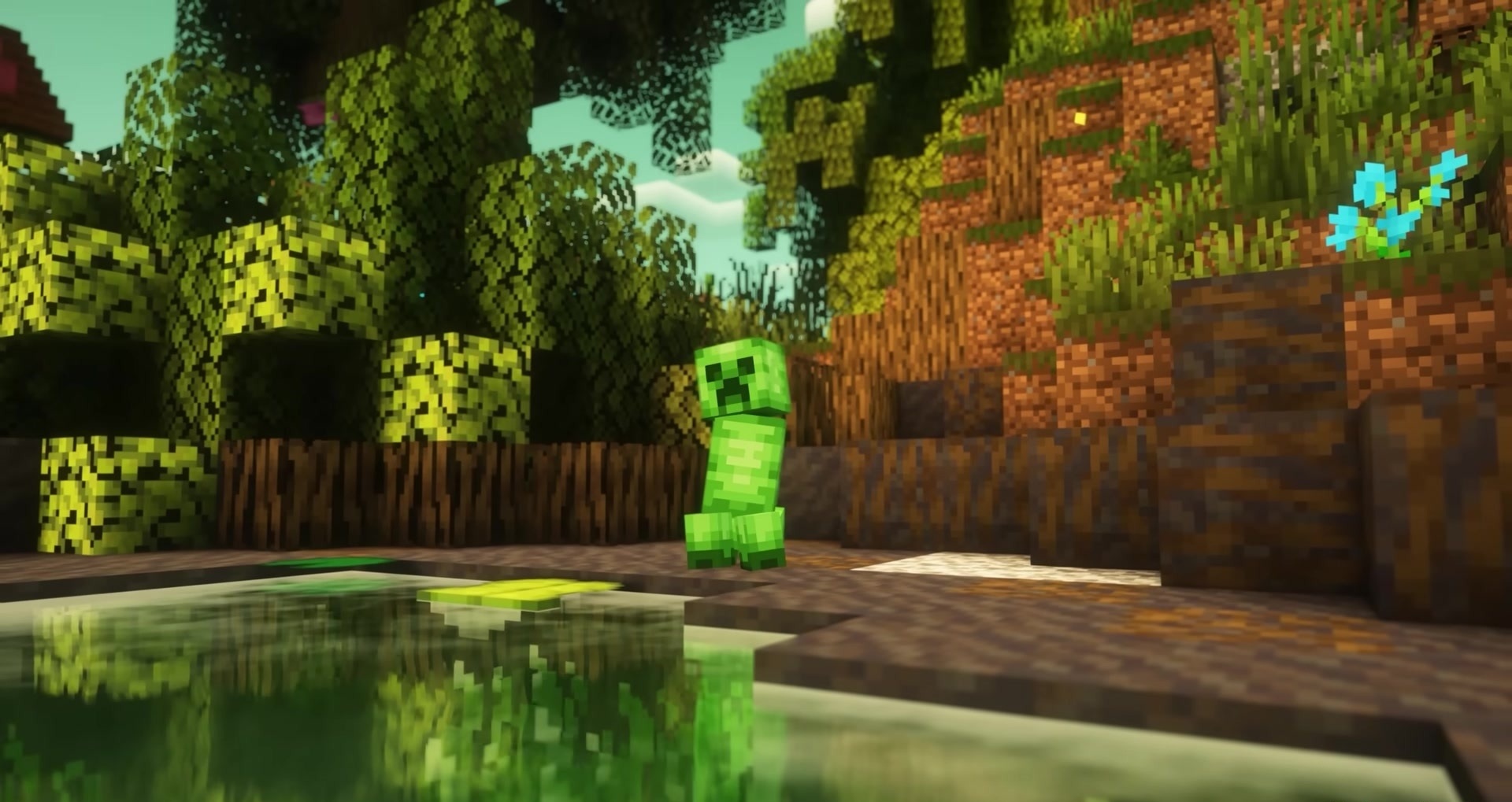
Redstone mechanisms are reworked separately, including levers, torches, tripwire hooks, and sticky pistons. Even TNT receives its own new design. The changes also affect food sprites, recipe notifications, advancements, and the attack indicator. A custom sun creates a bright sunset with a golden-hour effect.
How to install the texture pack:
First step: download and install Brush and Juice
Second step: copy the texture pack to the C:\Users\USER_NAME\AppData\Roaming\.minecraft\resourcepacks
Third step: in game settings choose needed resource pack.
Comments (0)