



Clarity for Minecraft 26.2
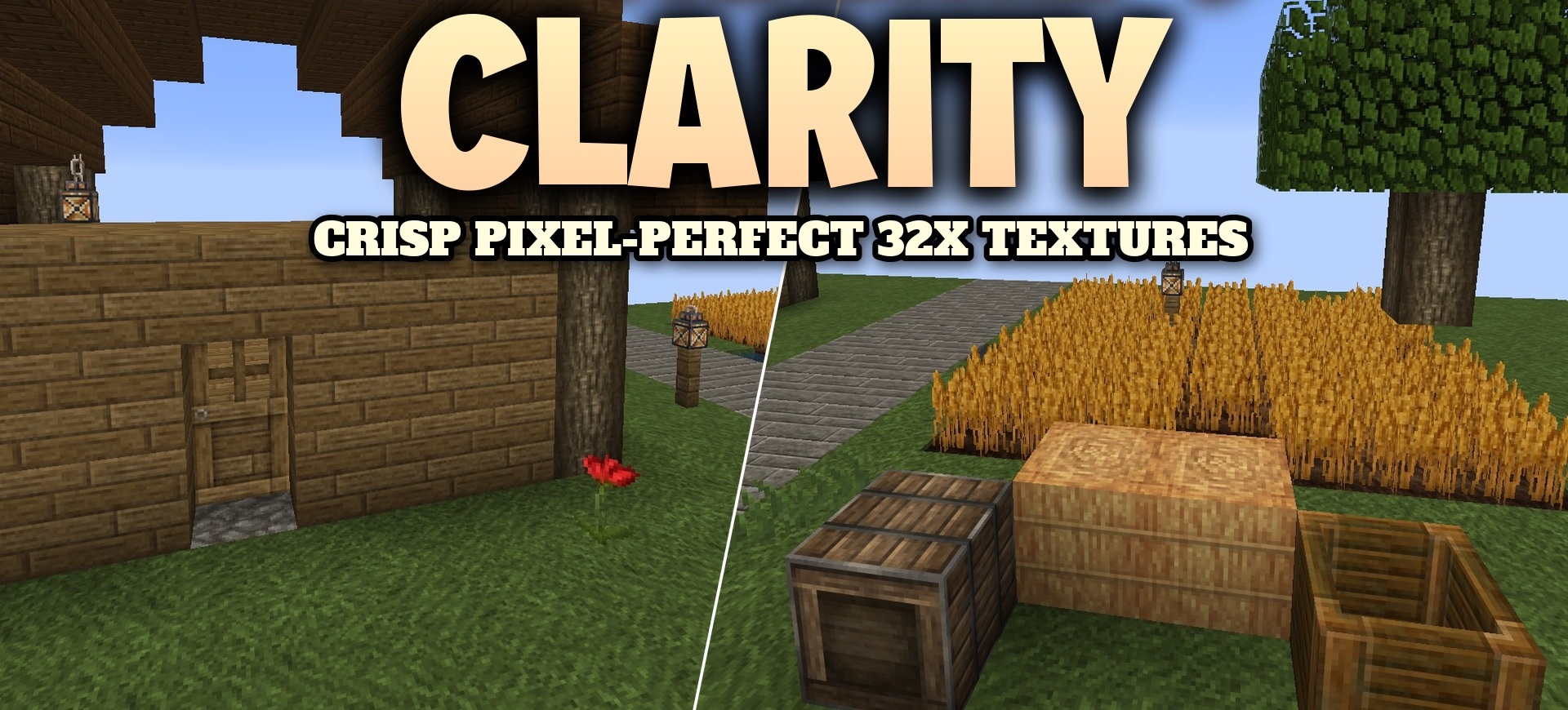
Clarity increases the resolution of standard textures to 32x, while preserving the recognizable appearance of every block, item, and mob. Wood receives a more pronounced grain, stone gets clearer structures, and ore veins are easier to distinguish by shape and color.
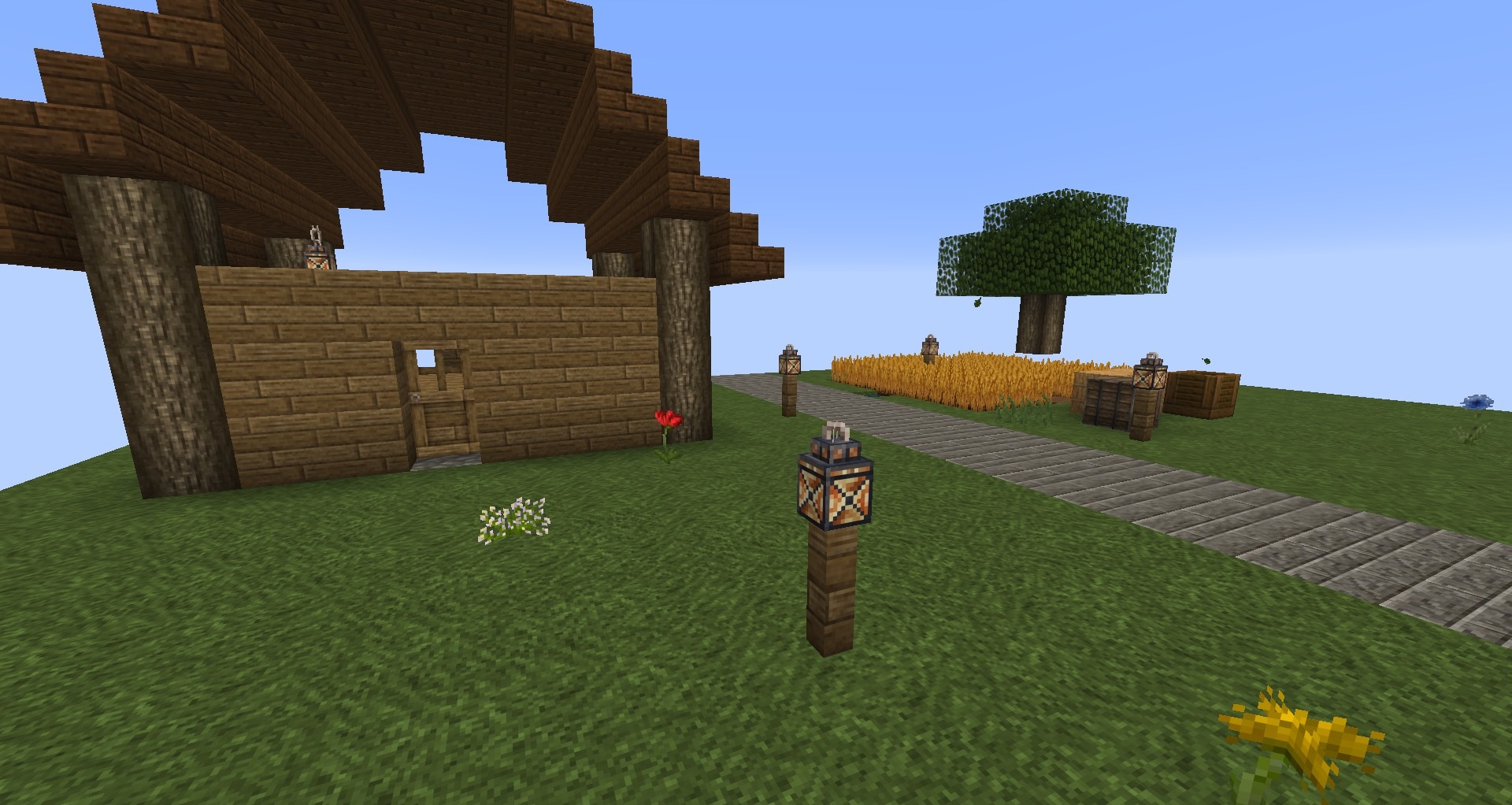
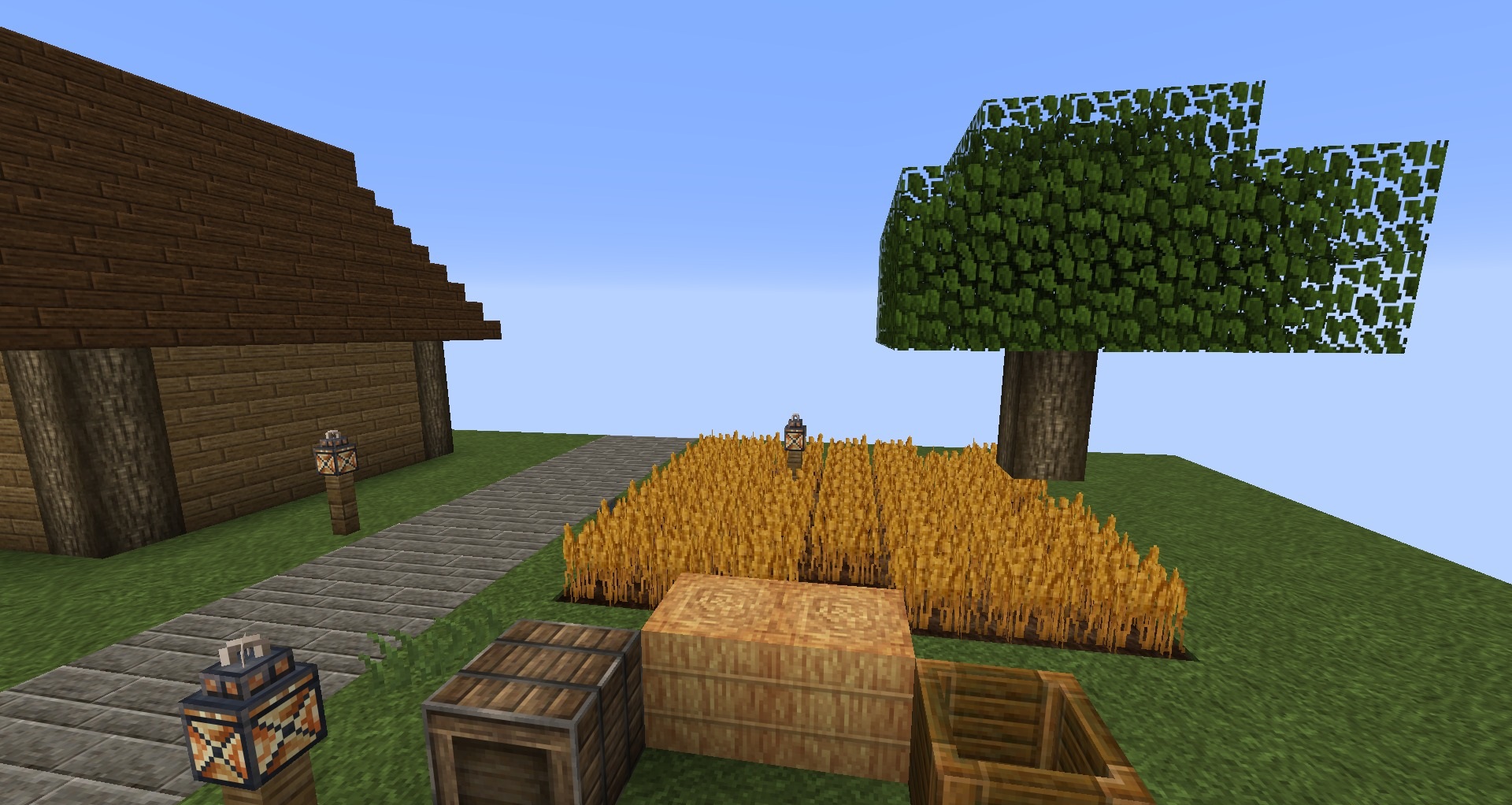
Vegetation, foliage, and crops become more detailed without losing their familiar silhouettes. The rework also extends to tools, items, and creatures, so the world looks consistent rather than like a mixture of new and old textures. No additional mods are needed for installation: the pack works directly in the standard game.
How to install the texture pack:
First step: download and install Clarity
Second step: copy the texture pack to the C:\Users\USER_NAME\AppData\Roaming\.minecraft\resourcepacks
Third step: in game settings choose needed resource pack.
Comments (0)