



Classic Faithful 64x Jappa for Minecraft 26.2
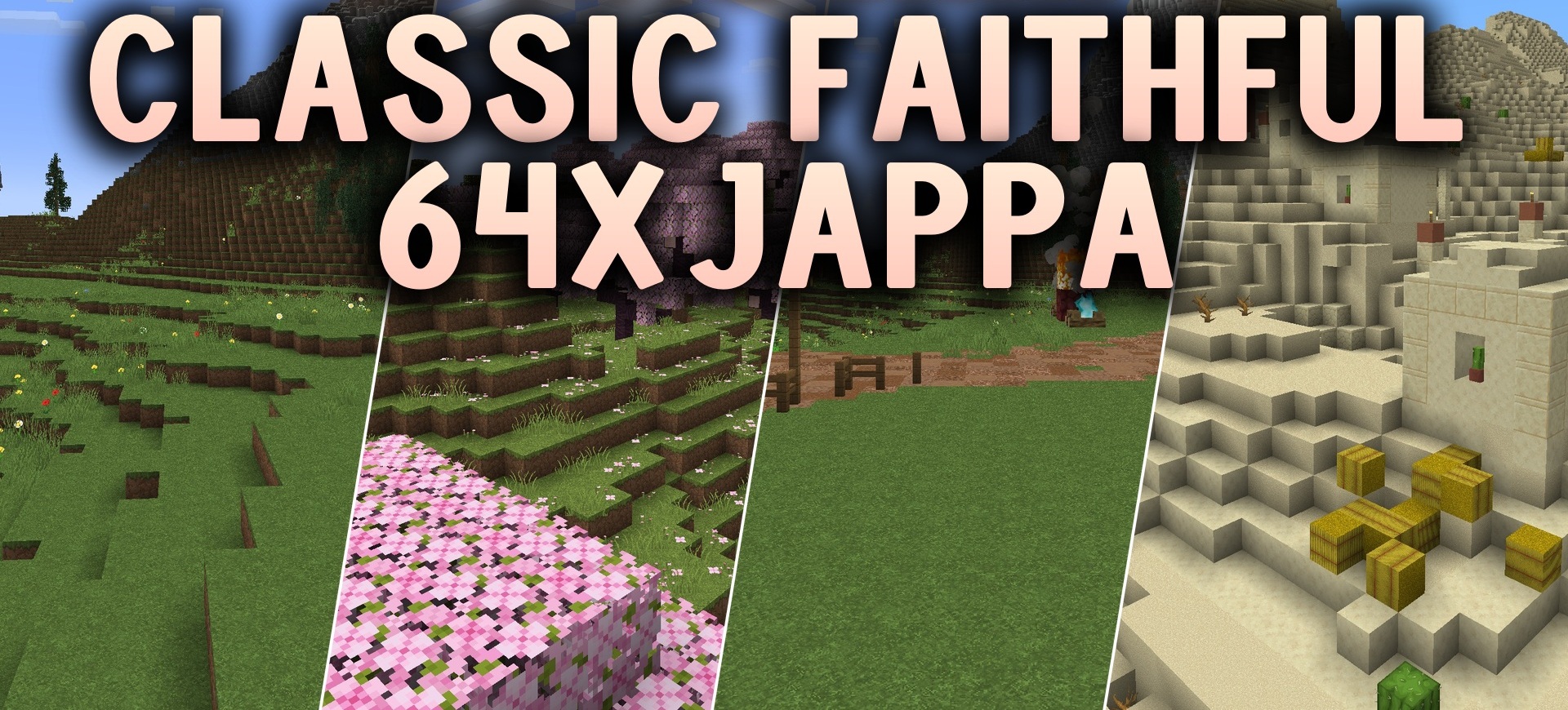
Classic Faithful 64x Jappa increases the detail of the standard graphics fourfold while preserving the classic visual direction. The pack combines the familiar old drawing style with modern shapes and materials introduced in newer versions of Minecraft.
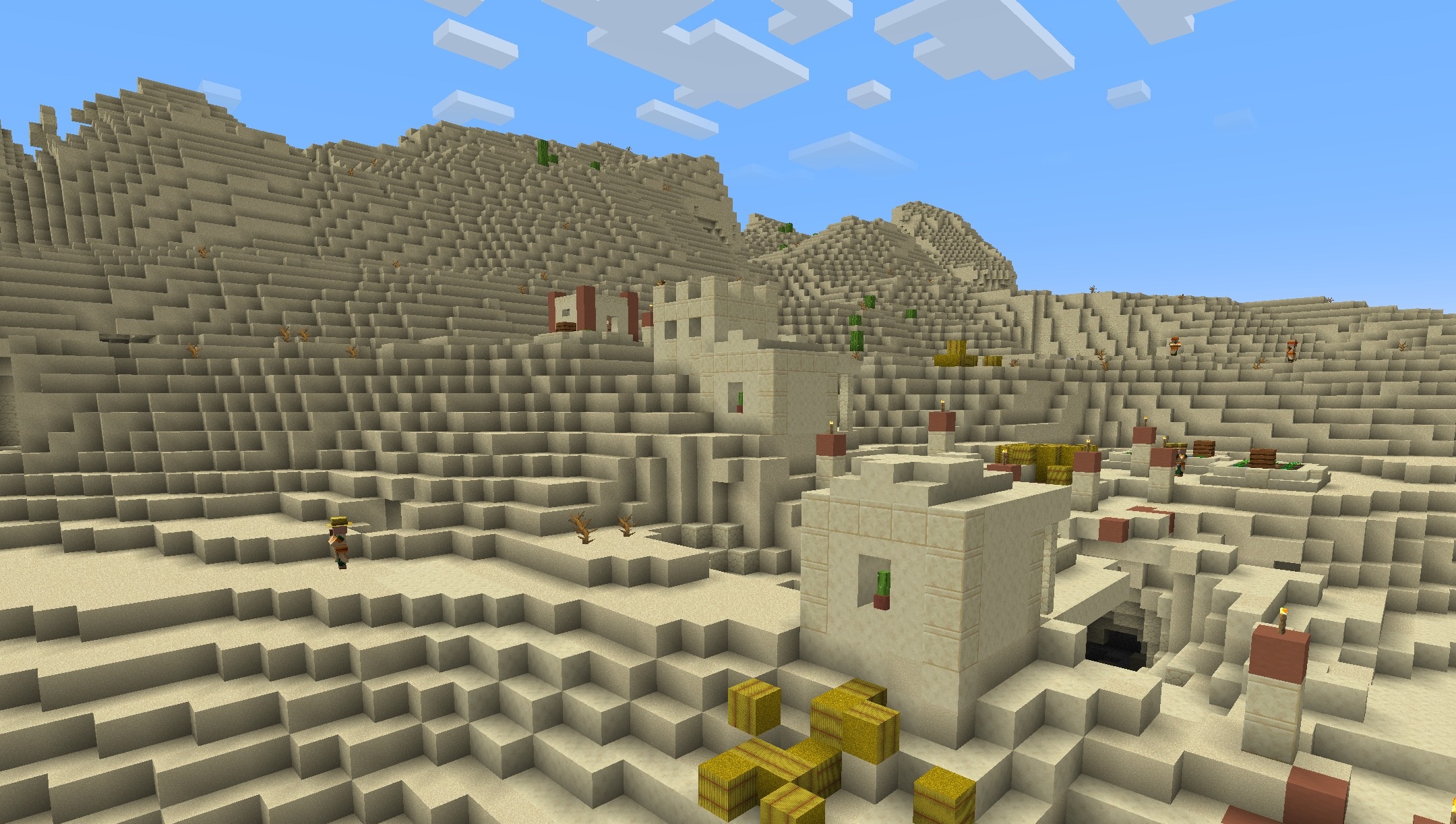
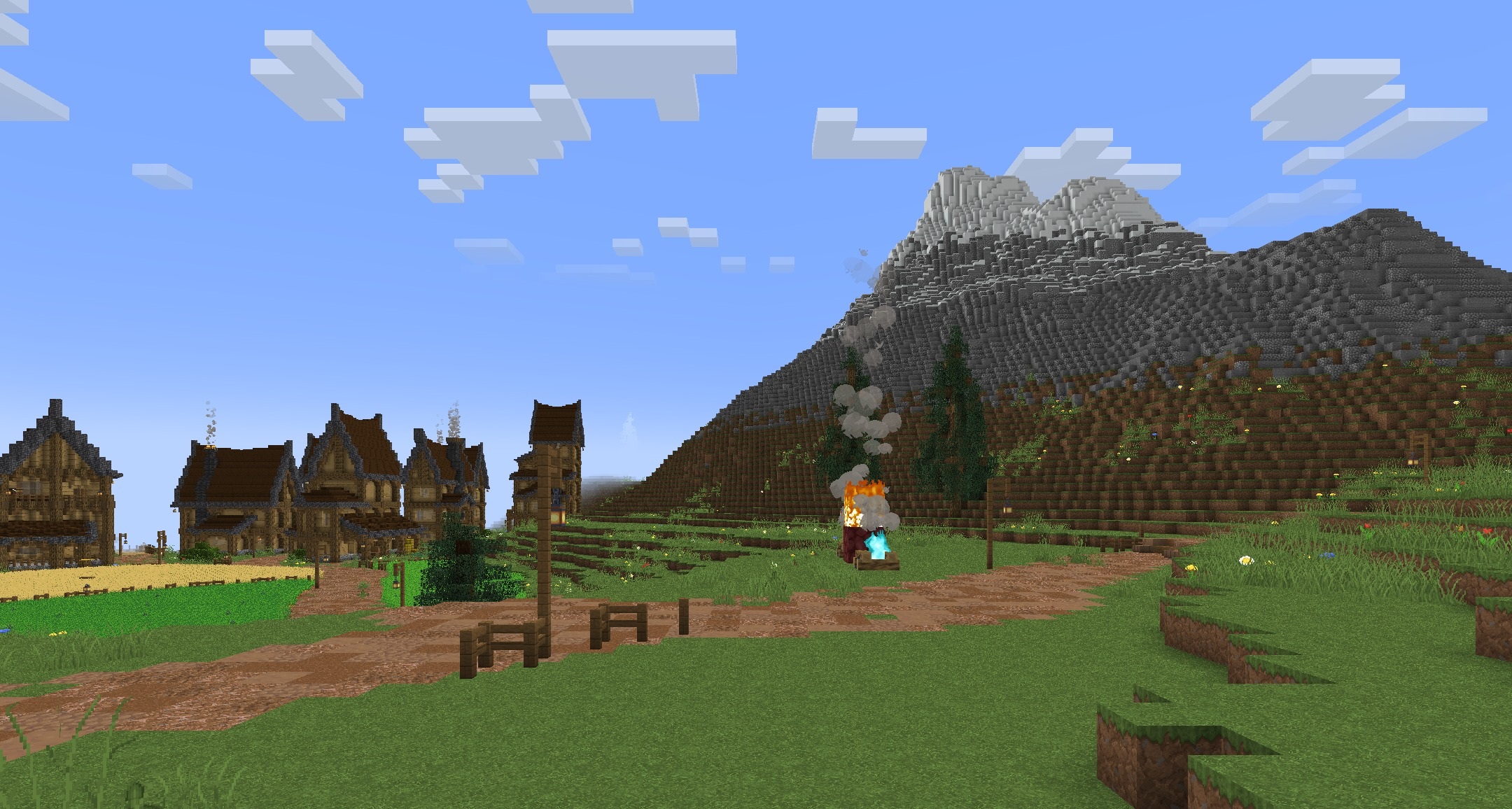
Blocks, tools, and items receive a 64x resolution, making edges cleaner and small details more noticeable. At the same time, the colors and overall texture structure remain fairly close to the original, so buildings do not begin to look completely different after installation. Some elements still use the standard design and are gradually being replaced with updated versions.
How to install the texture pack:
First step: download and install Classic Faithful 64x Jappa
Second step: copy the texture pack to the C:\Users\USER_NAME\AppData\Roaming\.minecraft\resourcepacks
Third step: in game settings choose needed resource pack.
Comments (0)