



Custom Background HD for Minecraft 26.2
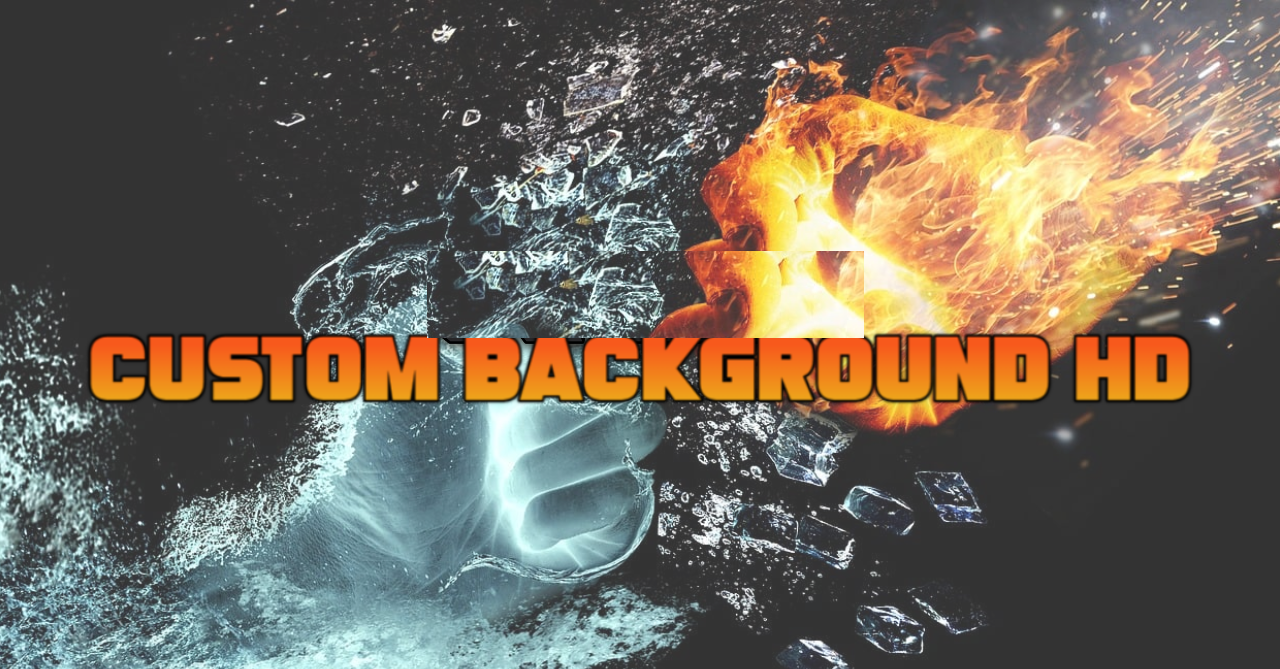
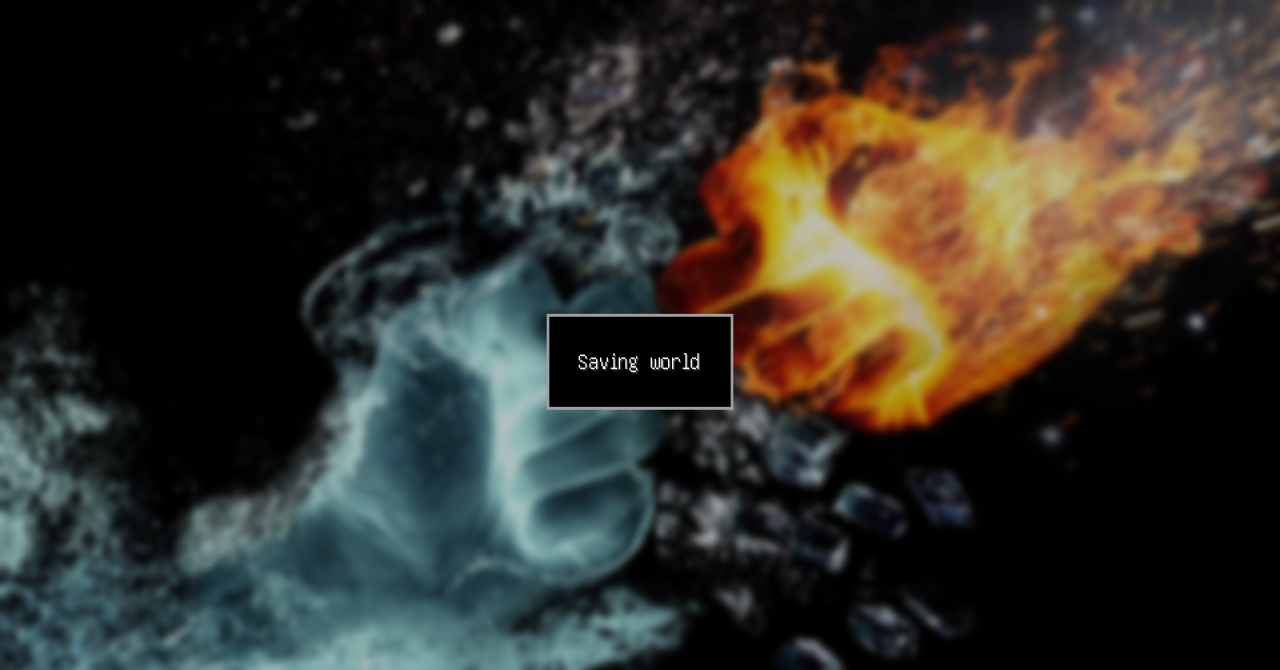
The main menu can become part of a personal style instead of keeping the standard panorama. Custom Background HD allows the main menu background to be replaced with any HD image. To do this, the desired image must be placed in the pack archive at the menu background path and renamed panorama_overlay.png.
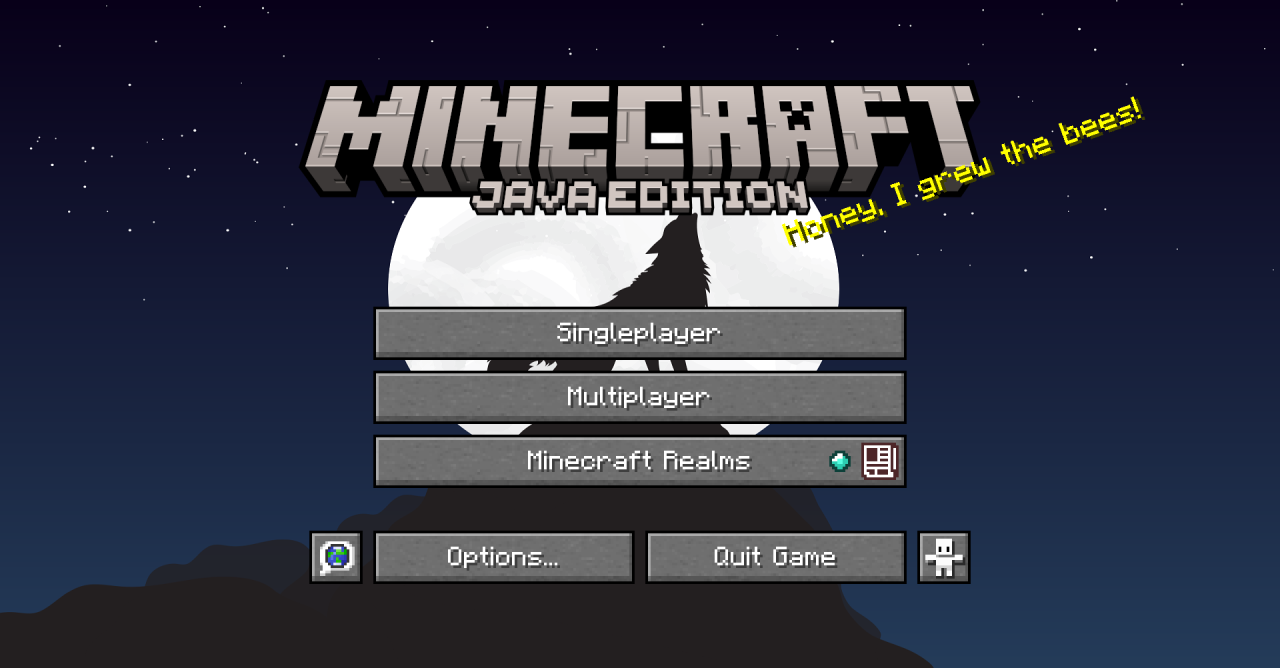
After the resource pack is applied, the selected image will appear on the main screen. This does not change the buttons, game interface, blocks, or items, but it helps customize Minecraft's launch screen for a modpack, server, map, or personal visual style. The pack is useful specifically as a first-screen customization: before entering the world, the player sees a manually selected image instead of the usual background.
How to install the texture pack:
First step: download and install Custom Background HD
Second step: copy the texture pack to the C:\Users\USER_NAME\AppData\Roaming\.minecraft\resourcepacks
Third step: in game settings choose needed resource pack.
Comments (0)