



Dark Coffee GUI for Minecraft 26.2
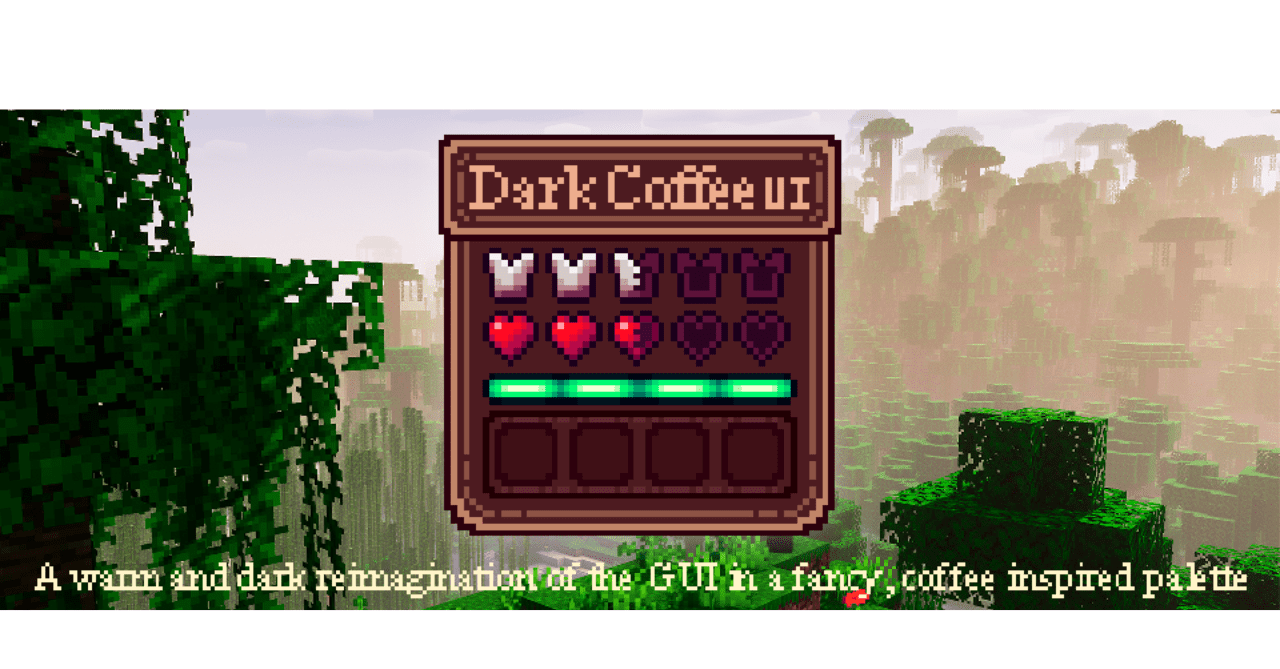
Dark Coffee GUI designs the interface in a warm dark palette reminiscent of the shades of coffee, chocolate, and muted light. This is not just a black mode, but a cozier version of the GUI: buttons, slots, menus, status panels, and windows receive a soft dark appearance without cold sharpness.
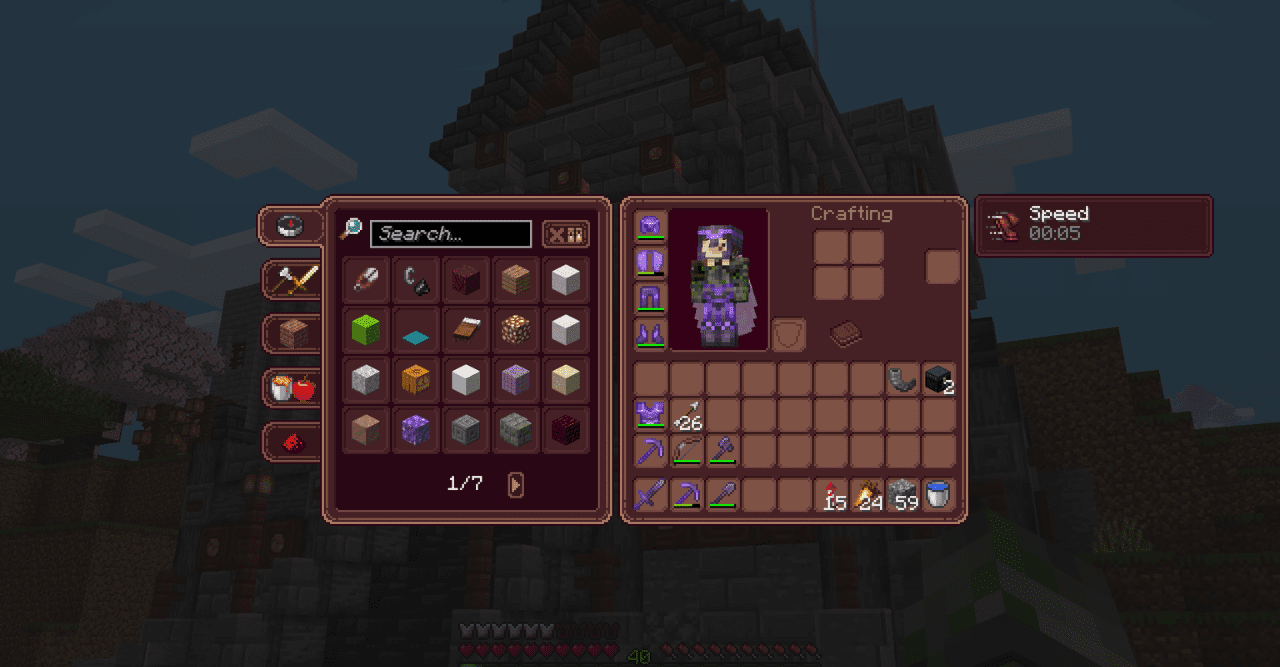
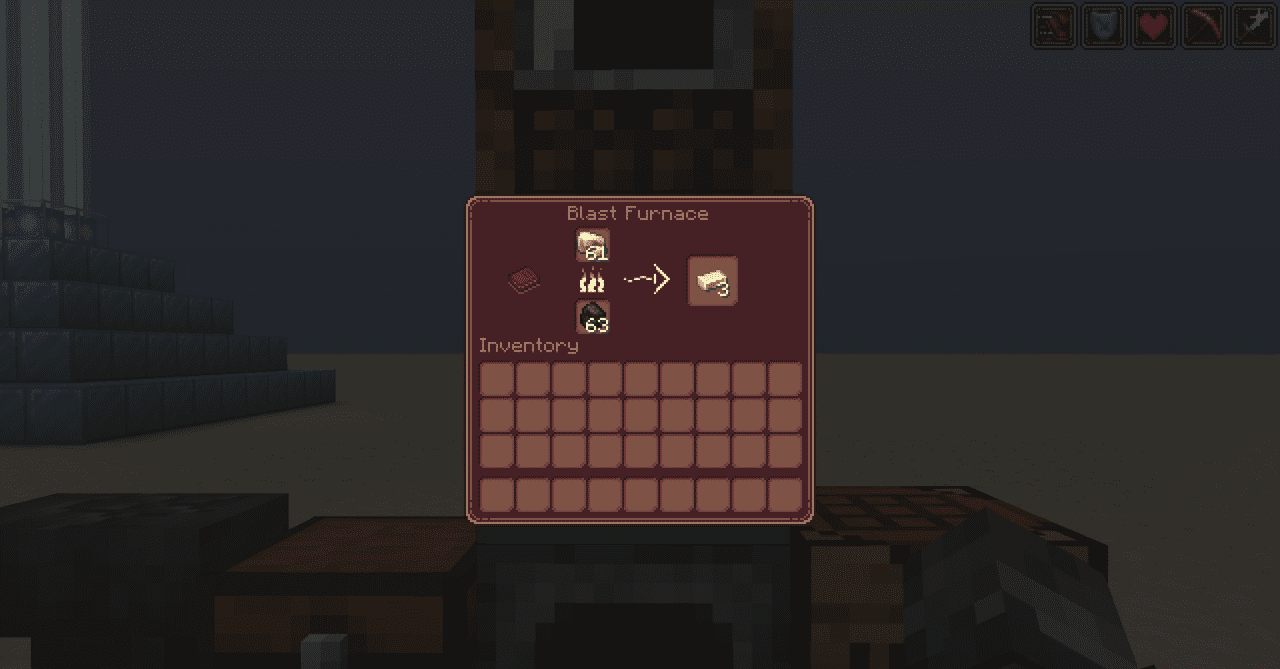
Such an interface looks good during long game sessions, because it tires the eyes less and does not stand out from night scenes. The inventory becomes neater, the menus more collected, and the overall style of the game feels a little calmer. At the same time, the placement of elements remains familiar, so the pack does not interfere with quickly using the crafting table, chests, or settings.
How to install the texture pack:
First step: download and install Dark Coffee GUI
Second step: copy the texture pack to the C:\Users\USER_NAME\AppData\Roaming\.minecraft\resourcepacks
Third step: in game settings choose needed resource pack.
Comments (0)