



Default Dark Mode for Minecraft 26.2
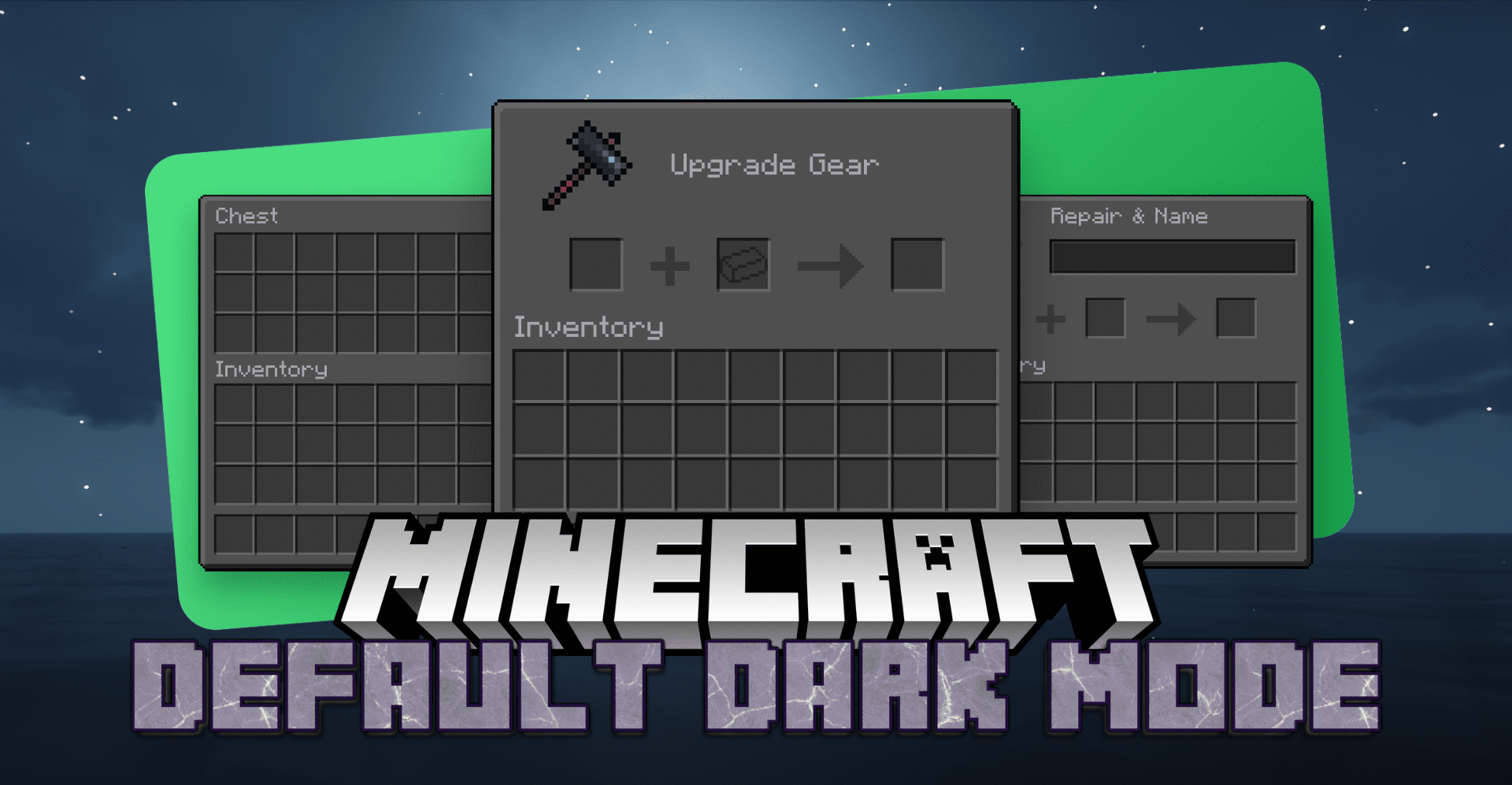
Default Dark Mode takes the familiar game interface and moves it into a dark theme without unnecessary decorative experiments. The inventory, menus, HUD, and other elements become calmer for the eyes, especially when playing in the evening, in caves, or with dark shaders.
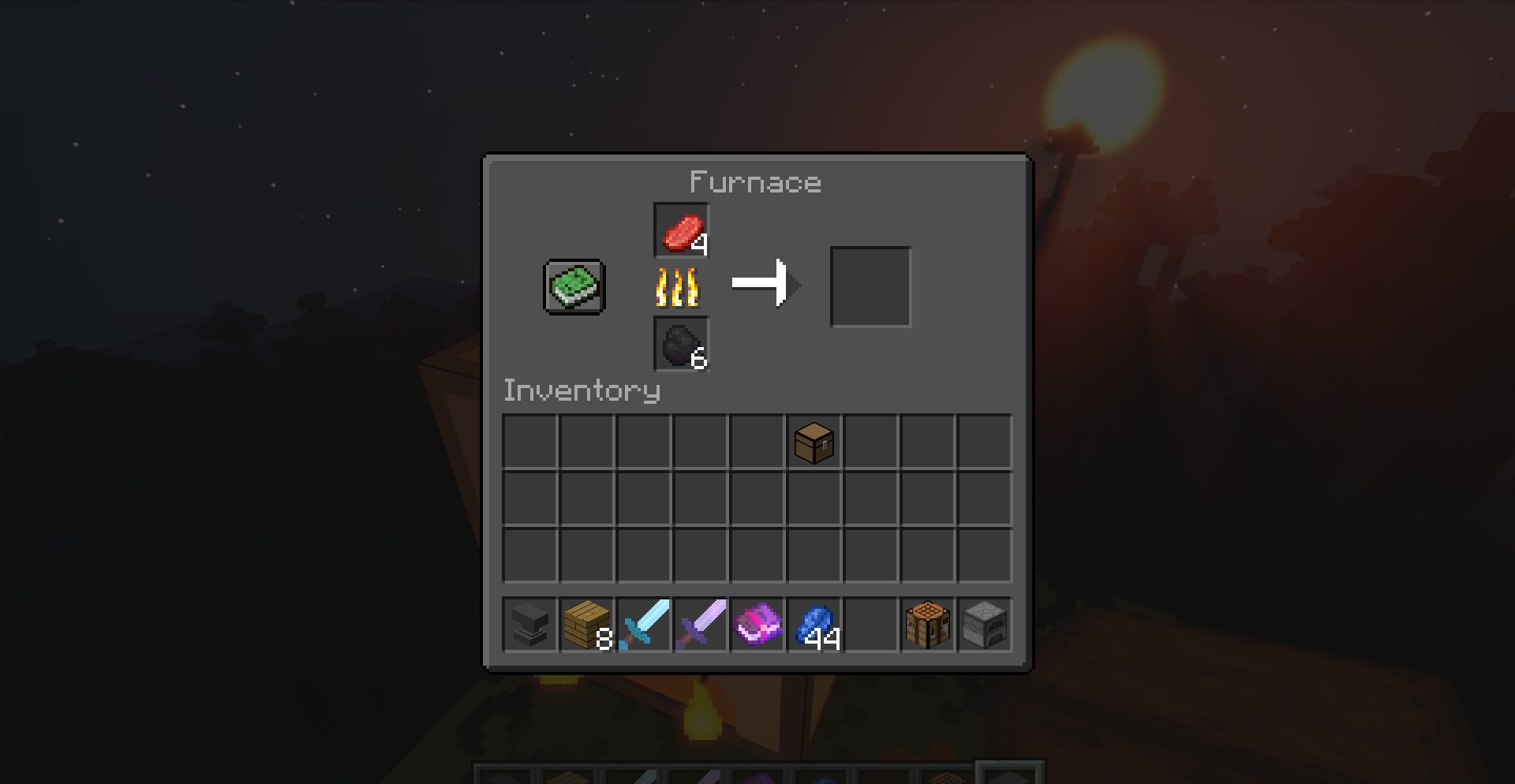
The resource pack does not try to completely rethink the style of the game: it preserves a clear vanilla base, but makes it less bright and more accurate. Thanks to this, buttons, slots, and panels look familiar, only in a softer design. The dark interface combines better with night scenes and does not stand out as sharply against darkened locations.
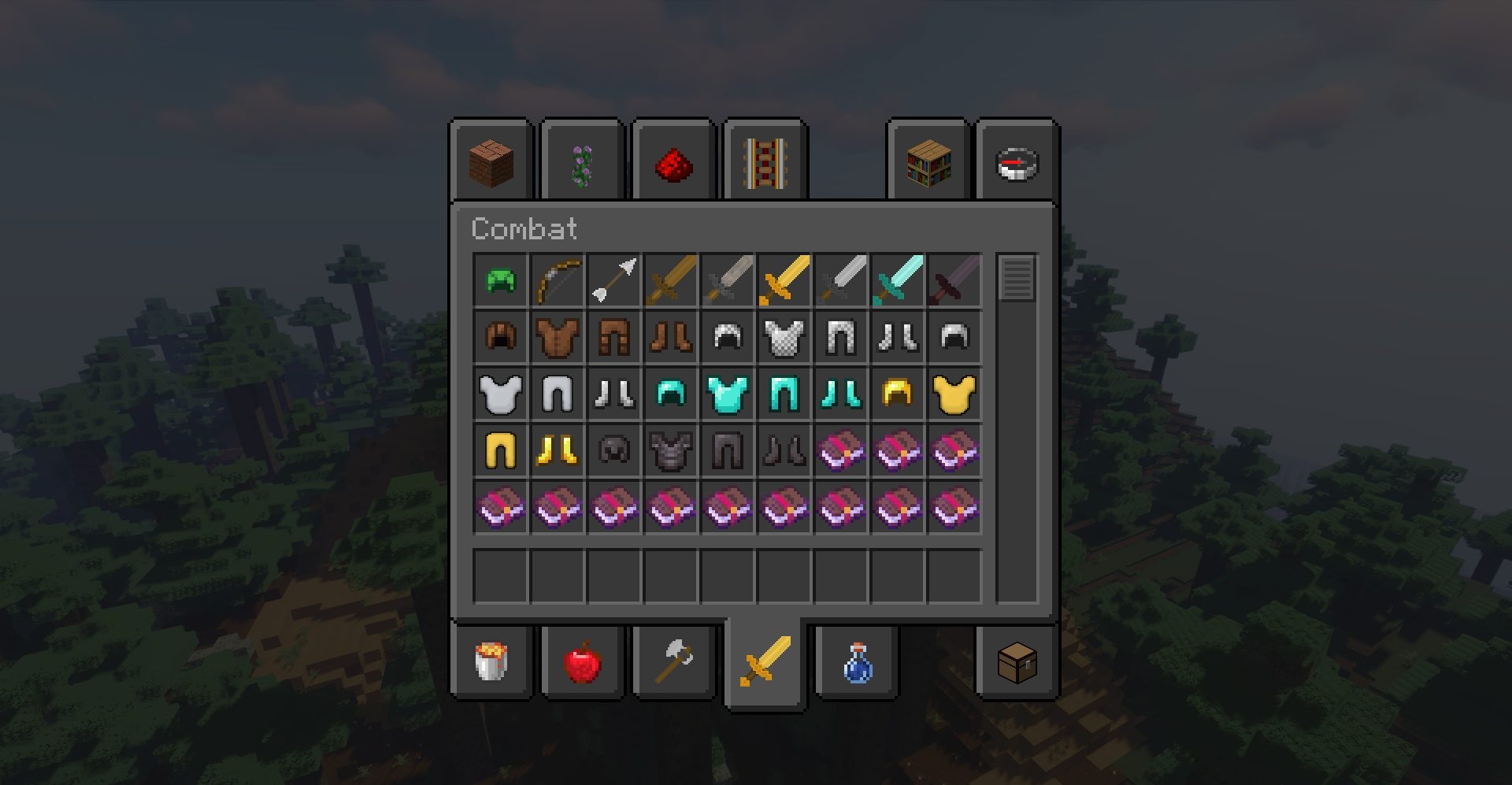
How to install the texture pack:
First step: download and install Default Dark Mode
Second step: copy the texture pack to the C:\Users\USER_NAME\AppData\Roaming\.minecraft\resourcepacks
Third step: in game settings choose needed resource pack.
Comments (0)