



Defrosted for Minecraft 26.2
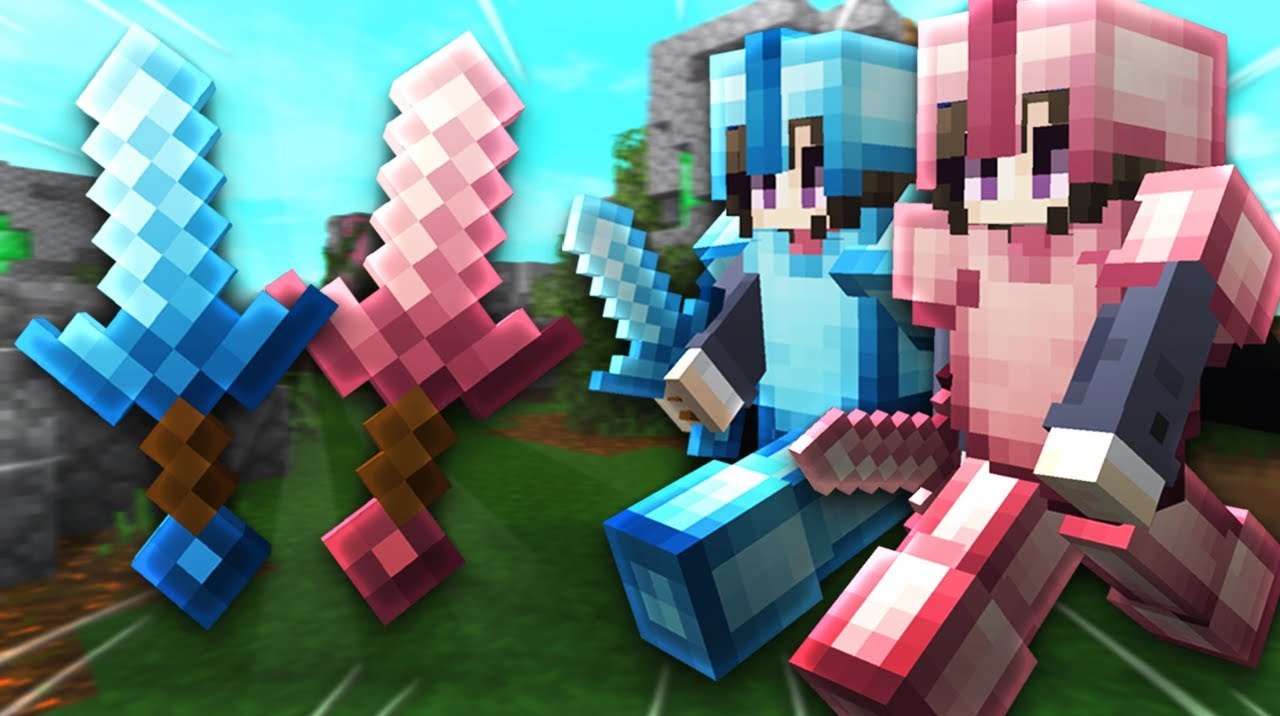
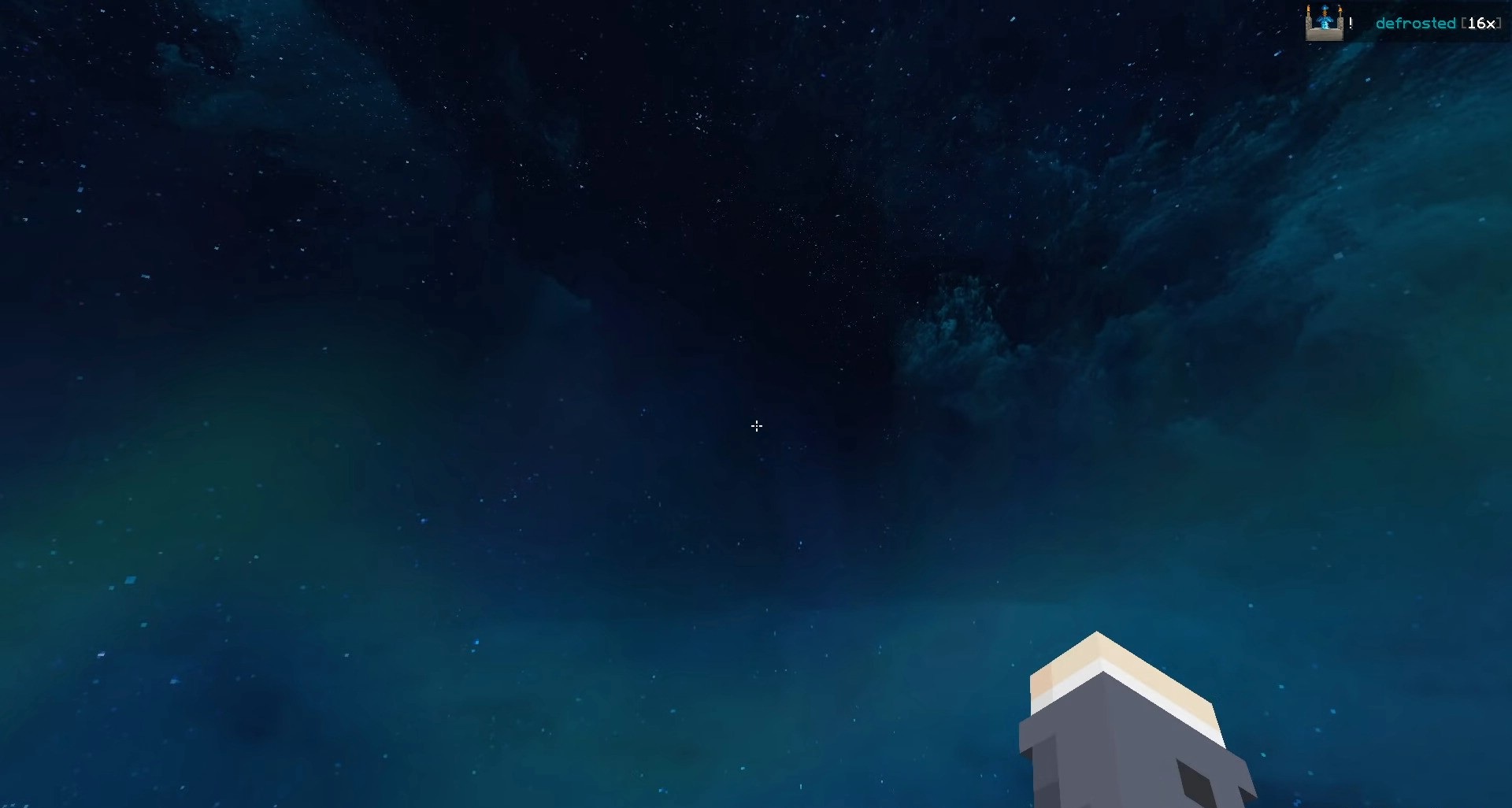
Defrosted gives Minecraft a bright winter style while also making the interface more convenient for fast-paced battles. The resource pack reworks the textures of blocks, weapons, armor, wool, particles, the sky, and menu elements. The changes are clearly noticeable, but they do not make it harder to quickly distinguish items and surroundings during combat.
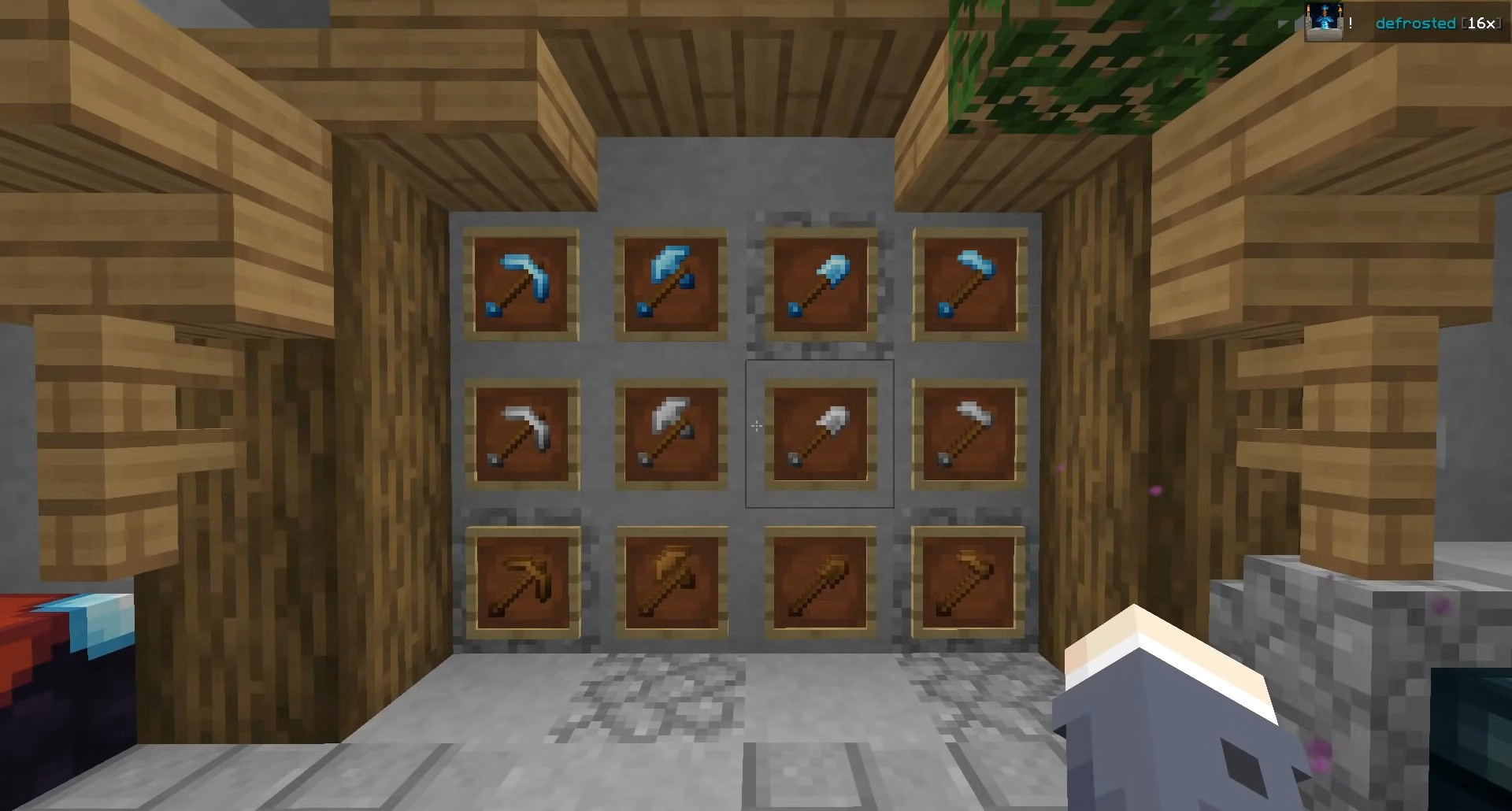
Thanks to its 16x resolution, the pack remains lightweight and is suitable for PvP modes. Players can choose between the standard winter design and a separate version with pink shades. Clean textures, an expressive sky, and updated visual effects help refresh the game without overloading the screen with unnecessary details and complex models.
How to install the texture pack:
First step: download and install Defrosted
Second step: copy the texture pack to the C:\Users\USER_NAME\AppData\Roaming\.minecraft\resourcepacks
Third step: in game settings choose needed resource pack.
Comments (0)