



Elden Ring Sky for Minecraft 26.2

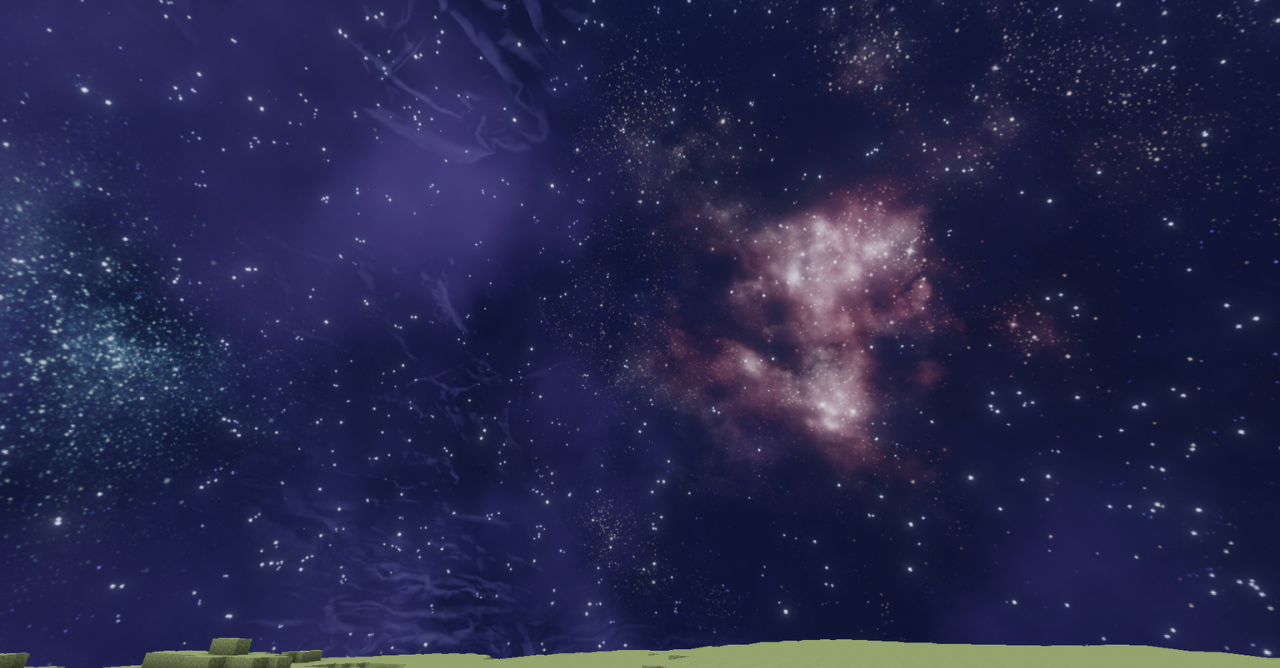
Sometimes it is enough to replace the sky for the whole world to start feeling different. Elden Ring Sky does exactly this: it adds more cinematic skyboxes to Minecraft for daytime, sunset, night, weather, the Nether, and the End. The ground, trees, and buildings remain the same, but above them appears a sky with a different scale and mood.
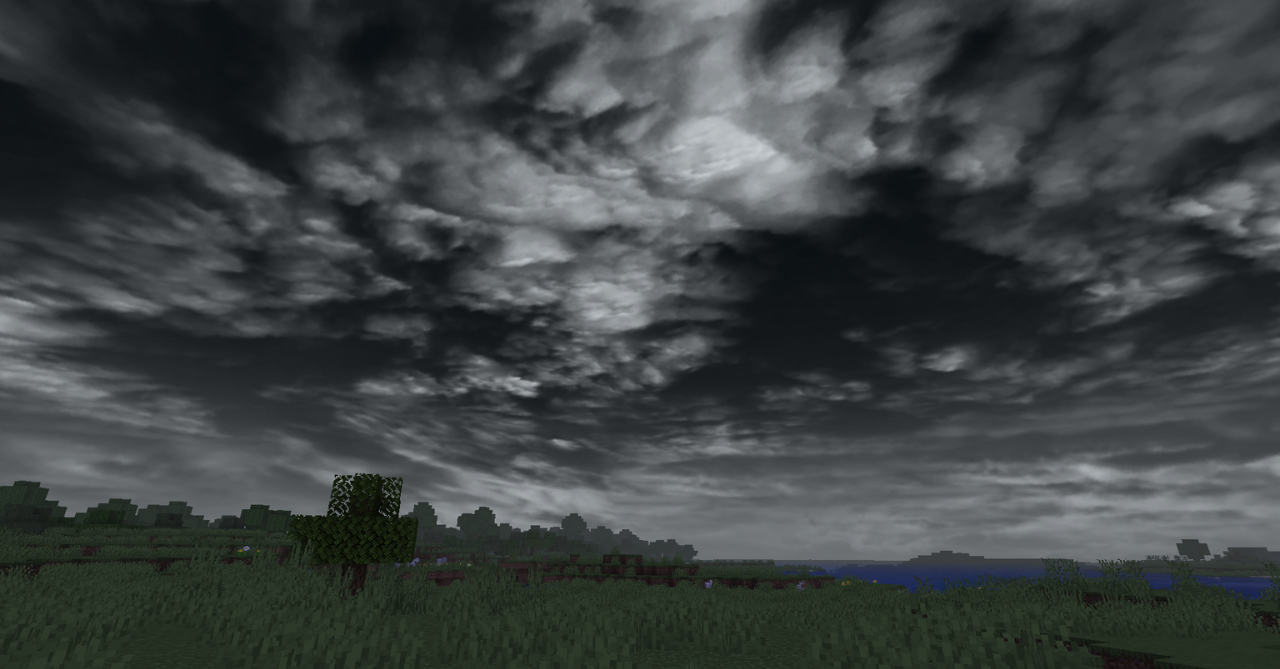
Sunsets look more dramatic, the night becomes deeper, and travels receive a darker and more majestic background. The pack does not change blocks, the interface, or mechanics, so it is easy to combine with other textures. The add-on reveals itself in open spaces and on mountain peaks, where the sky becomes not a background, but a noticeable part of the scene.
How to install the texture pack:
First step: download and install Elden Ring Sky
Second step: copy the texture pack to the C:\Users\USER_NAME\AppData\Roaming\.minecraft\resourcepacks
Third step: in game settings choose needed resource pack.
Comments (0)