



Enhanced Audio Ambience Sound for Minecraft 26.2
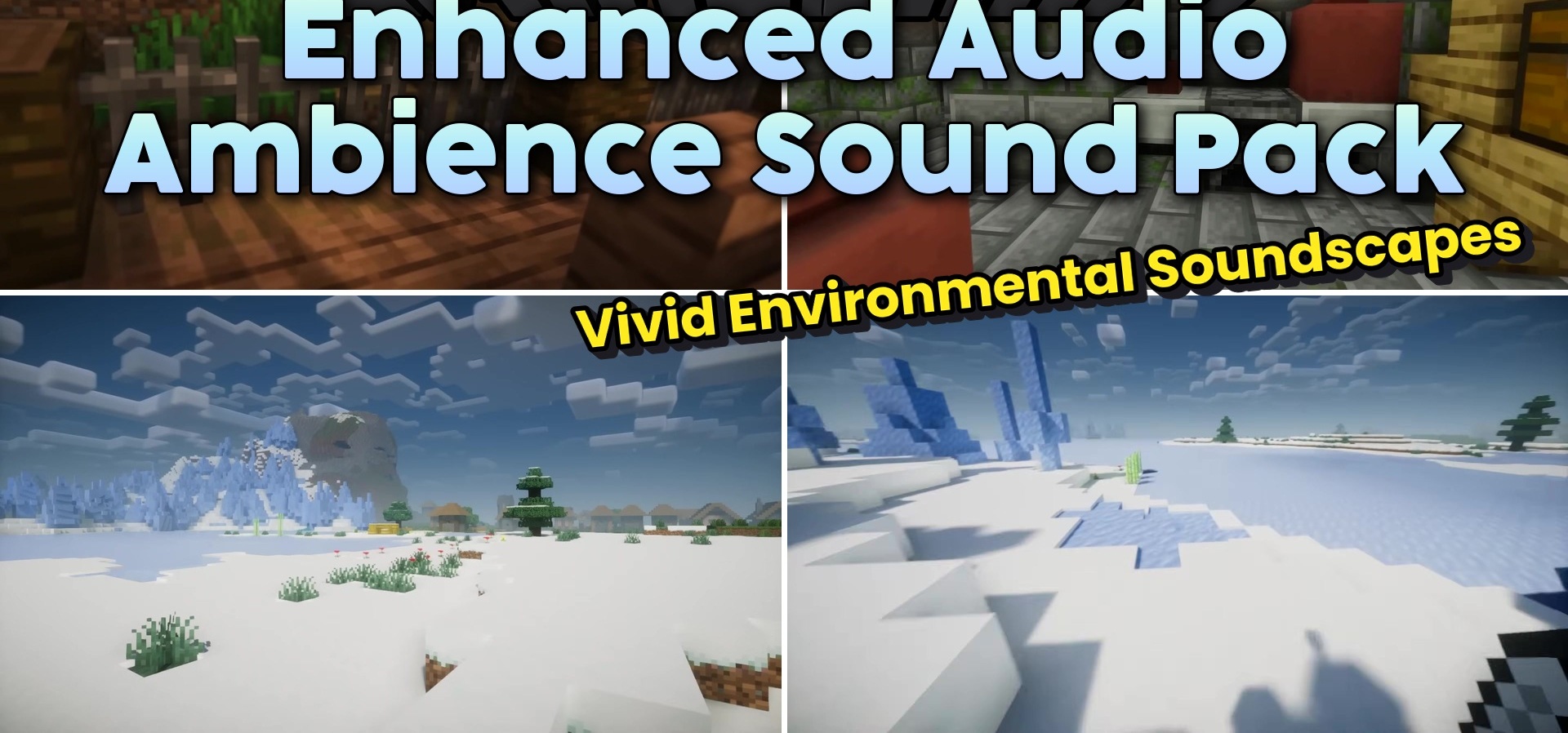
Enhanced Audio Ambience Sound works with Minecraft’s sound environment rather than its textures. The pack adds new background effects that change depending on the blocks beneath the player’s feet and the creatures nearby. As a result, journeys through forests, caves, settlements, and other areas are accompanied by a richer atmosphere.
The pack focuses specifically on ambient sound, attempting to avoid unnecessary noise and not drown out important gameplay signals. It can be used separately or combined with visual resource packs and other sound improvements.
How to install the texture pack:
First step: download and install Enhanced Audio Ambience Sound
Second step: copy the texture pack to the C:\Users\USER_NAME\AppData\Roaming\.minecraft\resourcepacks
Third step: in game settings choose needed resource pack.
Comments (0)