



Enhanced Colour for Minecraft 26.2
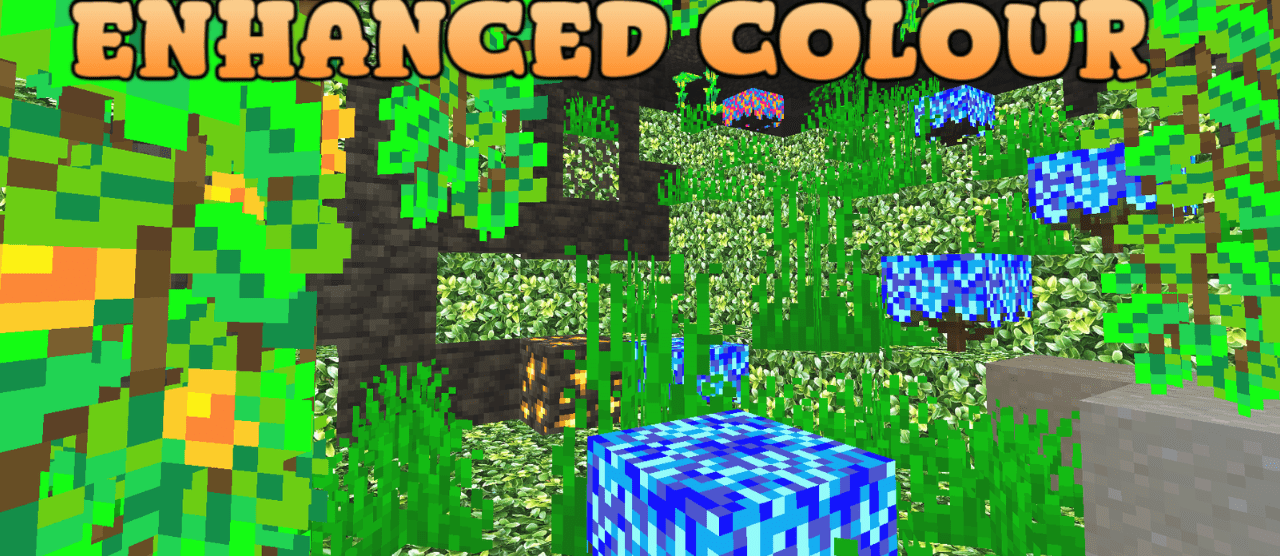
Enhanced Colour makes Minecraft brighter and more contrasting, but it does not turn it into a completely new style. The pack strengthens colors, adds more expressive shades, and makes some items more noticeable in the dark through glow. This is useful at night, in caves, and in weak lighting, when important things can get lost against the background of blocks.
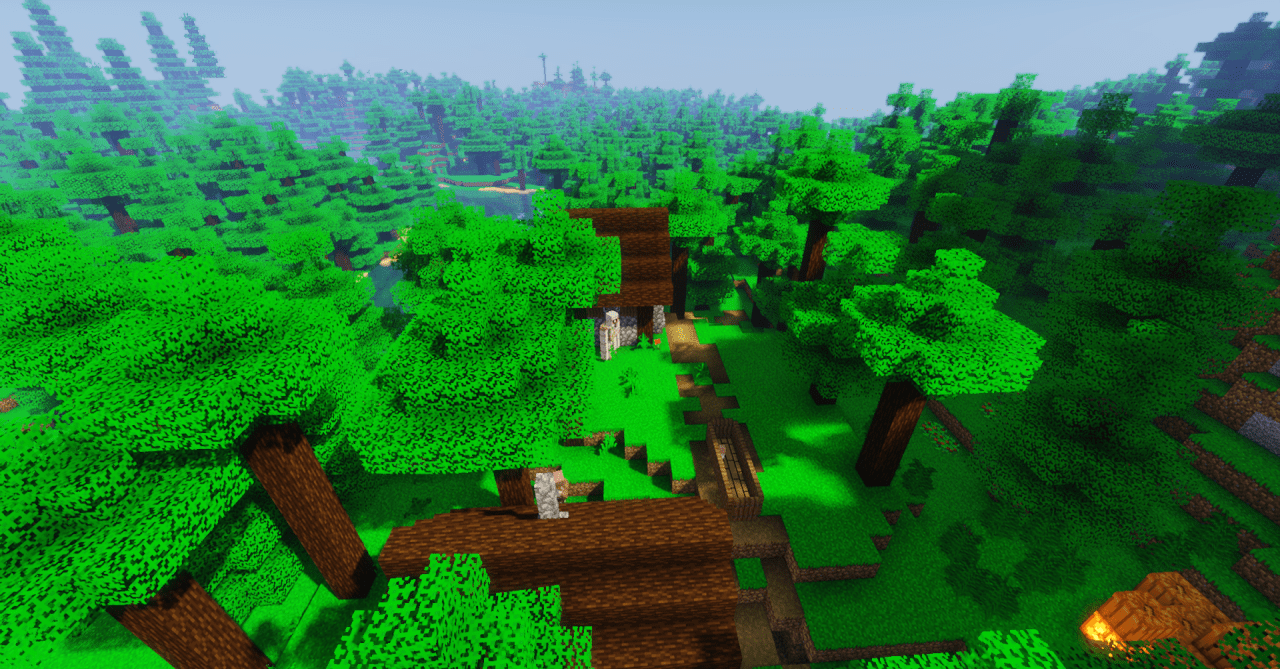
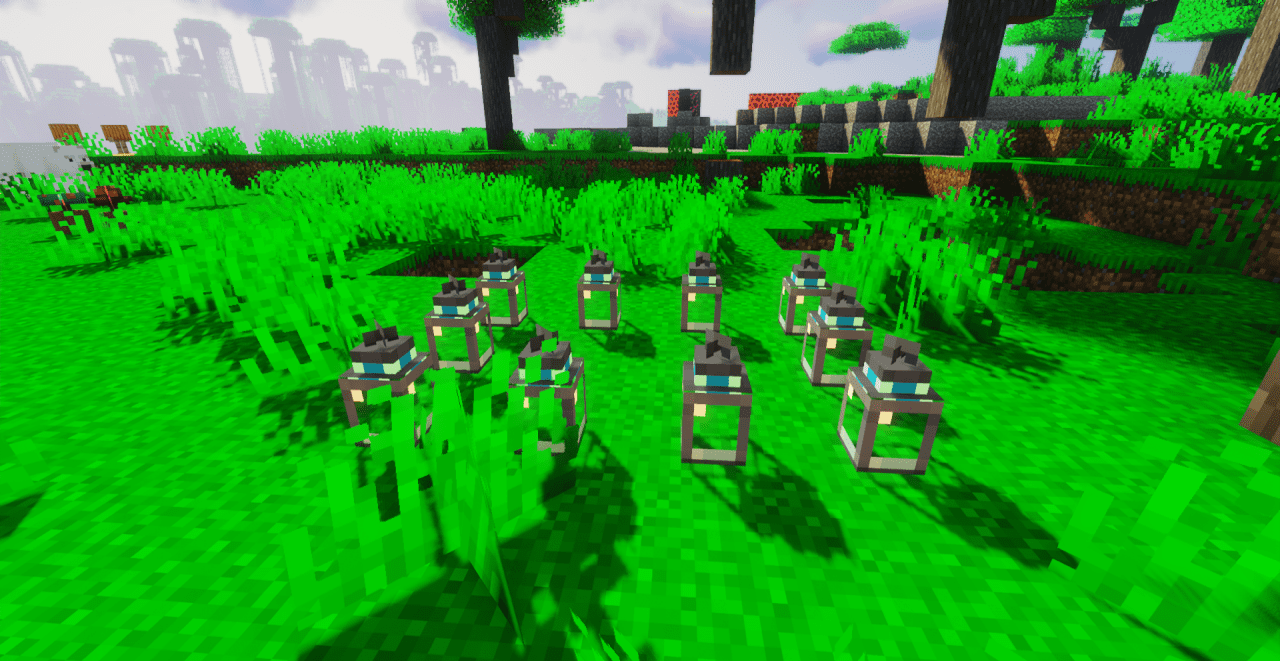
The world becomes richer: grass, materials, items, and the environment look livelier, and the overall picture becomes less dull. At the same time, the pack does not require you to get used to new block shapes, because the base of the game remains familiar. It feels best during travel, building, and ordinary survival.
How to install the texture pack:
First step: download and install Enhanced Colour
Second step: copy the texture pack to the C:\Users\USER_NAME\AppData\Roaming\.minecraft\resourcepacks
Third step: in game settings choose needed resource pack.
Comments (0)