



Fancy Beds for Minecraft 26.2

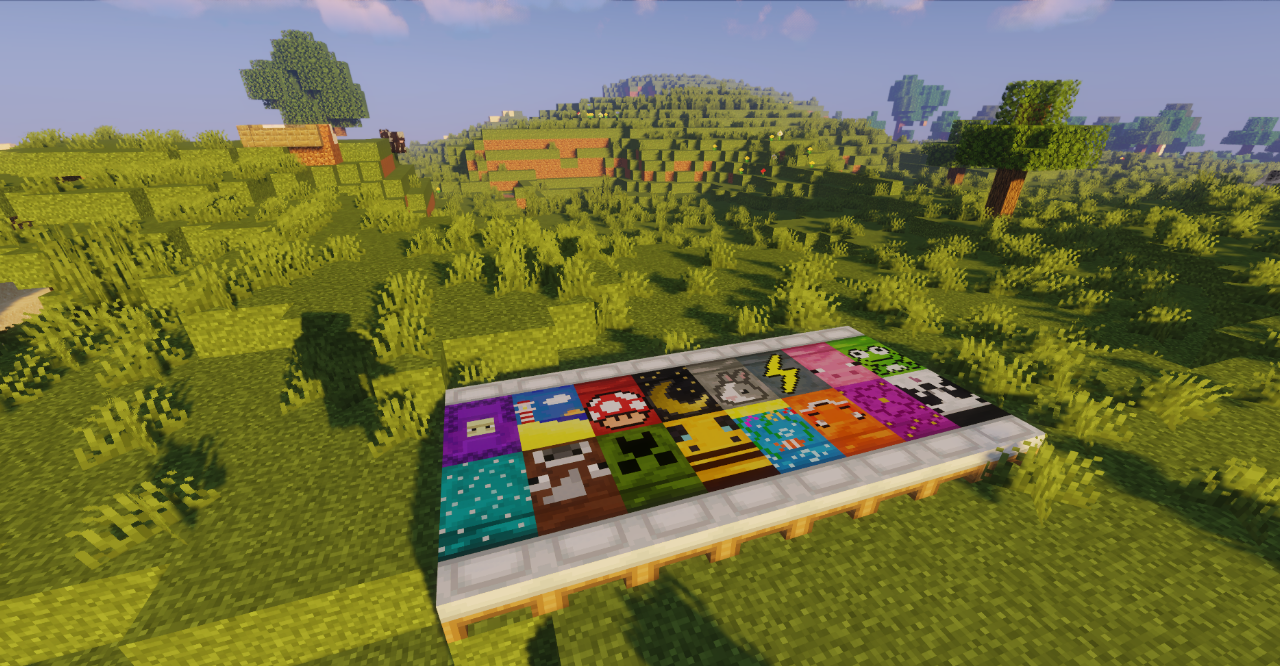
Fancy Beds completely changes the design of standard beds, turning them from simple colored blocks into more expressive interior elements. Each variant receives its own design, so beds no longer differ only by the shade of the fabric.
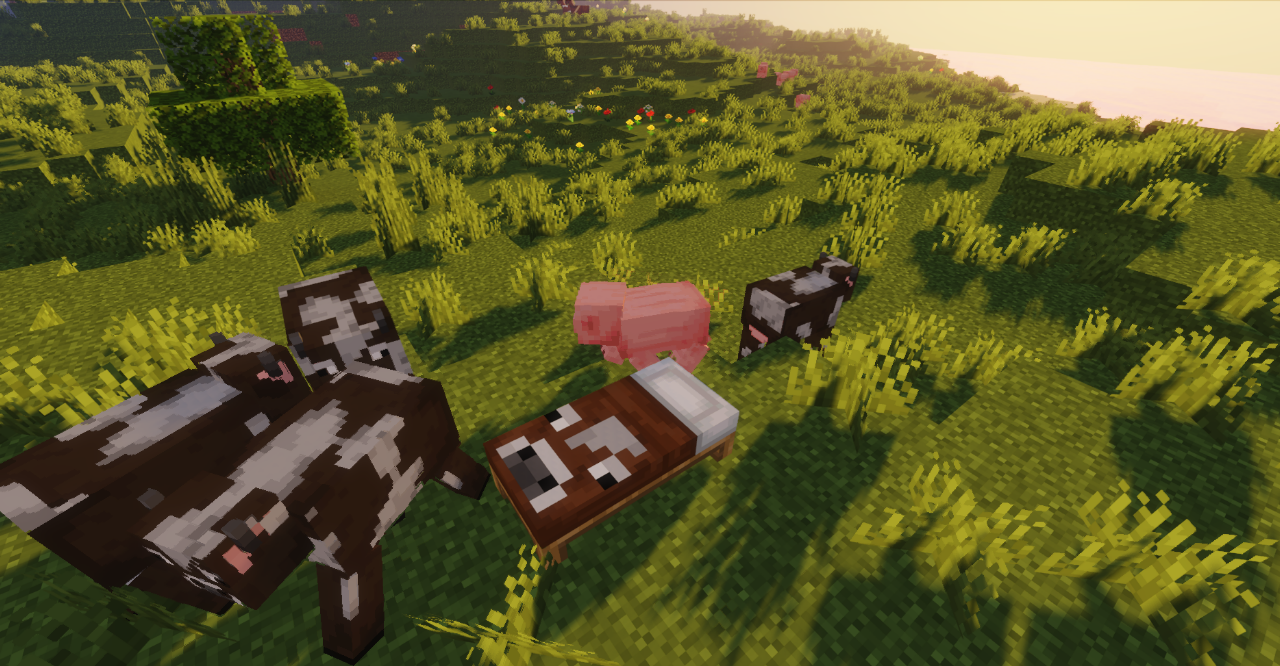
This gives more freedom when designing bedrooms, hotels, village houses, and other residential buildings where the standard model quickly begins to repeat. The pack does not add new blocks and does not change the sleeping mechanic: all changes take place within the existing bed variants. They can be used in regular recipes and placed in the same way as before, but visually they fit better with different interior styles.
How to install the texture pack:
First step: download and install Fancy Beds
Second step: copy the texture pack to the C:\Users\USER_NAME\AppData\Roaming\.minecraft\resourcepacks
Third step: in game settings choose needed resource pack.
Comments (3)