



GUI NightStylized for Minecraft 26.2
The Minecraft menu looks too bright and rough, especially if you play at night or use dark textures. GUI NightStylized moves the interface into a calmer night style. The inventory, buttons, windows, and other elements receive a dark base, even square shapes, and a more collected appearance.
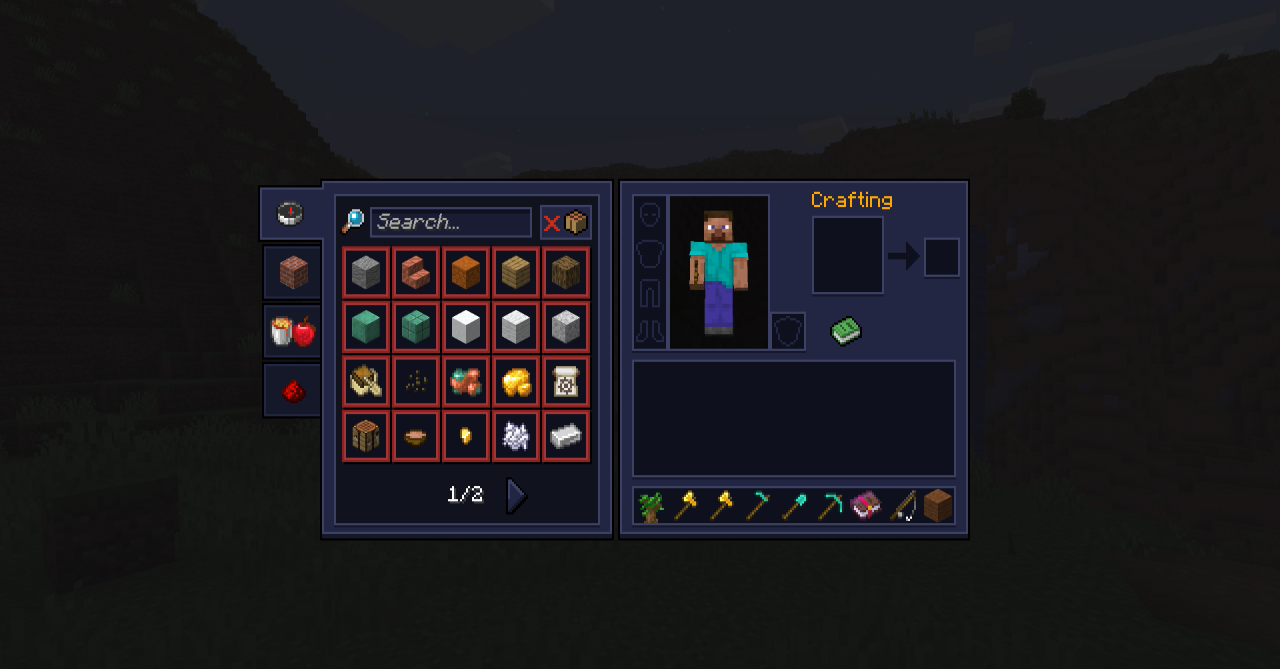
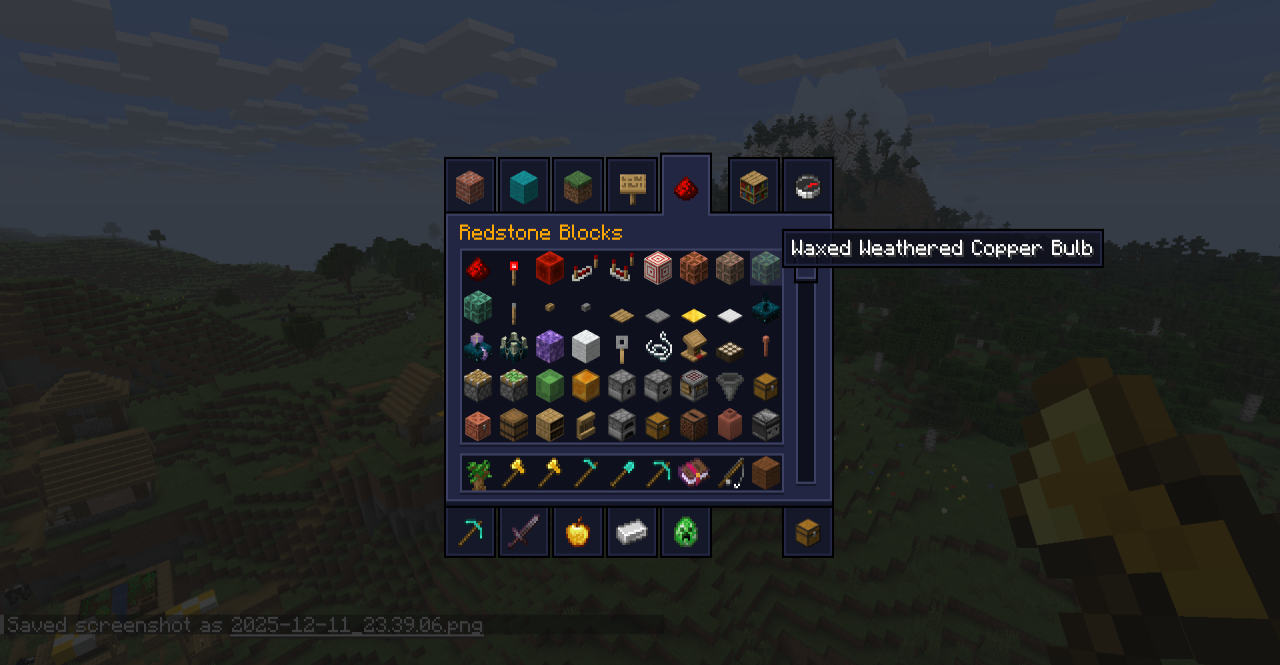
The add-on does not overload the screens with unnecessary details, so using chests, the crafting table, settings, and the inventory remains convenient. Visually, the interface becomes closer to a modern dark mode: less sharpness, less tiring light, and more unified design.
How to install the texture pack:
First step: download and install GUI NightStylized
Second step: copy the texture pack to the C:\Users\USER_NAME\AppData\Roaming\.minecraft\resourcepacks
Third step: in game settings choose needed resource pack.
Comments (0)