



GUI PurpleOLED for Minecraft 26.2
GUI PurpleOLED moves the interface into a dark purple palette with bright accents. Menus, inventory, buttons, slots, and HUD elements receive deep dark backgrounds, on which purple details look contrasting and clean. Visually, the GUI becomes closer to an OLED design: less light gray, more rich dark space, and neat glowing lines.
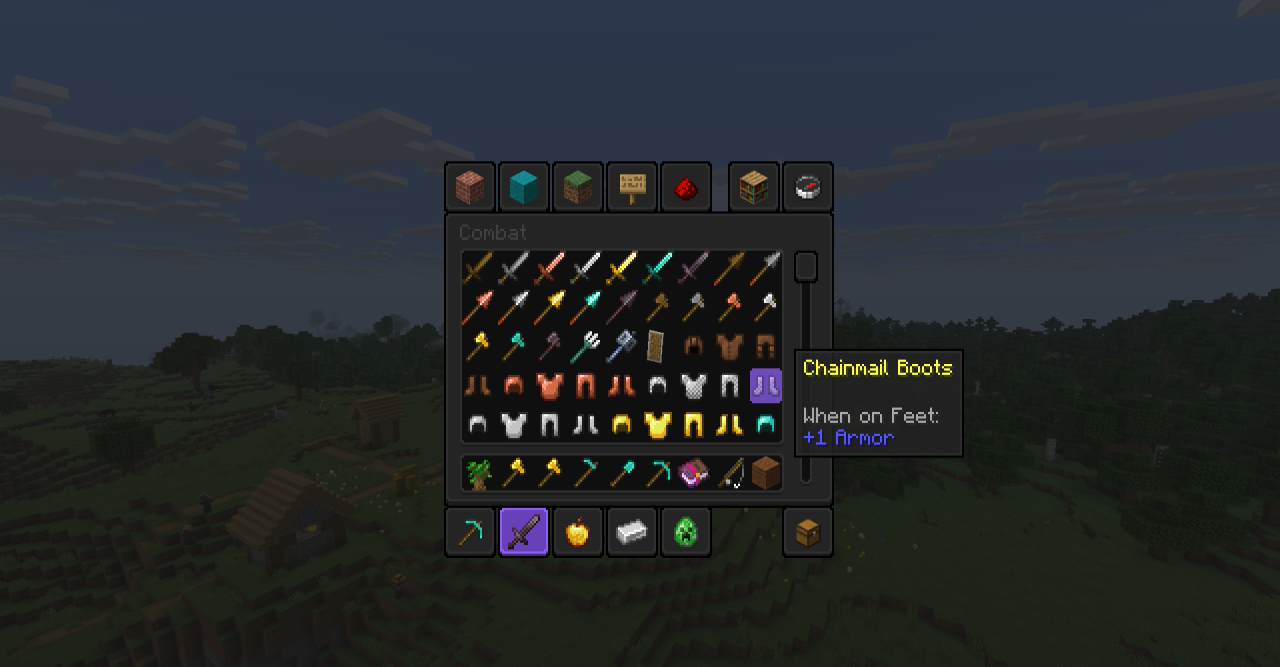
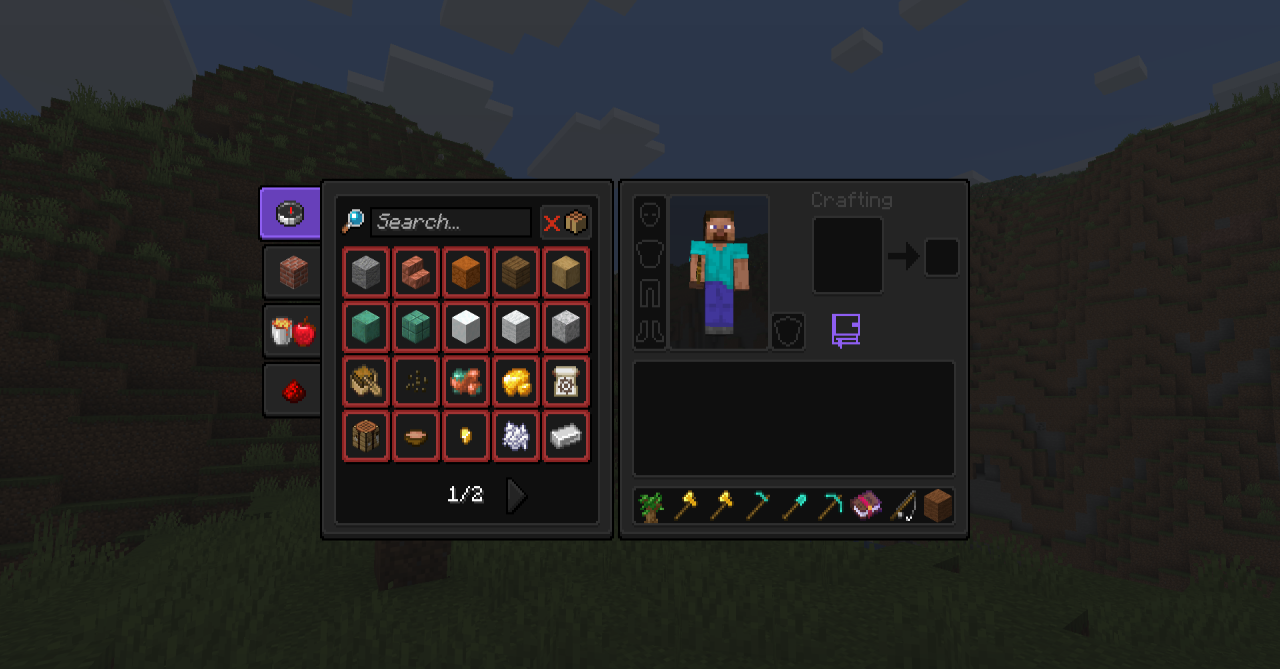
The placement of elements remains familiar, so the inventory, crafting table, chests, and settings can be read without relearning. The texture pack changes exactly the tone and feeling of the menu: standard windows become more modern, cold, and collected, while the HUD combines better with night scenes and dark modpacks.
How to install the texture pack:
First step: download and install GUI PurpleOLED
Second step: copy the texture pack to the C:\Users\USER_NAME\AppData\Roaming\.minecraft\resourcepacks
Third step: in game settings choose needed resource pack.
Comments (0)