



High Resolution Paintings for Minecraft 26.2
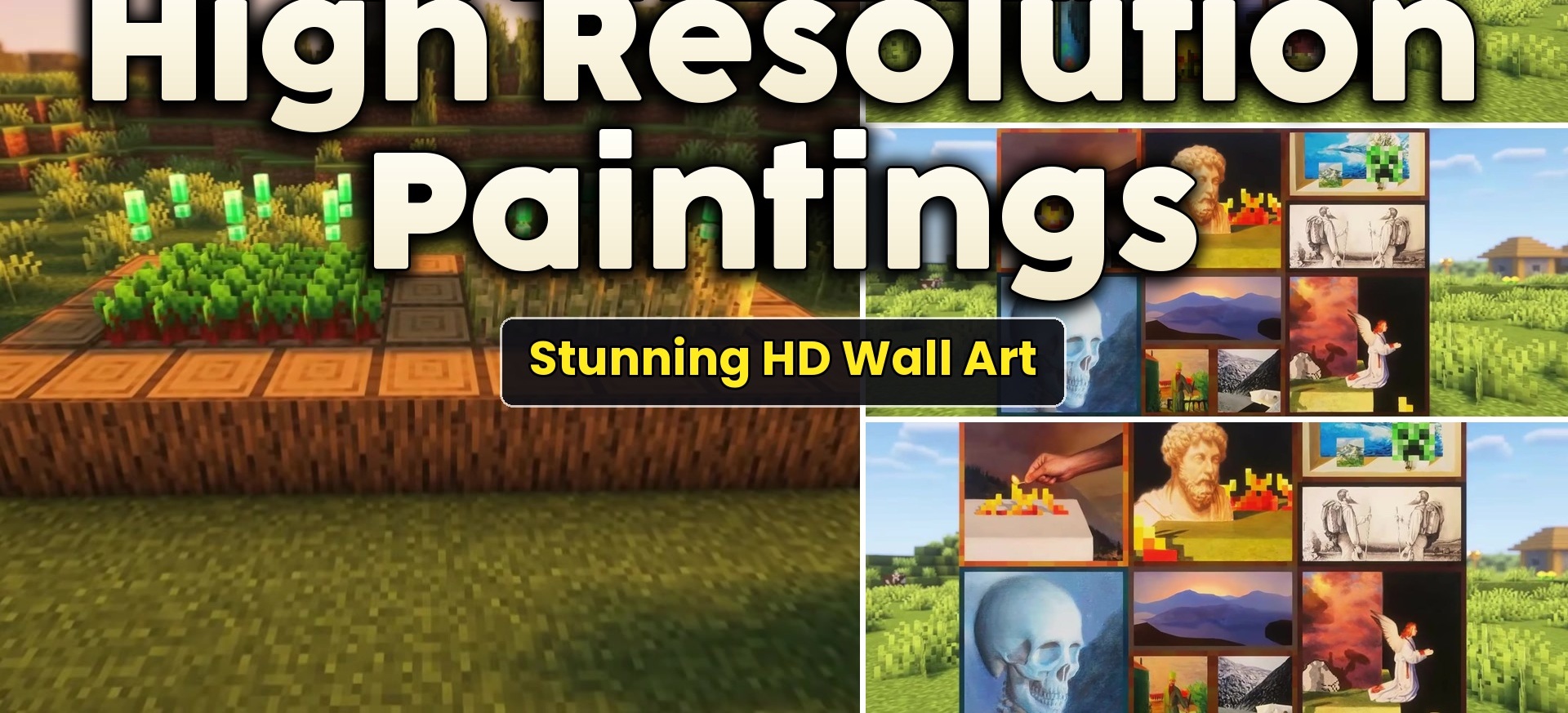
Standard paintings become sharper after installing High Resolution Paintings. Blurry pixelated images are replaced with the original artworks in high resolution, making wall decorations look better in large rooms and modern interiors.
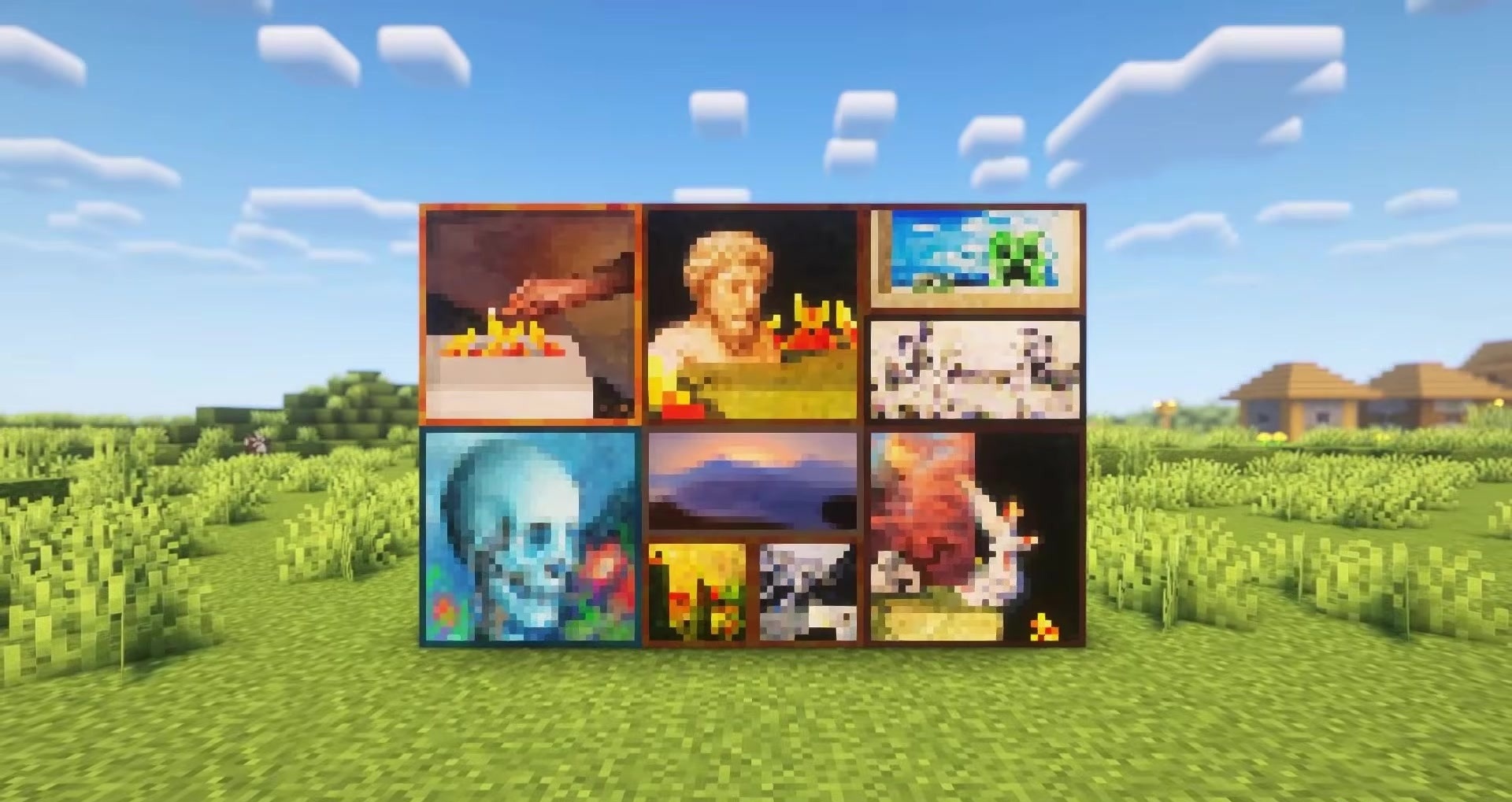
If a finished version is not yet available for a particular painting, a temporary Faithful-style variant with a resolution of 64x is used. Thanks to this, no painting returns to the standard low quality. The sizes of paintings and the way they are placed remain unchanged, so the pack is compatible with already built houses. The player receives clean and detailed images without the addition of new decorative blocks.
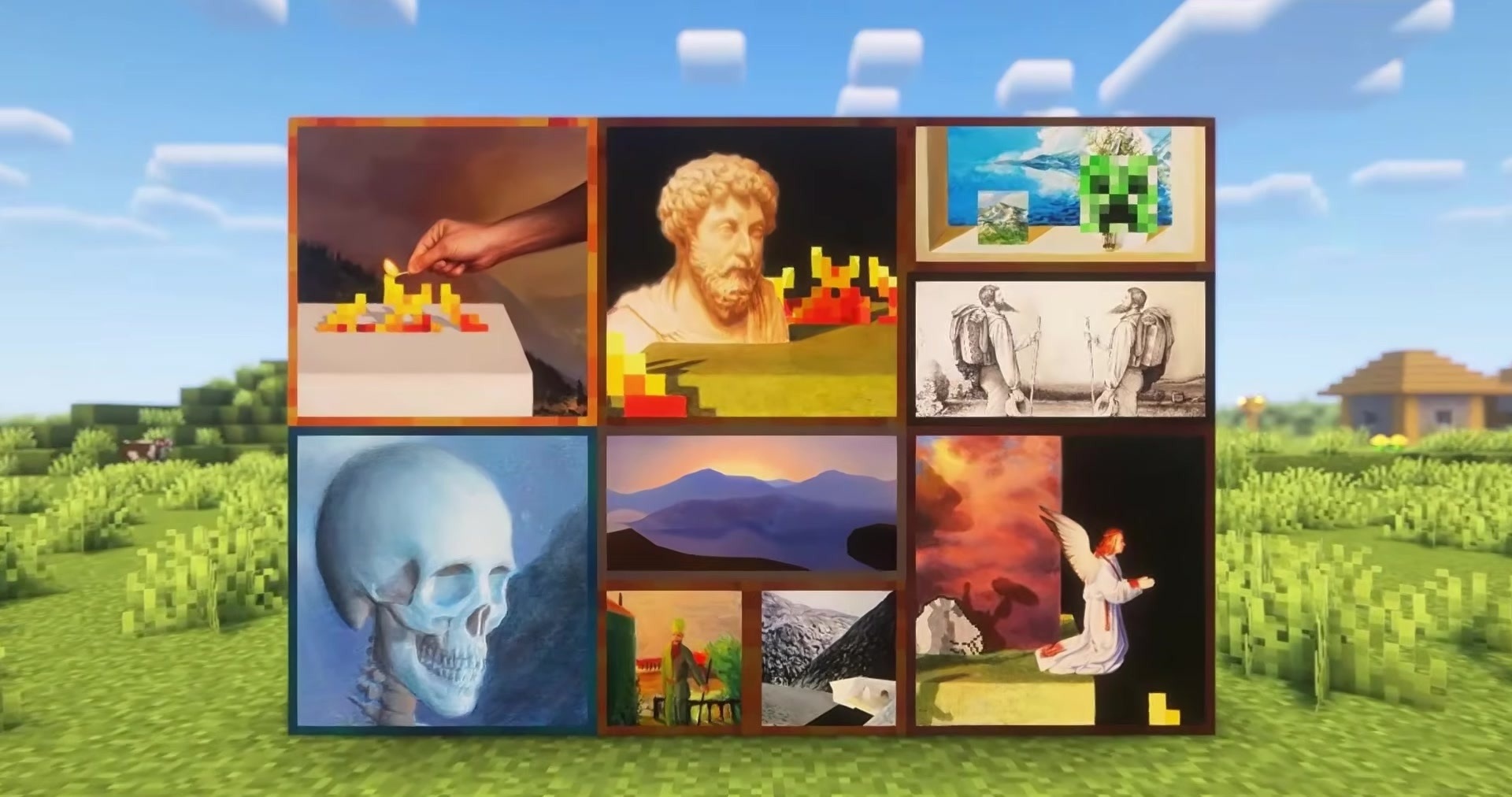
How to install the texture pack:
First step: download and install High Resolution Paintings
Second step: copy the texture pack to the C:\Users\USER_NAME\AppData\Roaming\.minecraft\resourcepacks
Third step: in game settings choose needed resource pack.
Comments (0)