



Ignaf’s Quadral for Minecraft 26.2
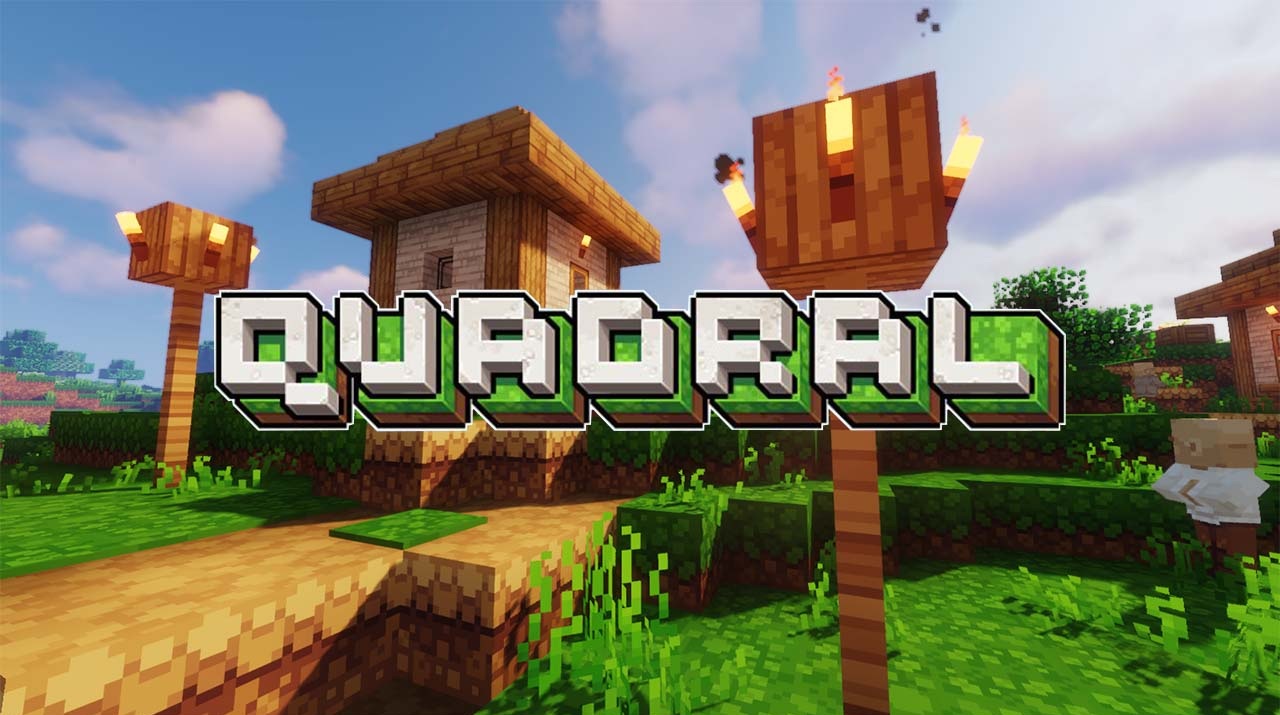
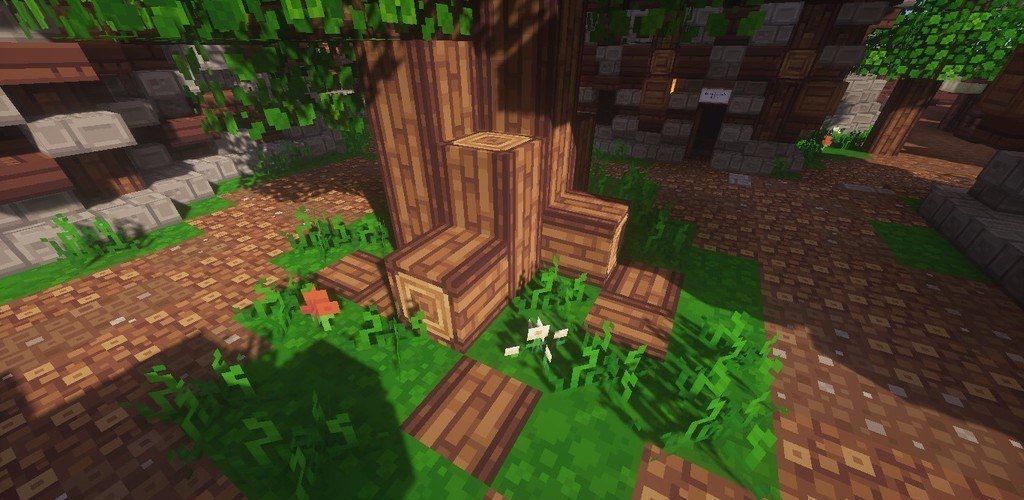
The world receives a brighter and cleaner hand-drawn style without overloaded detail. Ignaf's Quadral makes textures more square-shaped, softer, and richer in color while preserving Minecraft's simple blocky aesthetic. The patterned square presentation is noticeable on ores, logs, planks, flowers, and other frequently encountered materials.
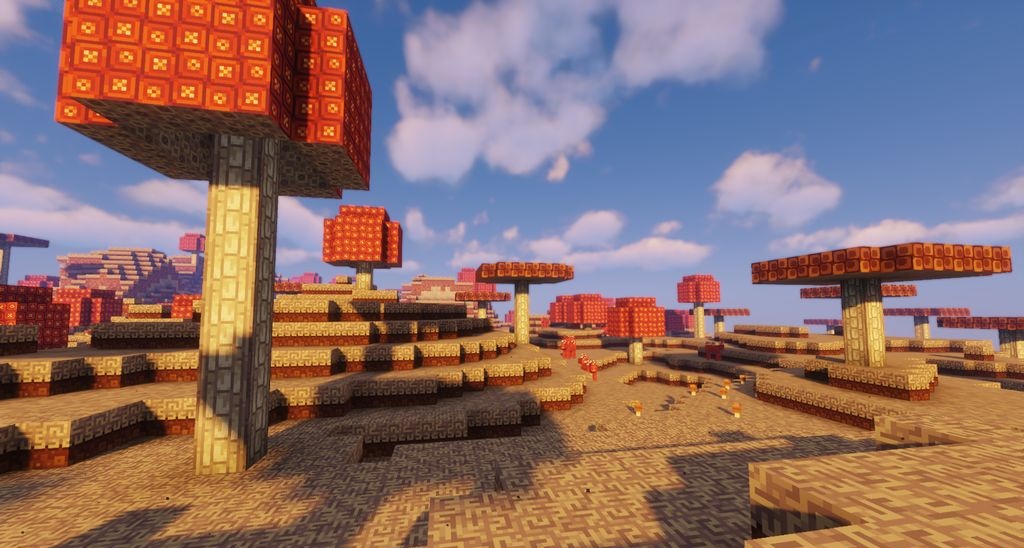
The pack does not try to become realistic or add complex, noisy surfaces. Instead, it makes blocks cleaner, more decorative, and more visually cohesive. Rich colors help the world look livelier, while soft shapes reduce the roughness of the standard textures.
How to install the texture pack:
First step: download and install Ignaf’s Quadral
Second step: copy the texture pack to the C:\Users\USER_NAME\AppData\Roaming\.minecraft\resourcepacks
Third step: in game settings choose needed resource pack.
Comments (0)