



Immersive Interfaces Mod Support for Minecraft 26.2
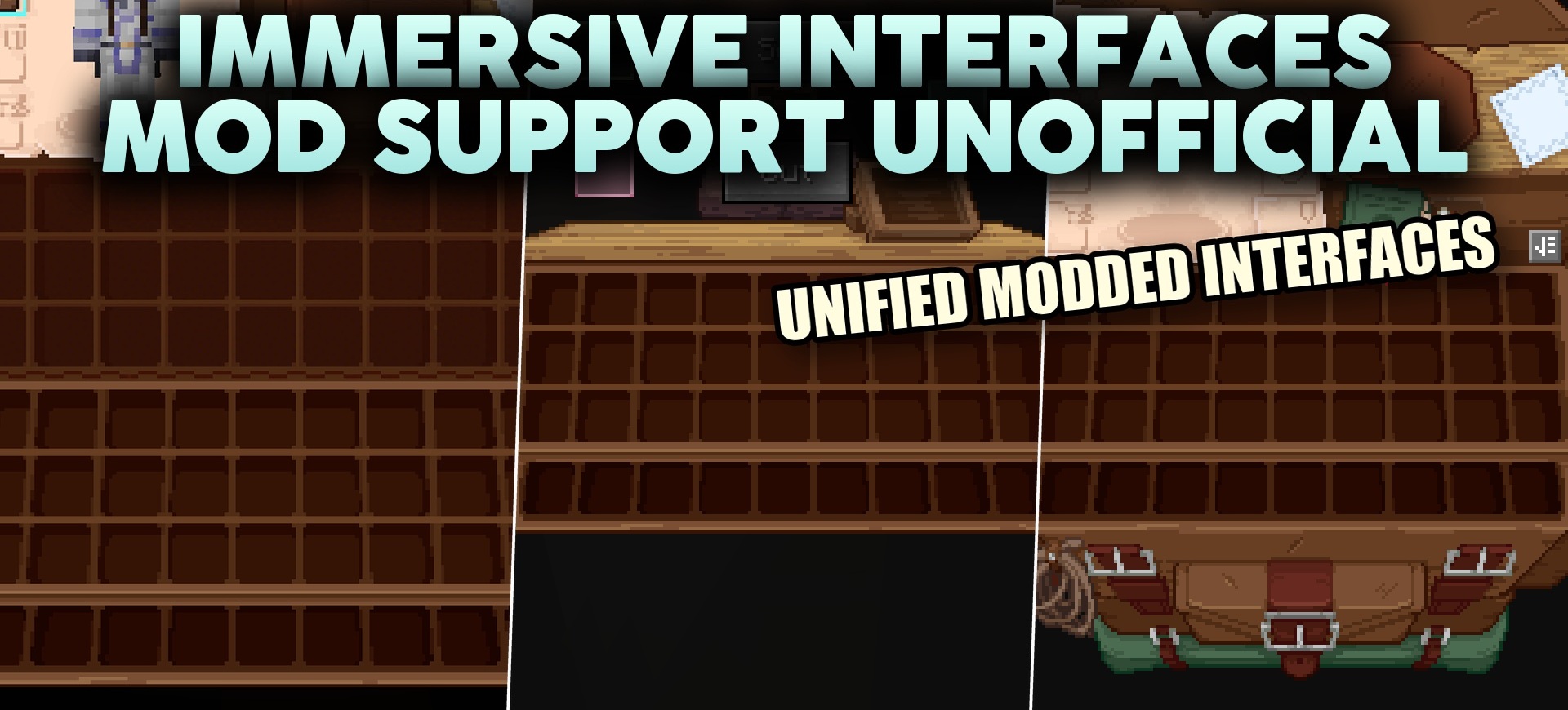
When many mods are used together, their interfaces often look as if they belong to different games. Immersive Interfaces Mod Support fixes exactly this by extending the design of the main Immersive Interfaces pack to third-party menus and screens.
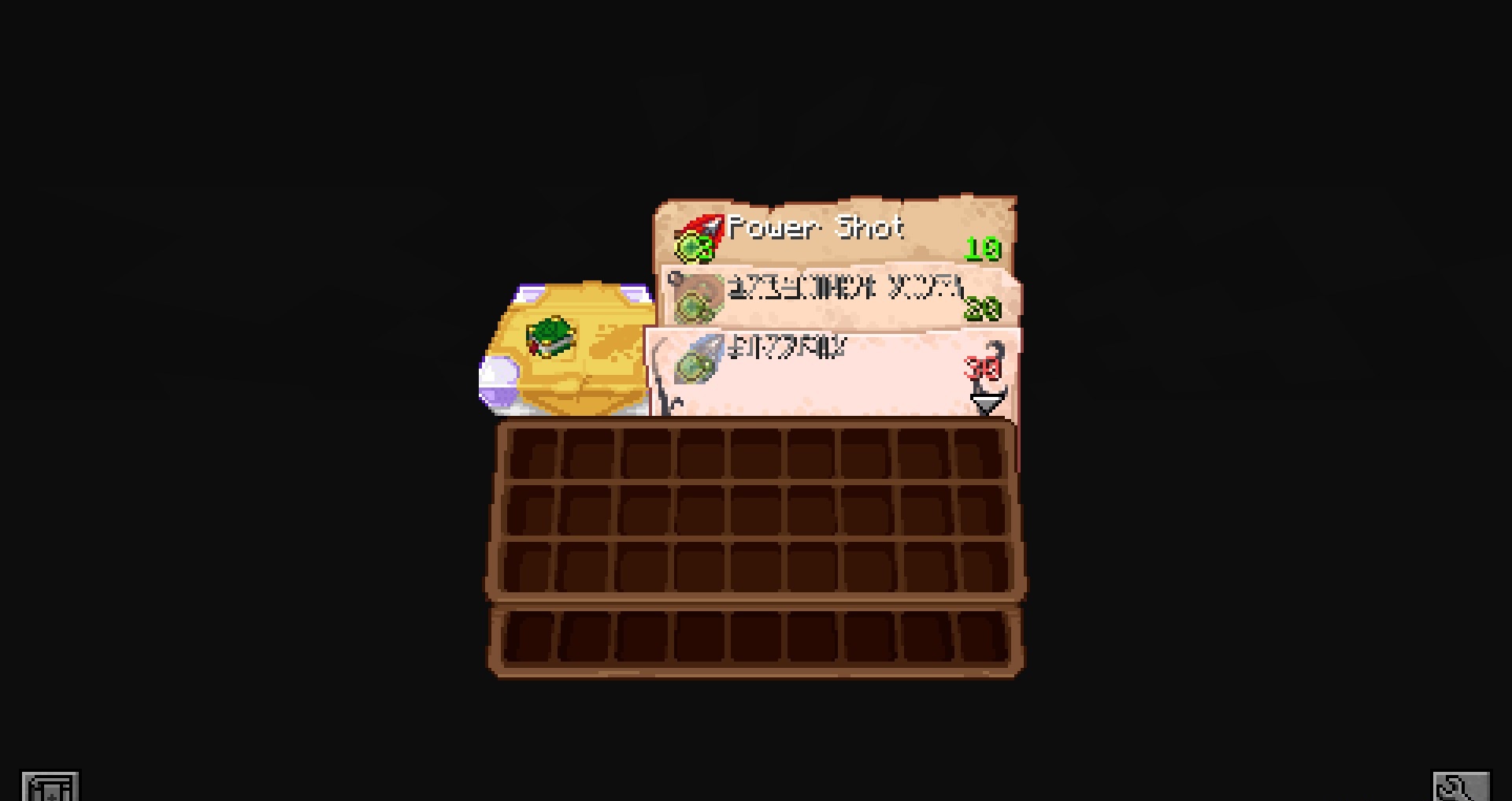
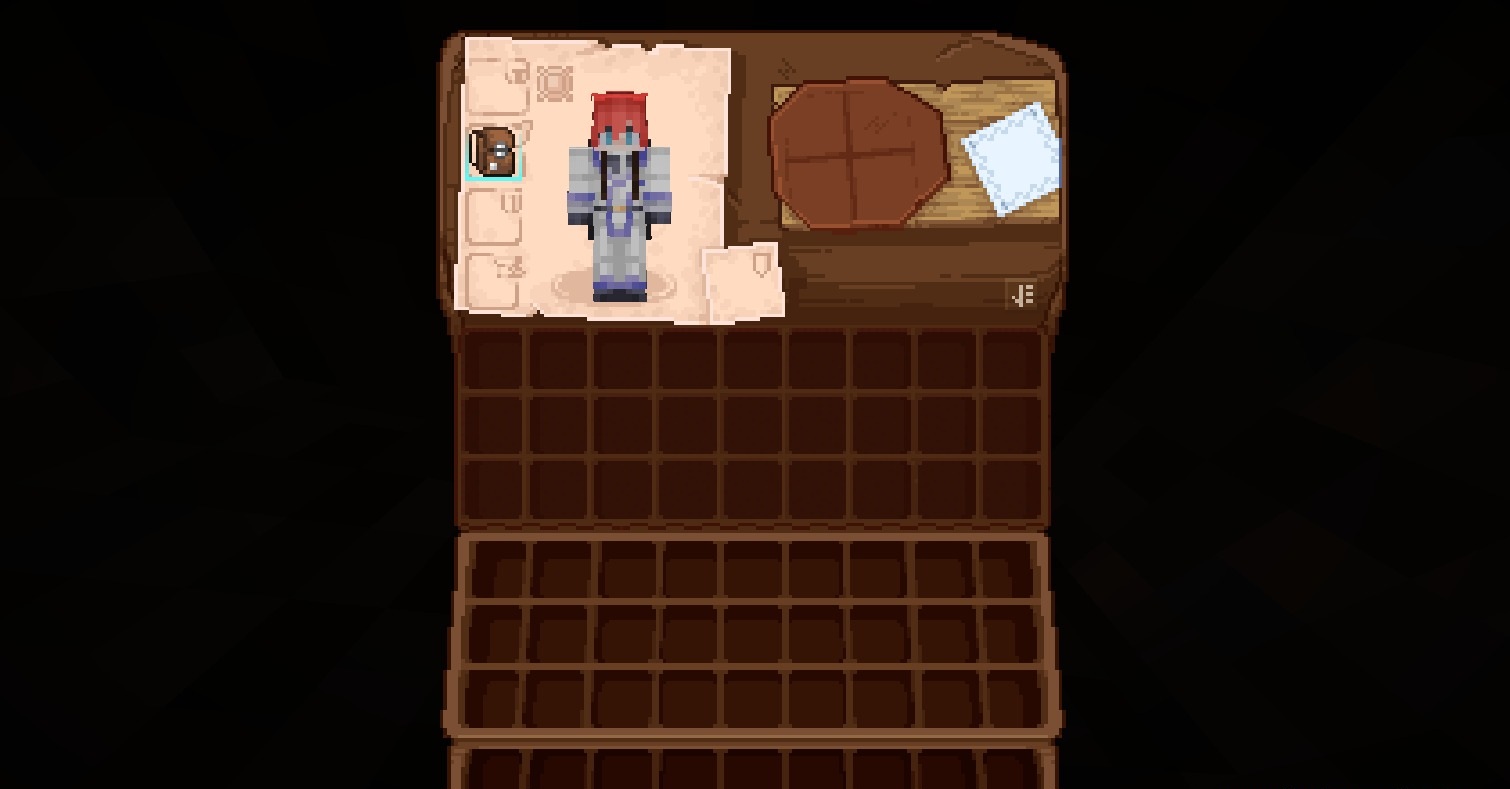
Custom chests, magic tables, and other modified windows receive redesigned backgrounds, frames, and small elements so that they visually match the overall interface system. The pack does not add new functions to the mods themselves and does not change the layout of their mechanics, but works exclusively with the graphical part. The transition between the standard inventory and the menu of a third-party add-on becomes less abrupt.
How to install the texture pack:
First step: download and install Immersive Interfaces Mod Support
Second step: copy the texture pack to the C:\Users\USER_NAME\AppData\Roaming\.minecraft\resourcepacks
Third step: in game settings choose needed resource pack.
Comments (2)