



Kawaii PvP for Minecraft 26.2
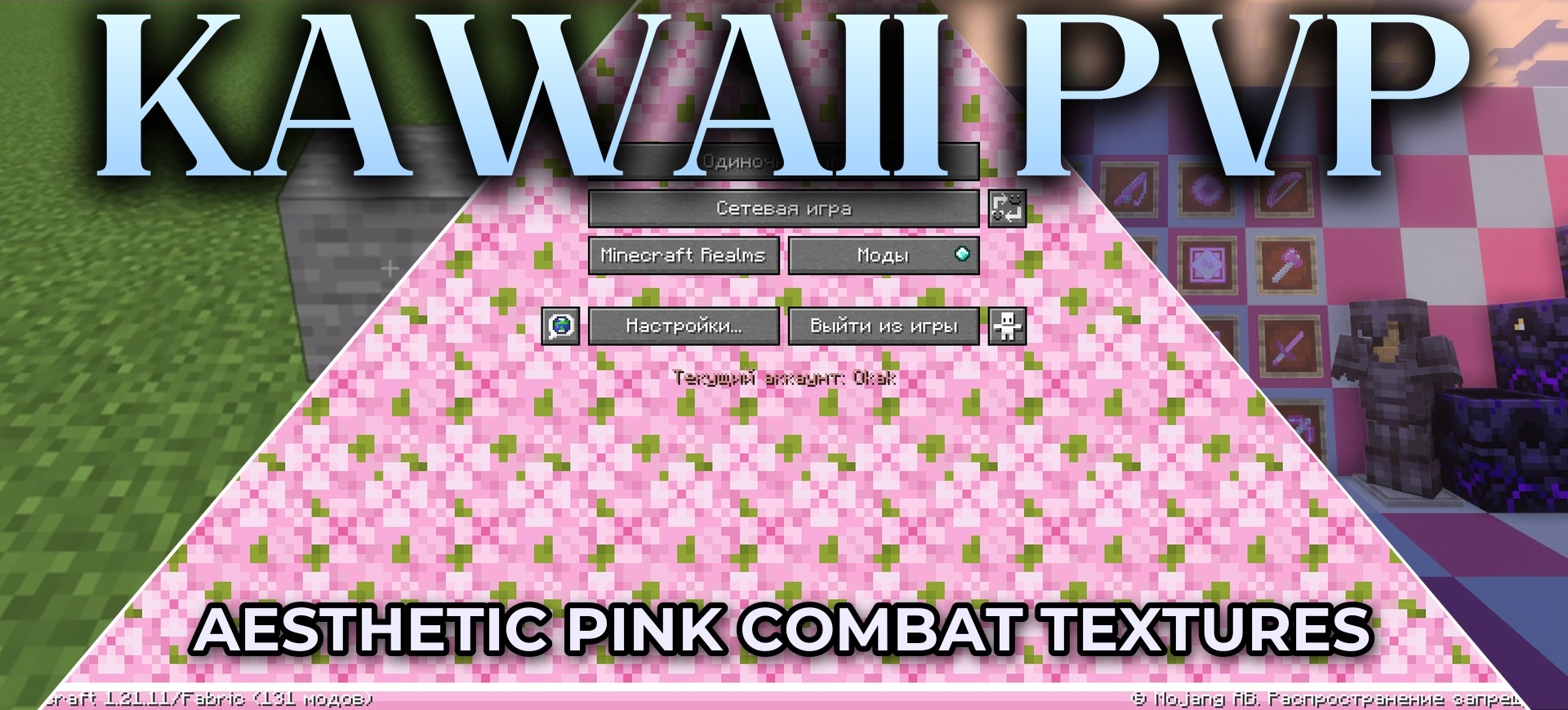
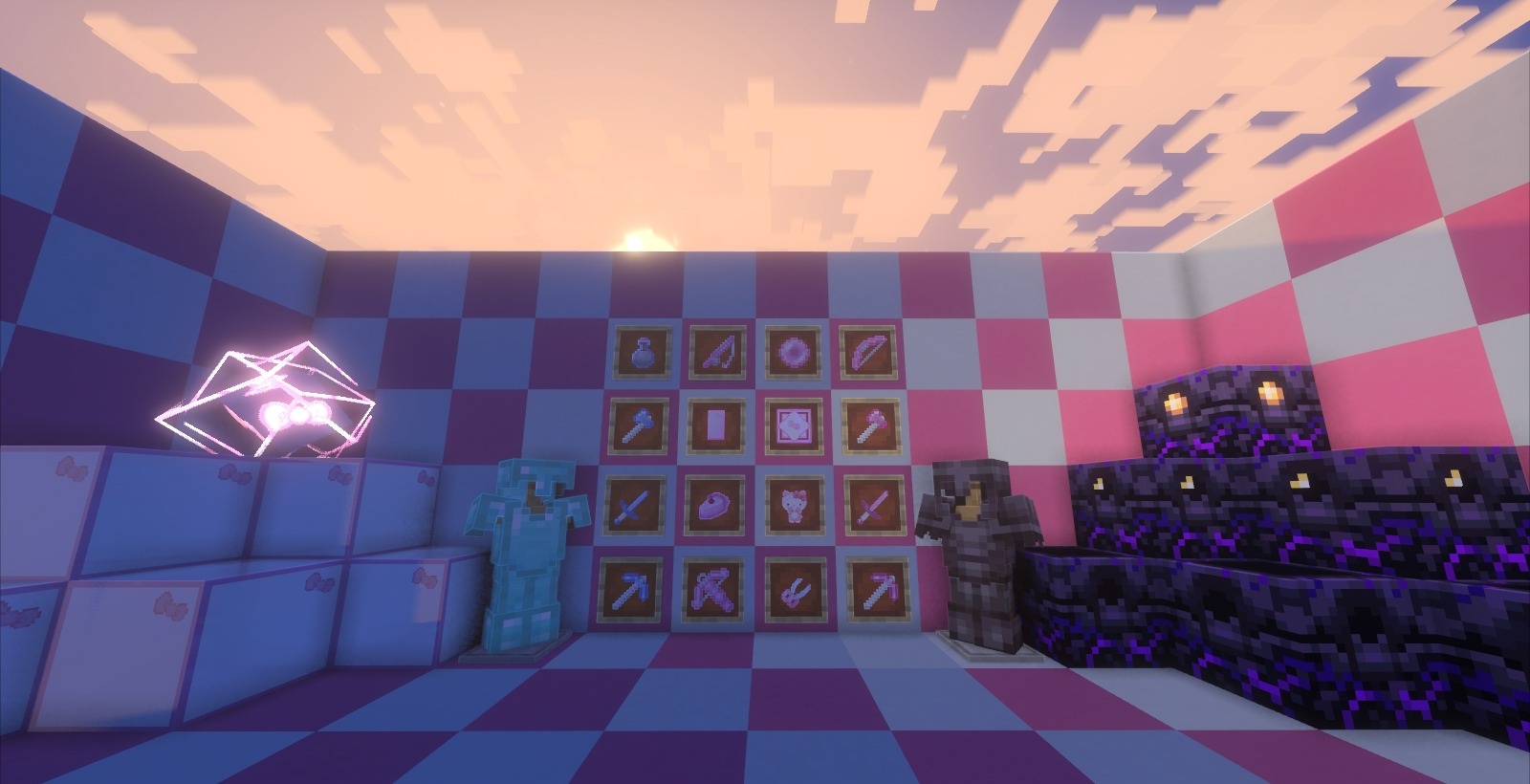
A pink PvP theme is combined with a convenient combat design in the Kawaii PvP resource pack. Weapons, armor, and certain blocks are recolored in soft pink shades, but the models remain easy to distinguish during battles. The font, inventory, hotbar, mace, and other important items are changed.
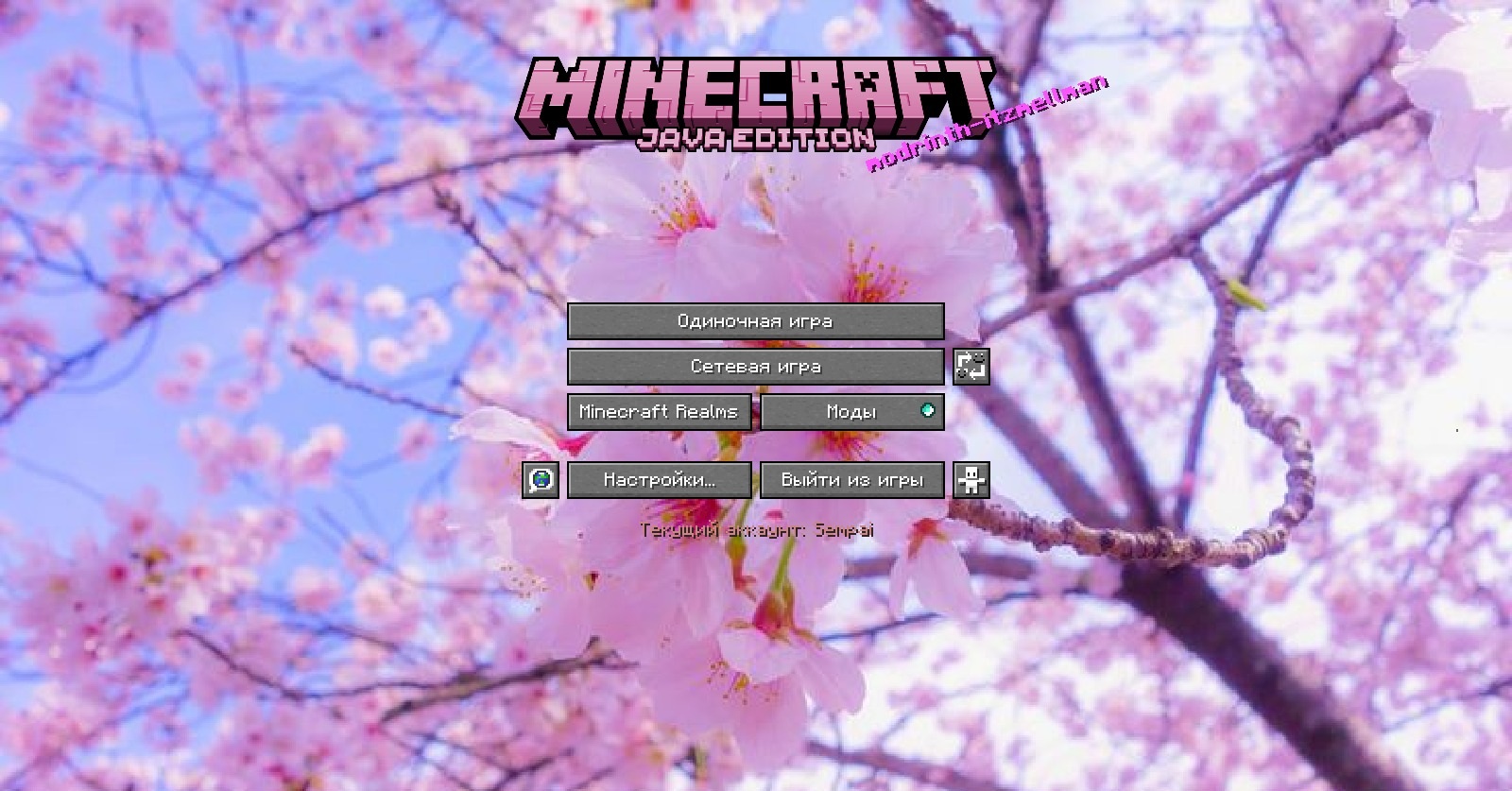
A custom animation is used for breaking blocks, while some standard sounds are replaced with new effects. The main menu also receives a themed panorama. A separate sky with custom clouds works through Skyboxify. Despite the cute design, the pack tries not to clutter the screen with large elements.
How to install the texture pack:
First step: download and install Kawaii PvP
Second step: copy the texture pack to the C:\Users\USER_NAME\AppData\Roaming\.minecraft\resourcepacks
Third step: in game settings choose needed resource pack.
Comments (0)