



Link’s 3D Rails for Minecraft 26.2
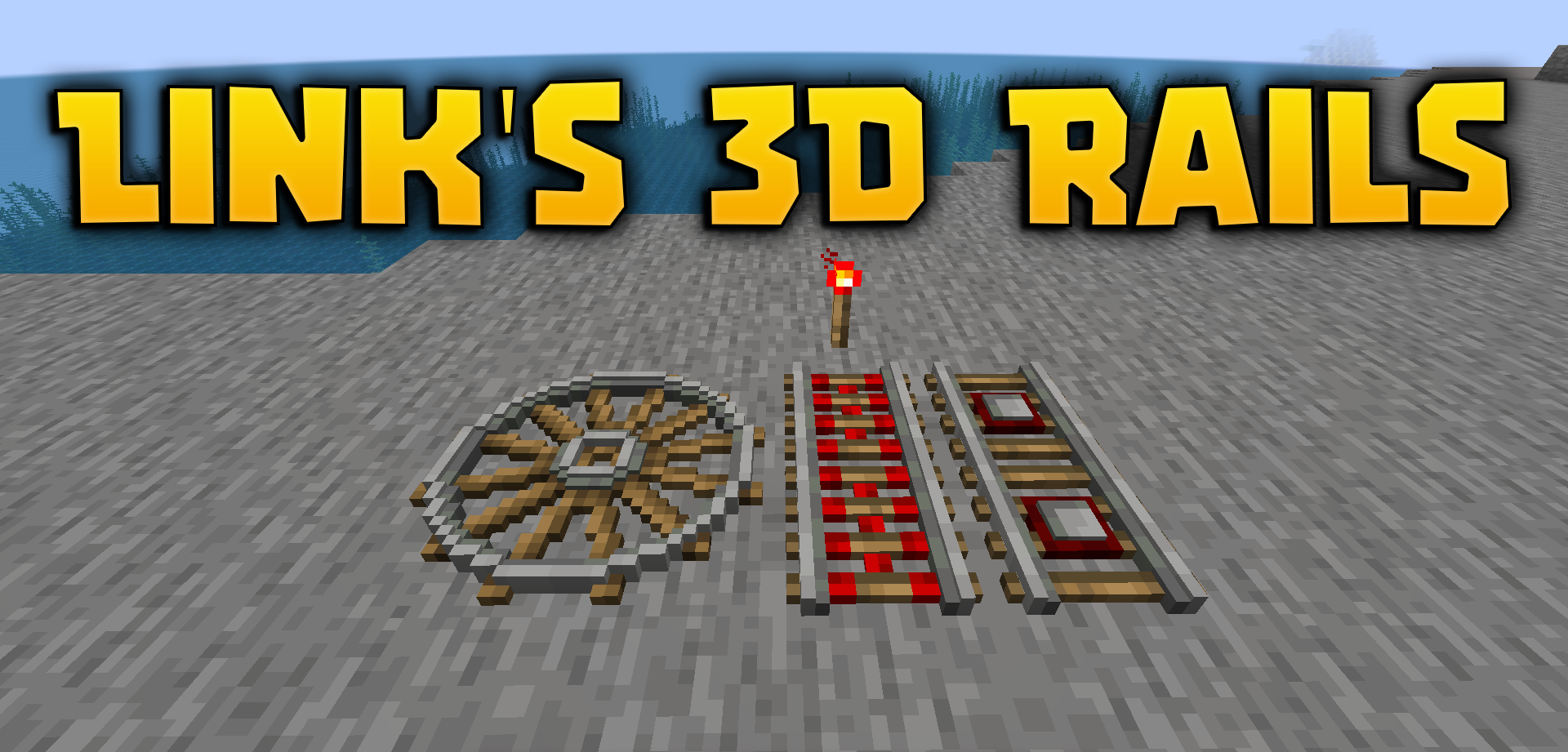
Rails look flat, even though entire roads, mine lines, and transport systems are built on them. Link’s 3D Rails fixes this through three-dimensional models. Instead of a thin texture on a block, rails with volume, depth, and clearer geometry appear.
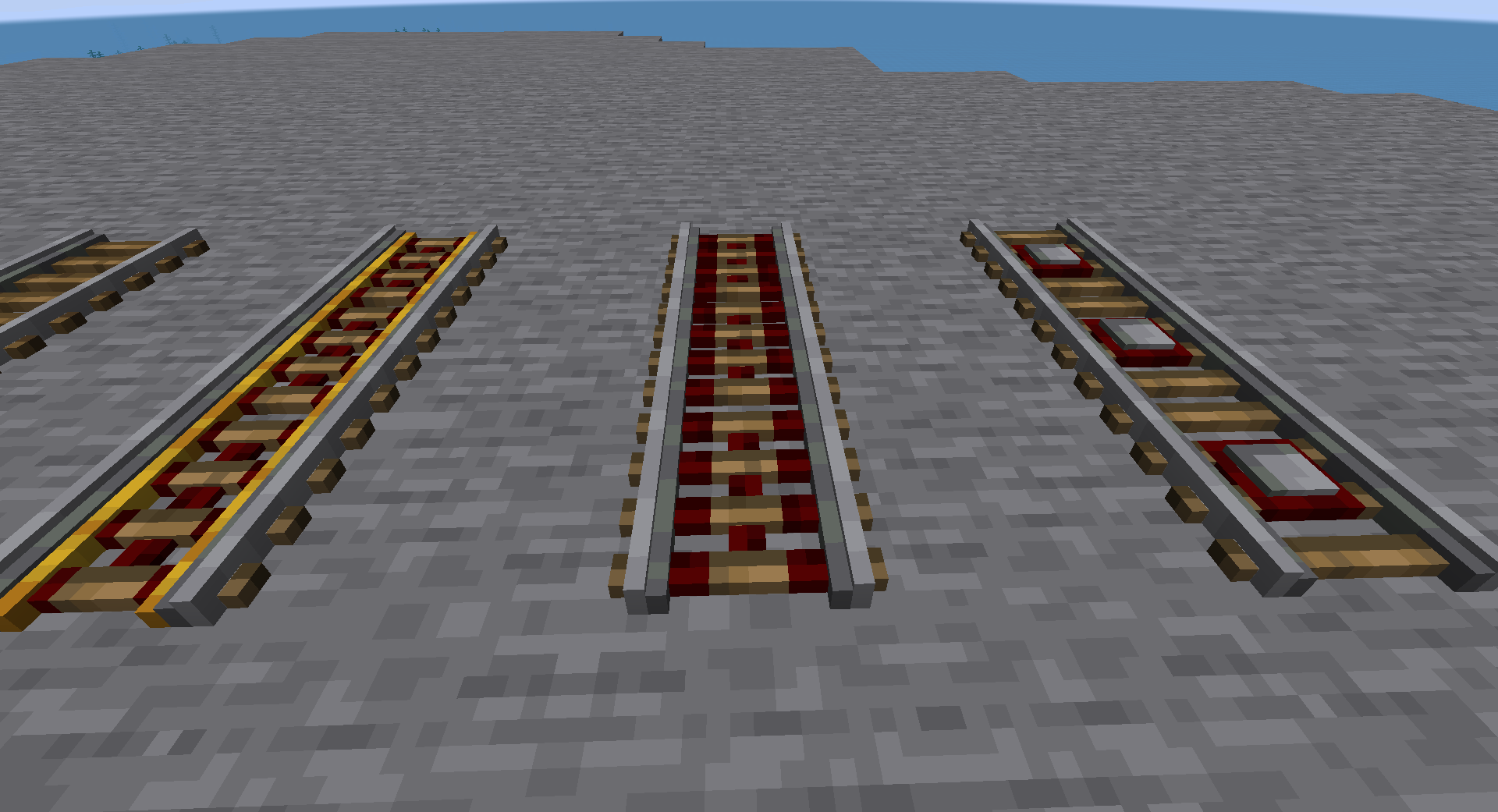
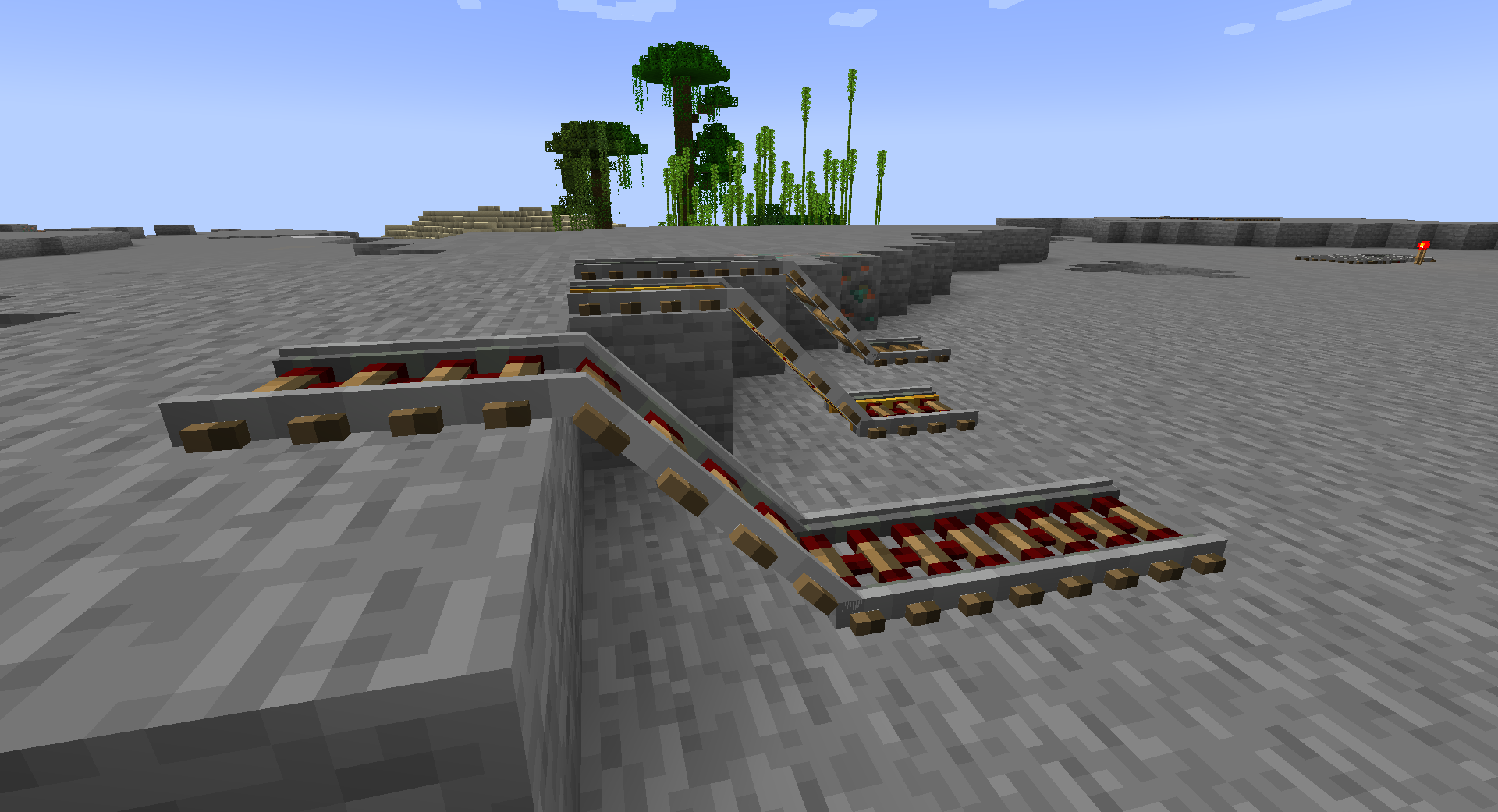
Railway lines immediately begin to look better in mines, on bridges, at stations, in industrial zones, and on decorative railroads. The pack does not change minecart speed, recipes, or movement mechanics, so it can be seen as a purely visual refinement. The difference is noticeable when looking from the side or at an angle: the road stops being a flat strip and becomes a full part of the build.
How to install the texture pack:
First step: download and install Link’s 3D Rails
Second step: copy the texture pack to the C:\Users\USER_NAME\AppData\Roaming\.minecraft\resourcepacks
Third step: in game settings choose needed resource pack.
Comments (0)