



Looshy for Minecraft 26.2

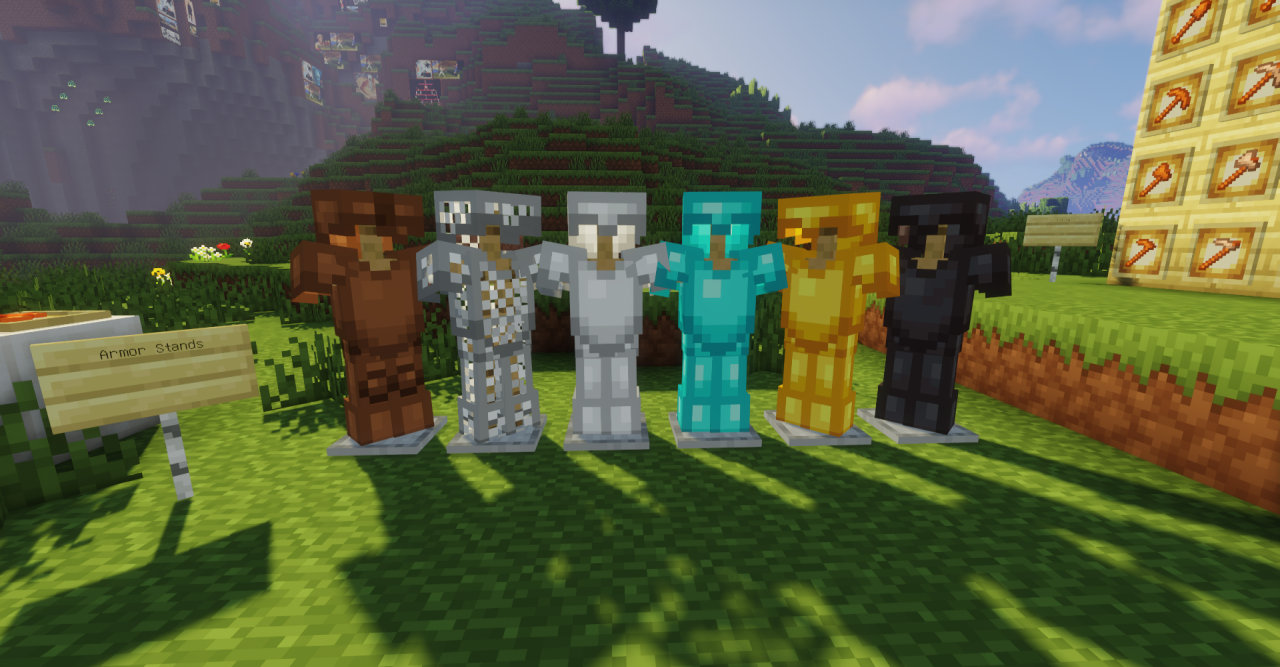
Looshy does not radically change the familiar Minecraft aesthetic, but reworks it into a smoother and more cohesive form. Standard textures keep their familiar shapes, colors, and pixel structure, but look neater thanks to softer transitions and more even detailing.
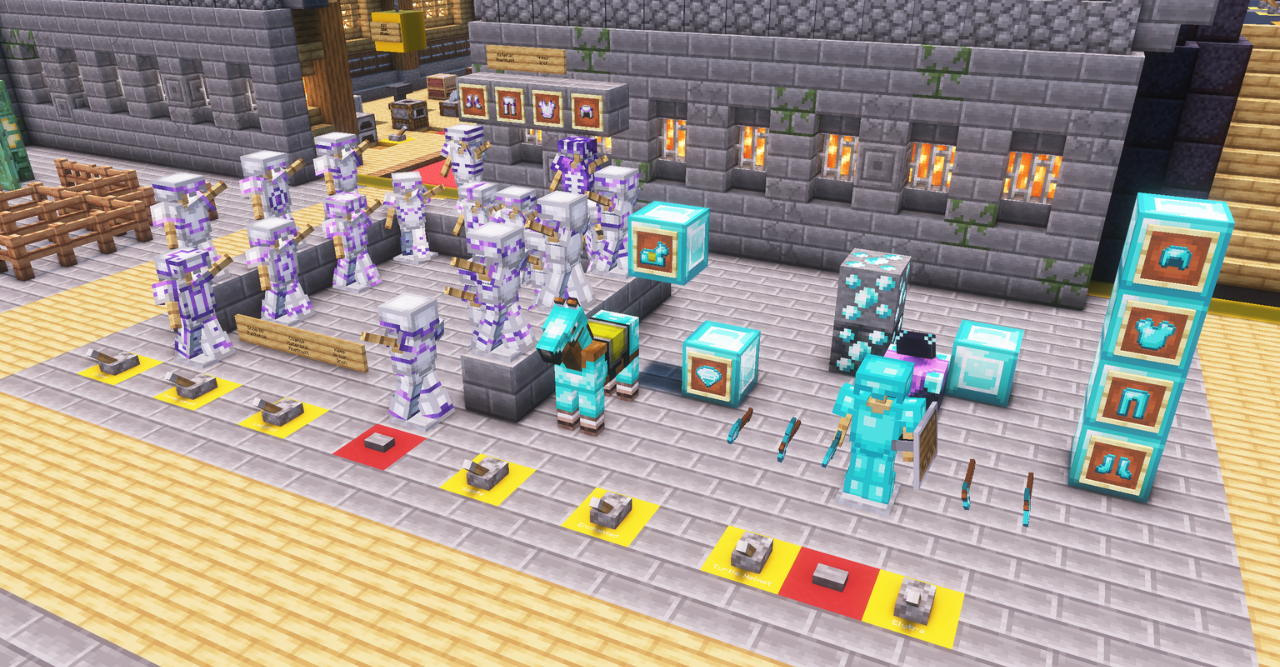
Blocks do not become photorealistic and do not receive complex geometry, so the world is still easy to recognize at first glance. The main change is noticeable in the overall cleanliness of the image: neighboring materials match each other better, while surfaces look less rough. The standard visual style remains the foundation, but receives a more polished appearance.
How to install the texture pack:
First step: download and install Looshy
Second step: copy the texture pack to the C:\Users\USER_NAME\AppData\Roaming\.minecraft\resourcepacks
Third step: in game settings choose needed resource pack.
Comments (0)