



Meowmrow Kittycat UI for Minecraft 26.2
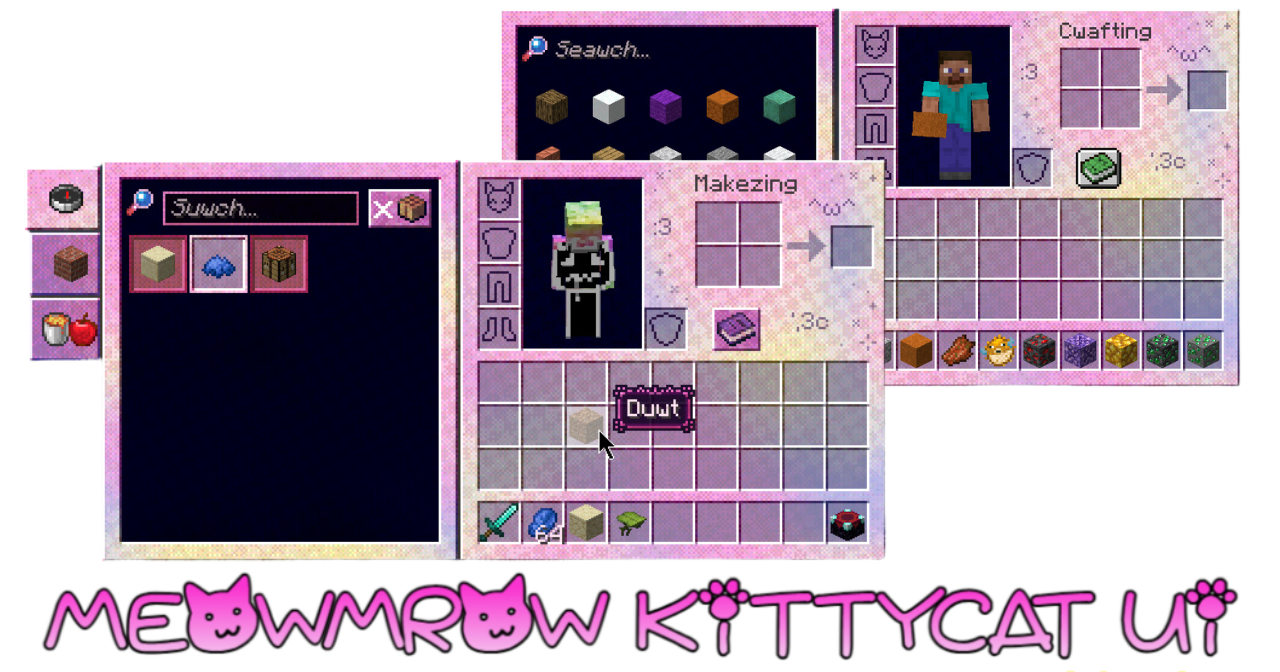
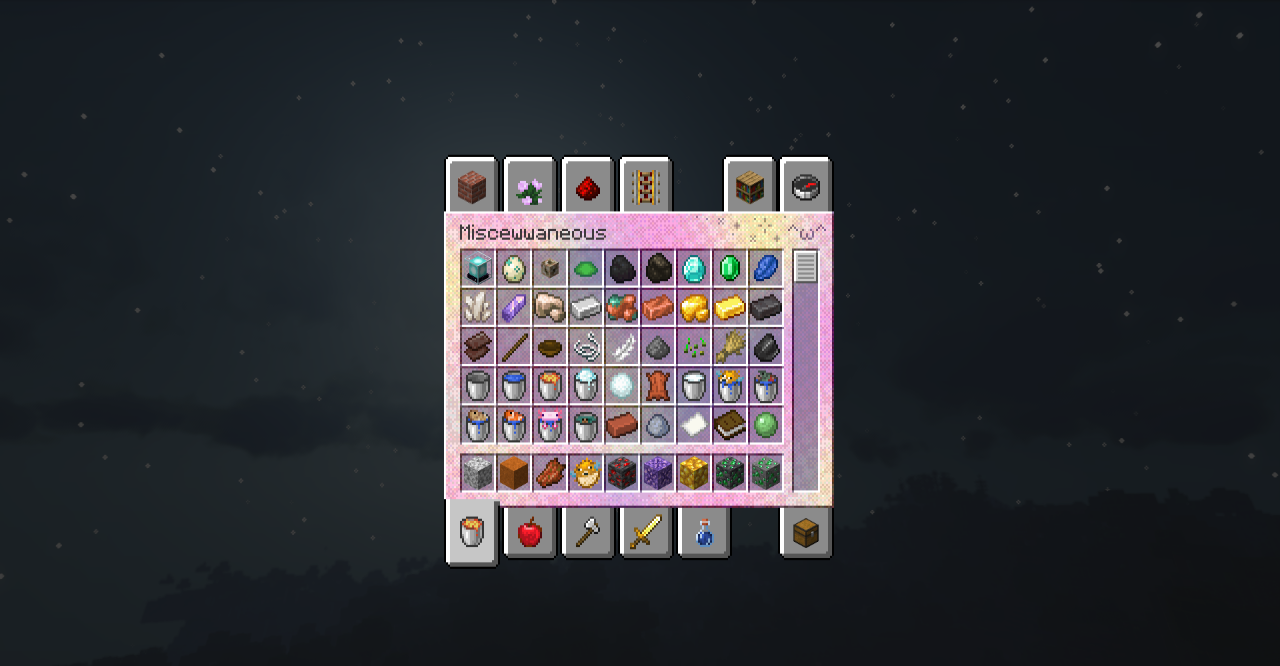
Meowmrow Kittycat UI completely takes the Minecraft interface into a cute cat theme. It does not change only a single button or icon: fonts, menus, interface elements, and visual details that the player sees every time they open the inventory or settings are reworked. The text gets a more playful look, and the standard panels become softer and funnier.
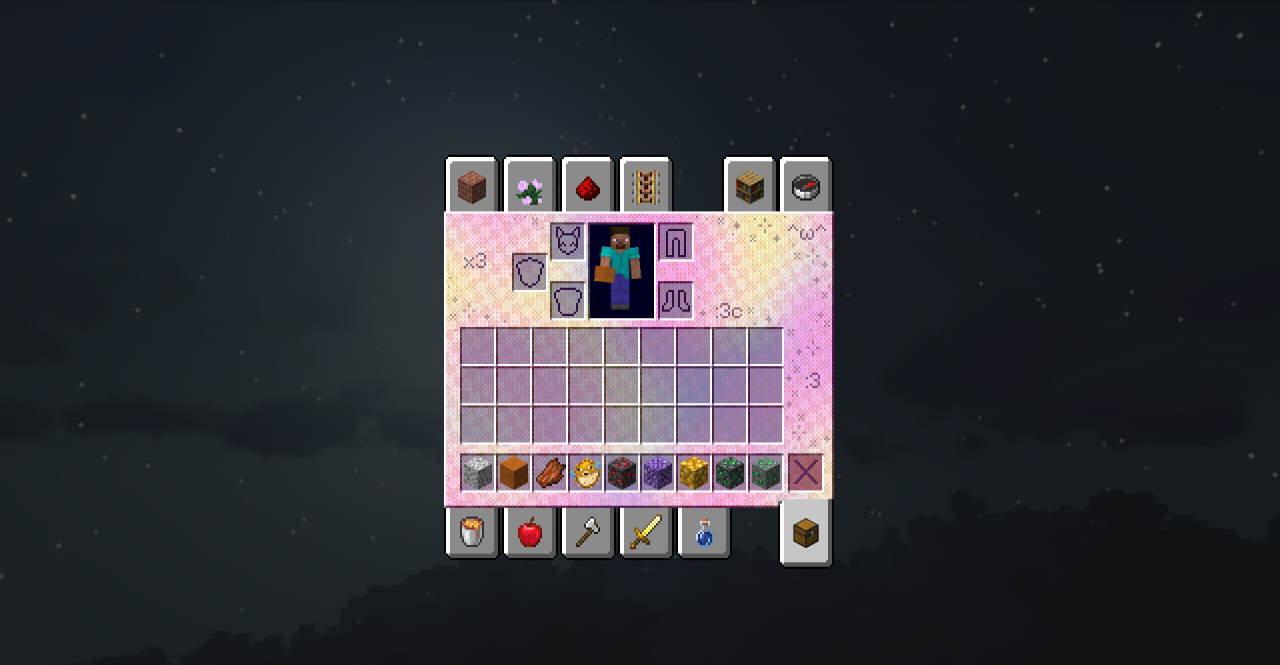
This style does not fit every modpack, but it works well in cozy worlds, decorative playthroughs, light modpacks, and servers with a friendly atmosphere. The pack does not make the interface more complicated and does not change the placement of elements, so it is easy to get used to.
How to install the texture pack:
First step: download and install Meowmrow Kittycat UI
Second step: copy the texture pack to the C:\Users\USER_NAME\AppData\Roaming\.minecraft\resourcepacks
Third step: in game settings choose needed resource pack.
Comments (0)