



Mizuno’s Craft for Minecraft 26.2
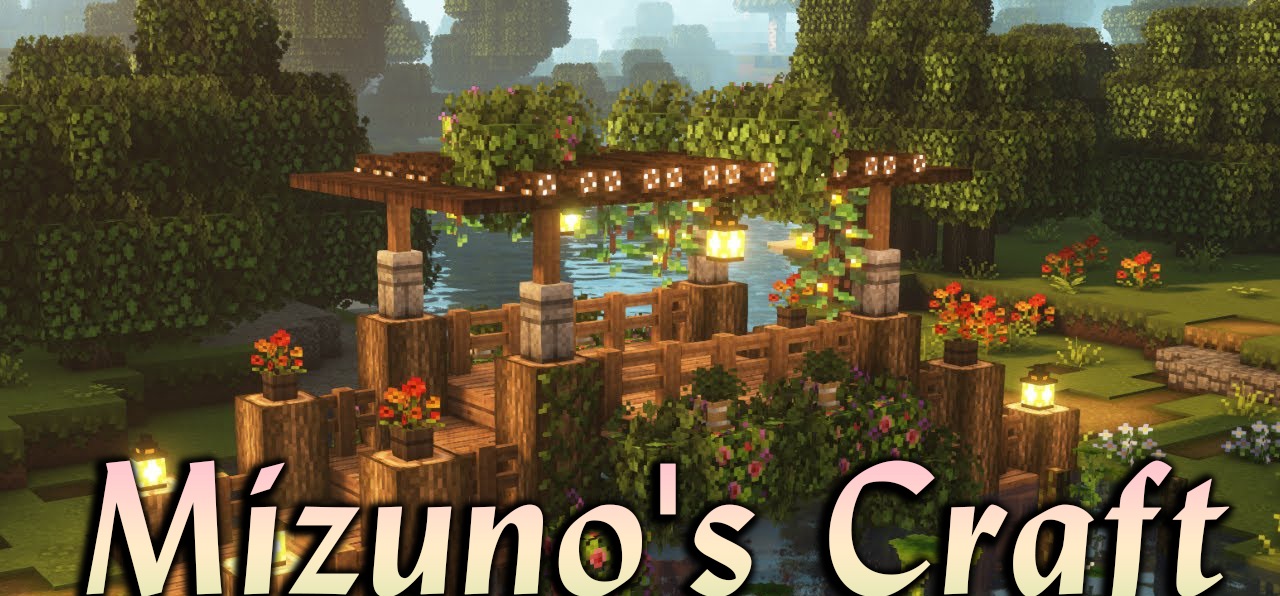
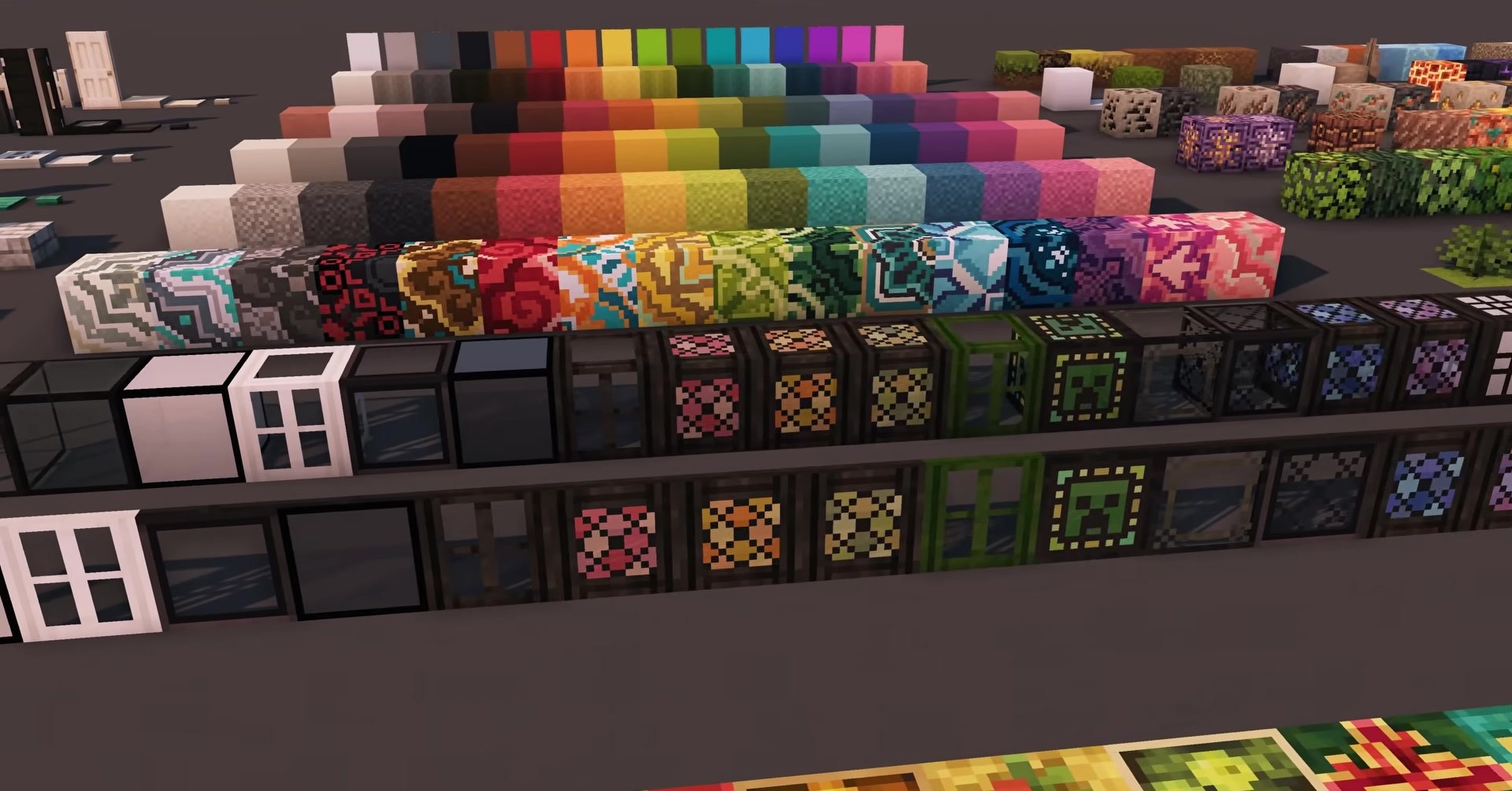
Mizuno’s Craft changes the mood of Minecraft, but does not turn the game into something unfamiliar. The world becomes softer, warmer, and slightly more fairy-tale-like: blocks, items, tools, and weapons receive a neat hand-drawn treatment in the 16x format. The shapes remain recognizable, so it does not take long to get used to the pack.
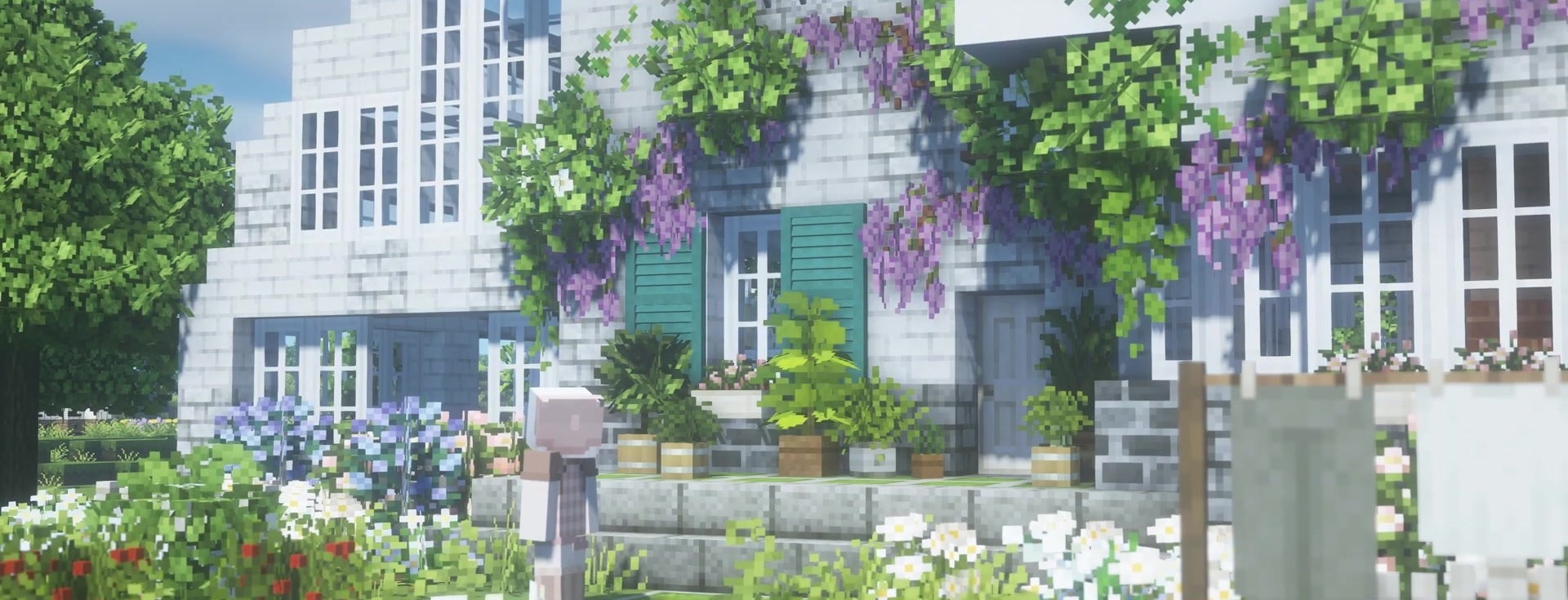
It reveals itself in houses, gardens, villages, and small cozy builds. Villagers look more alive thanks to new clothing and accessories, the grass becomes brighter, the sky more pleasant, and more decorative plants appear among the greenery. The interface is also adjusted to the general style: menus and buttons do not stand out from the picture.
How to install the texture pack:
First step: download and install Mizuno’s Craft
Second step: copy the texture pack to the C:\Users\USER_NAME\AppData\Roaming\.minecraft\resourcepacks
Third step: in game settings choose needed resource pack.
Comments (1)