



Modern Crosshair for Minecraft 26.2
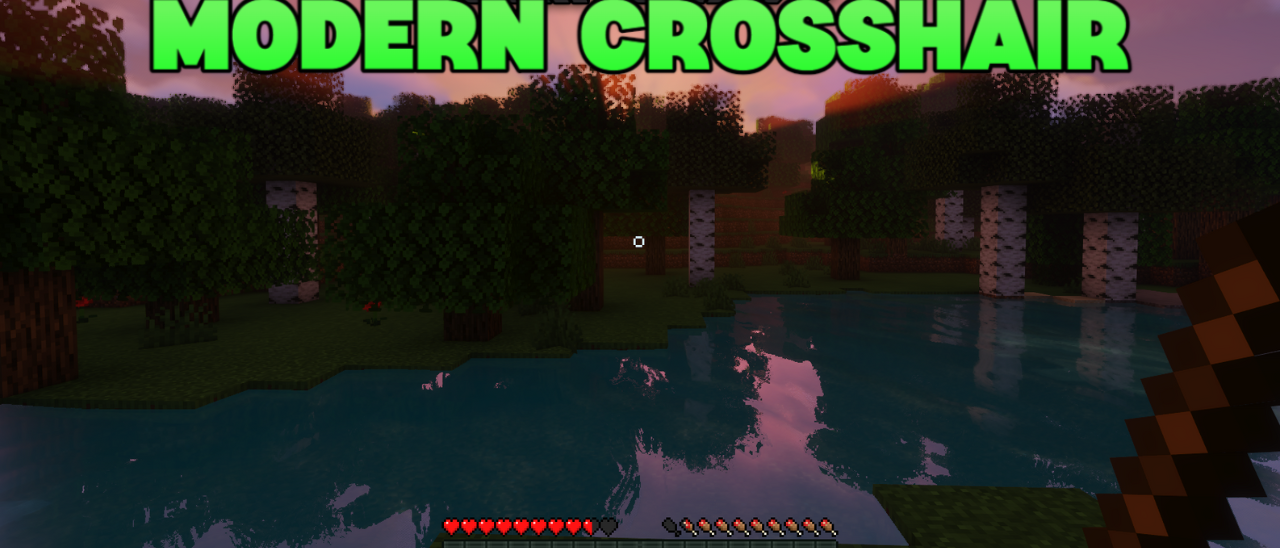
Modern Crosshair works with one small detail, but in the game it is constantly in front of your eyes. The standard crosshair is replaced with a cleaner and more modern version that is easier to read on different backgrounds. It does not take up much space, does not distract from the view, and at the same time helps aim more accurately at blocks, mobs, or players.
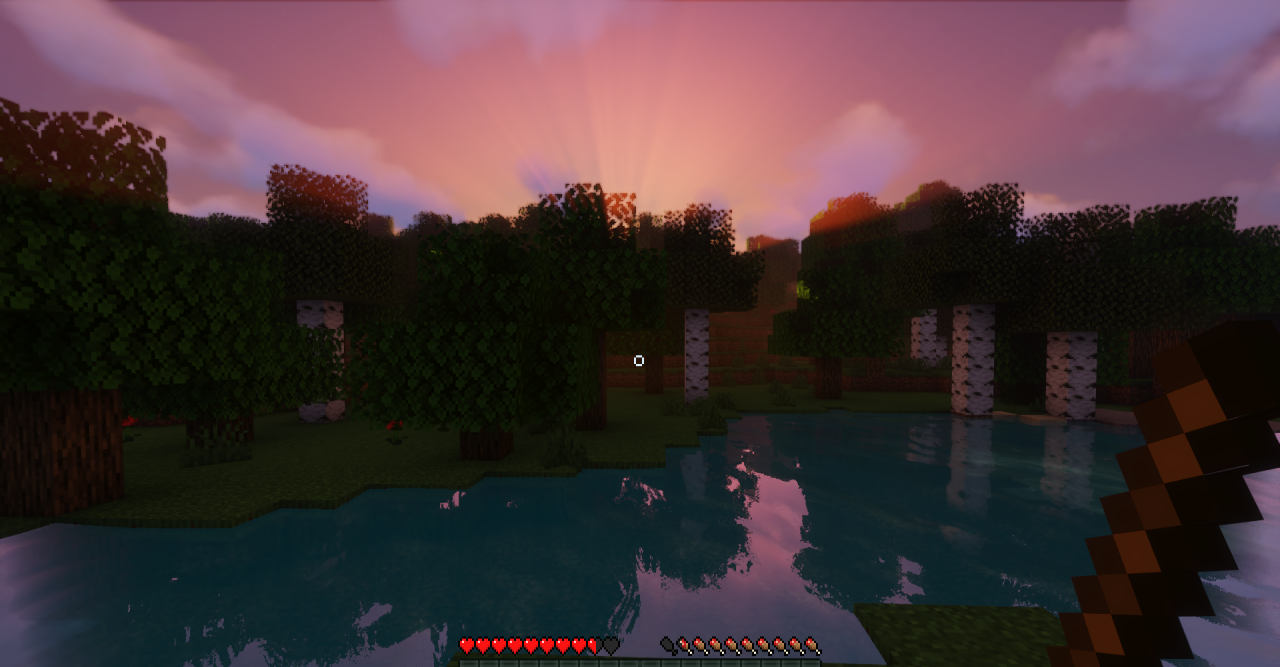
In building, this is convenient when working with small details; in PvP, when aiming quickly; and when exploring the world, it simply makes the screen neater. The pack does not change the whole HUD, so it can be used together with other visual sets. The resource pack is good precisely because of its restraint: it simply removes the roughness of the old crosshair and makes the central point of the screen more pleasant.
How to install the texture pack:
First step: download and install Modern Crosshair
Second step: copy the texture pack to the C:\Users\USER_NAME\AppData\Roaming\.minecraft\resourcepacks
Third step: in game settings choose needed resource pack.
Comments (0)