



Nautilus3D for Minecraft 26.2
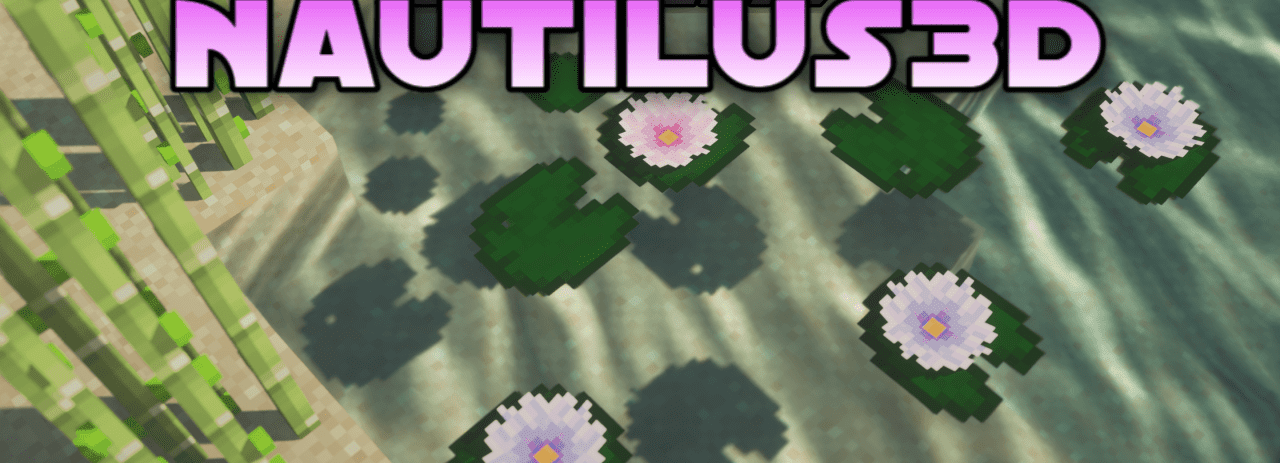
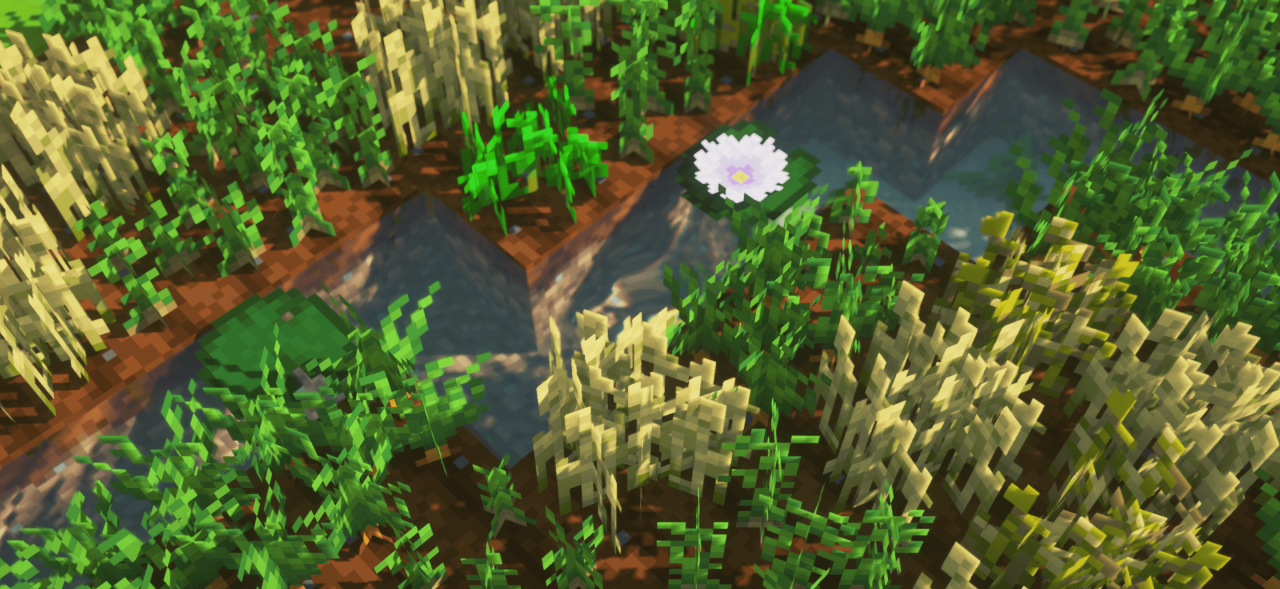
The main thing in Nautilus3D is volume. The pack does not break the vanilla style and does not turn blocks into unfamiliar realistic models, but carefully adds 3D shapes where ordinary flat textures look too simple.
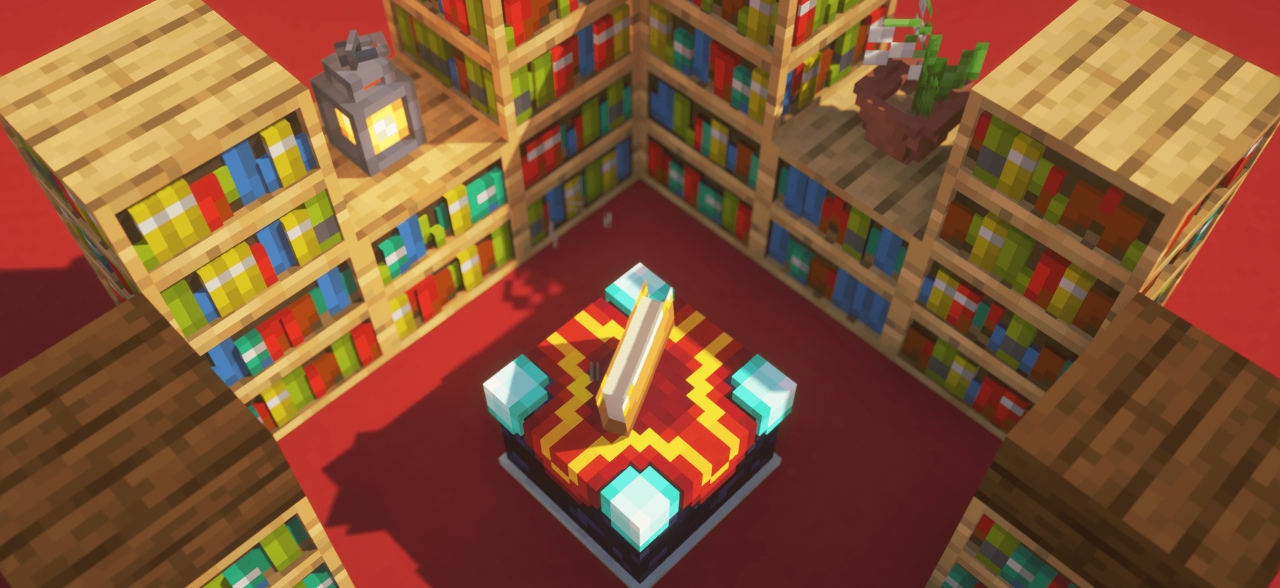
This is especially noticeable on decorative blocks: elements of the environment begin to stand out better, builds gain more depth, and interiors stop seeming so flat. Minecraft is still recognizable at first glance. The texture pack works as a visual refinement of the vanilla game: chests, shelves, plants, building details, and various small elements look more alive, but do not fall out of the general aesthetic.
How to install the texture pack:
First step: download and install Nautilus3D
Second step: copy the texture pack to the C:\Users\USER_NAME\AppData\Roaming\.minecraft\resourcepacks
Third step: in game settings choose needed resource pack.
Comments (0)