



Nebula Glint Red for Minecraft 26.2
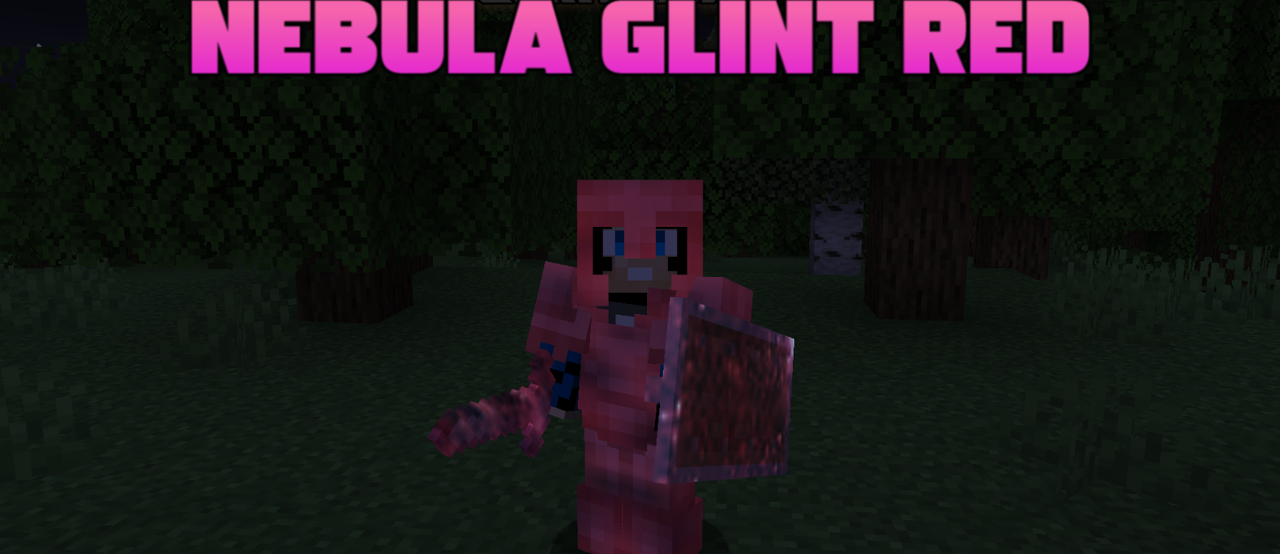
Nebula Glint Red changes only one visual effect, but it is noticeable every time an enchanted item appears in the hand or inventory. The standard purple shimmer is replaced with a dark red glow in a nebula style. Because of this, armor, weapons, and tools look more aggressive, gloomy, and slightly otherworldly.
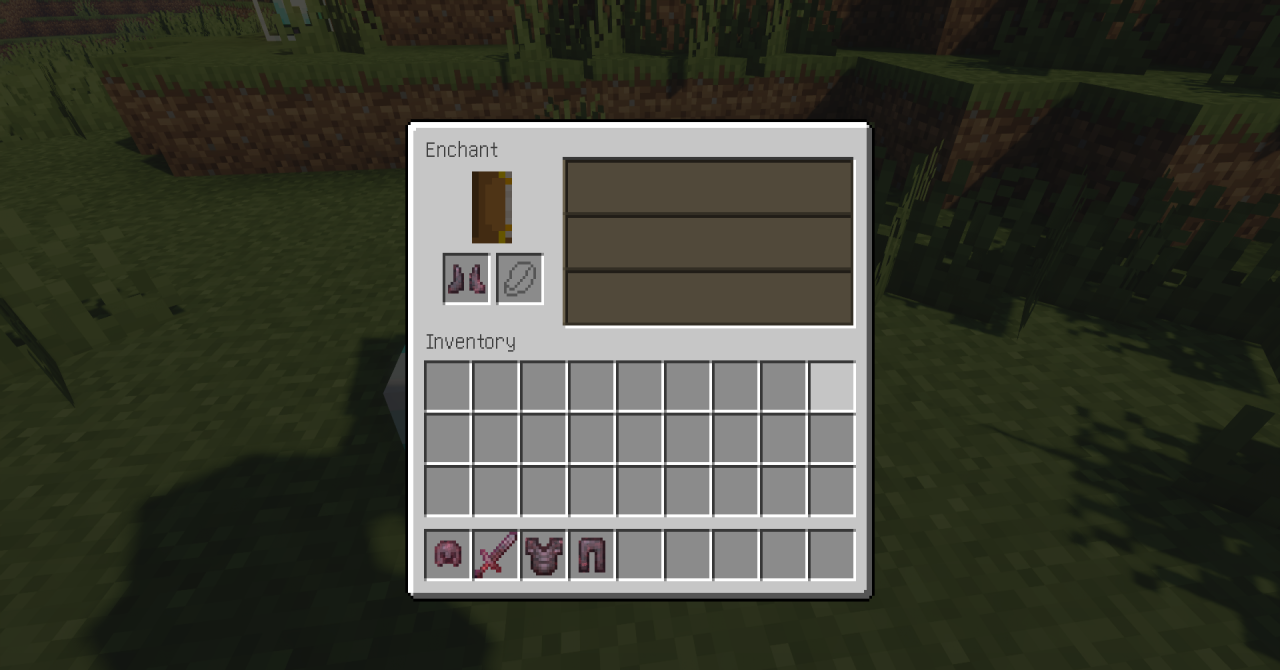
The effect reads well in caves, at night, in the Nether, and in other dark places, where the red glint stands out more strongly against the surroundings. The pack does not change the power of enchantments and does not interfere with balance in any way; it is a purely visual replacement. It can be placed over other textures if you want to keep the world the same, but make enchanted equipment more expressive.
How to install the texture pack:
First step: download and install Nebula Glint Red
Second step: copy the texture pack to the C:\Users\USER_NAME\AppData\Roaming\.minecraft\resourcepacks
Third step: in game settings choose needed resource pack.
Comments (0)