



Optimum Realism POM & PBR for Minecraft 26.2
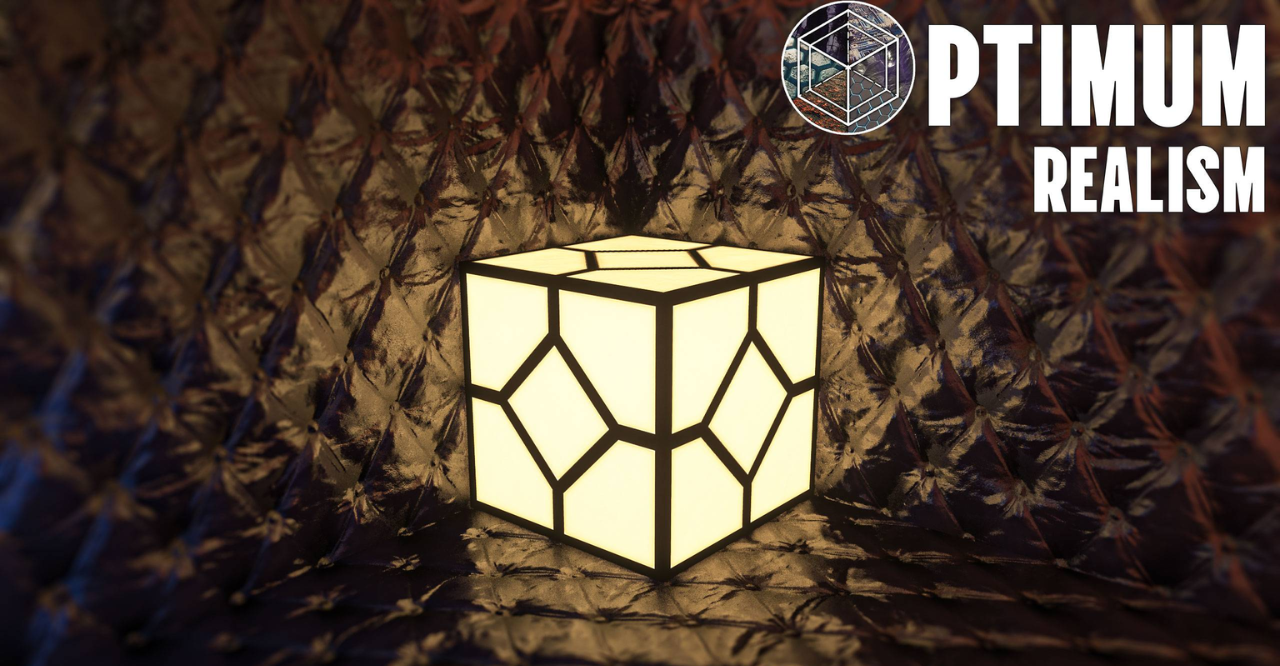
With Optimum Realism POM & PBR, Minecraft takes a sharp step toward a realistic picture. Blocks receive more detailed surfaces, and materials begin to differ not only by color, but also by the feeling of depth, relief, and light reflection. Stone looks denser, wood more textured, and dirt and other natural blocks receive a more noticeable structure.
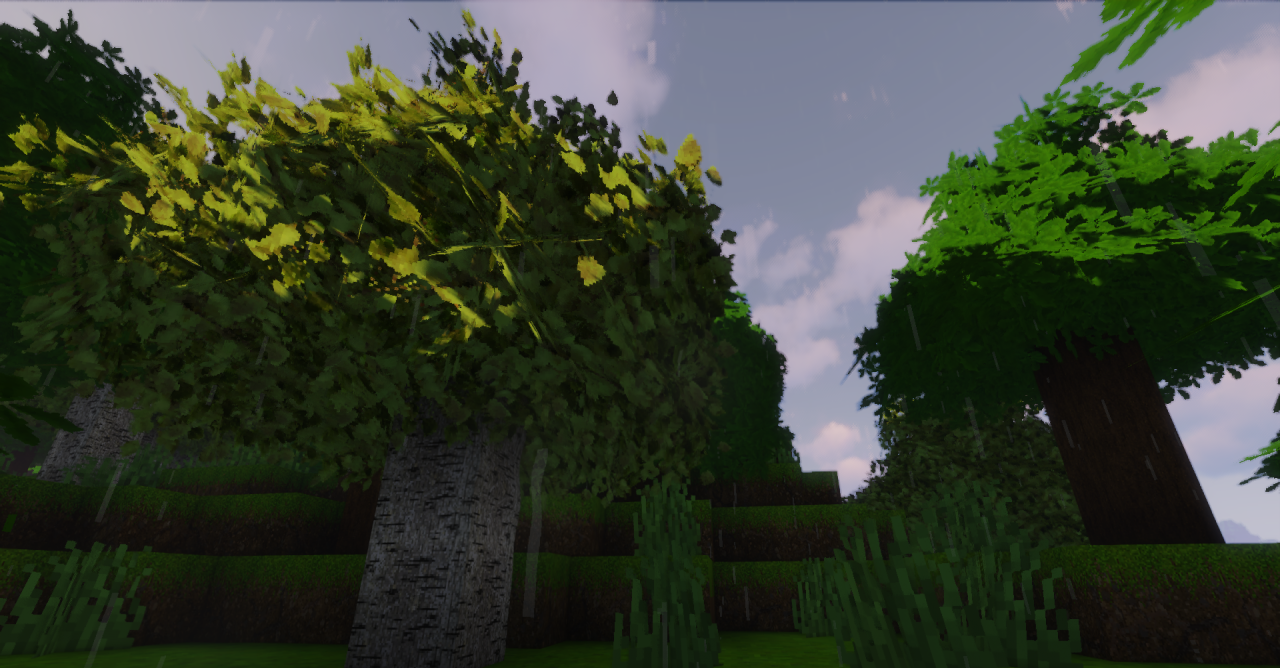
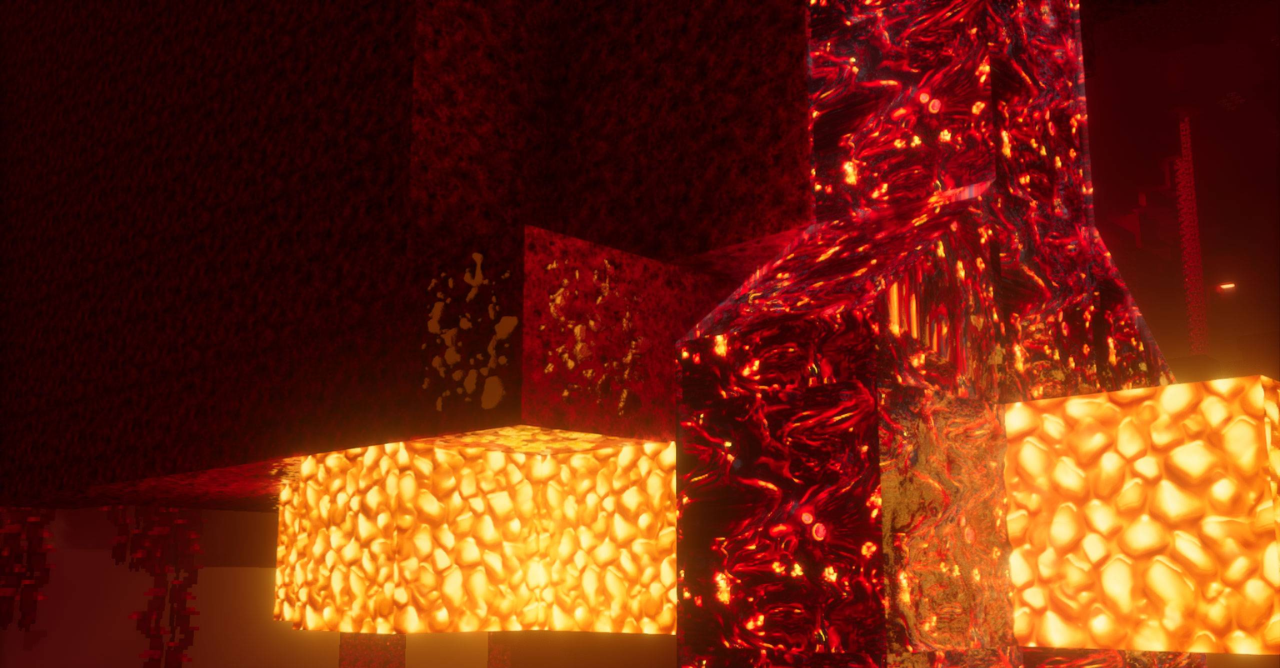
POM adds the illusion of volume on flat textures, while PBR helps materials react better to lighting. As a result, the world becomes visually richer, especially when using shaders. At the same time, the pack tries to keep a balance between quality and performance, so realism does not turn into an unbearable load.
How to install the texture pack:
First step: download and install Optimum Realism POM & PBR
Second step: copy the texture pack to the C:\Users\USER_NAME\AppData\Roaming\.minecraft\resourcepacks
Third step: in game settings choose needed resource pack.
Comments (0)