



Outlined Ores for Minecraft 26.2
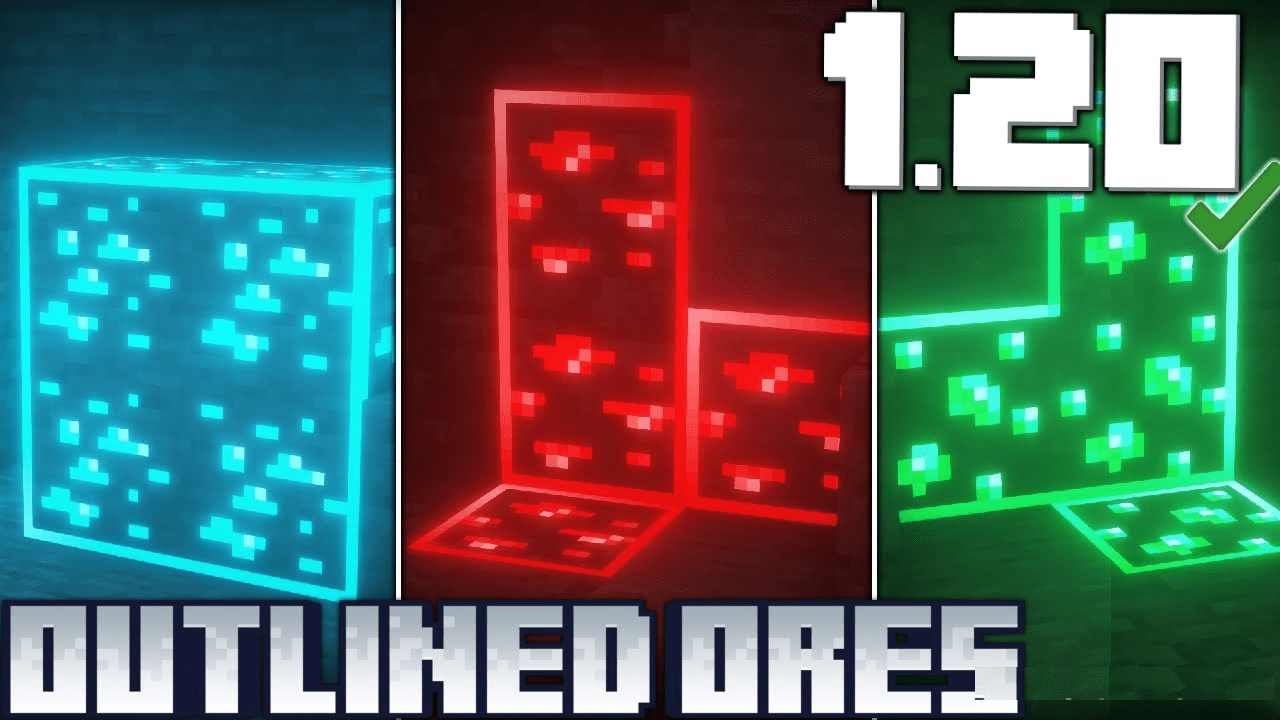
In mines, ore is easy to miss, especially if the block is partly covered by shadow or blends into stone. Outlined Ores solves this through outlines. A clear border appears around ore patches, separating them from ordinary rock. Diamonds, iron, coal, gold, and other resources become more noticeable without fully replacing their textures.
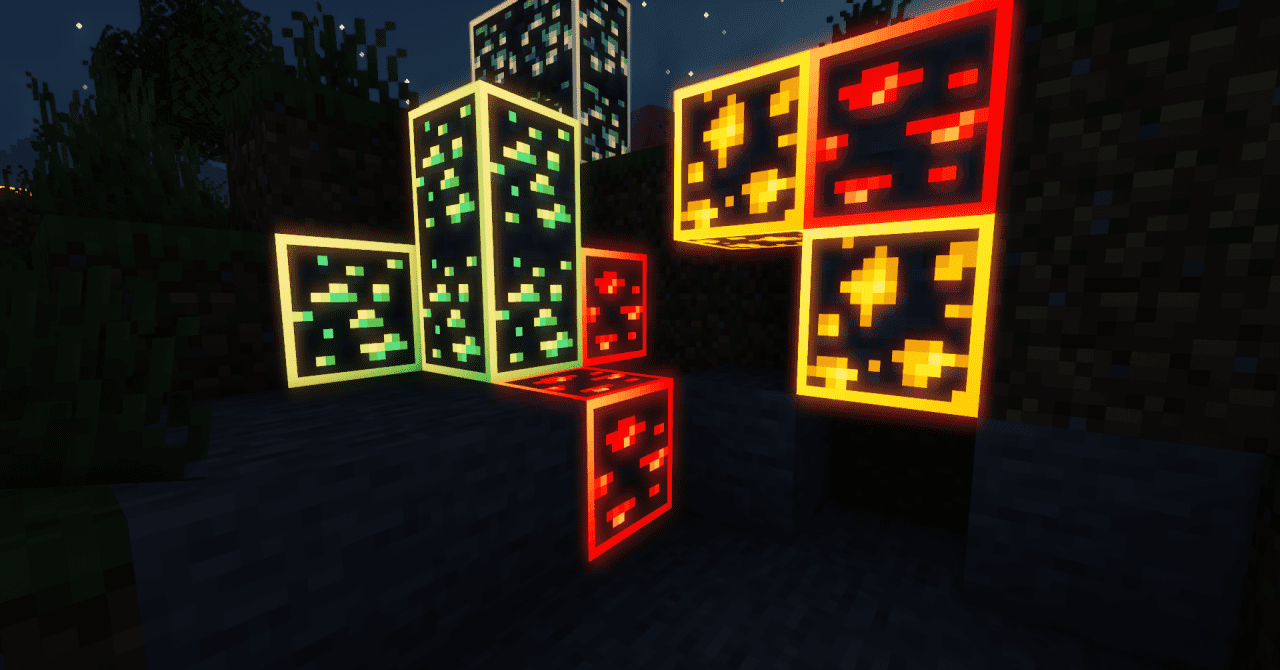
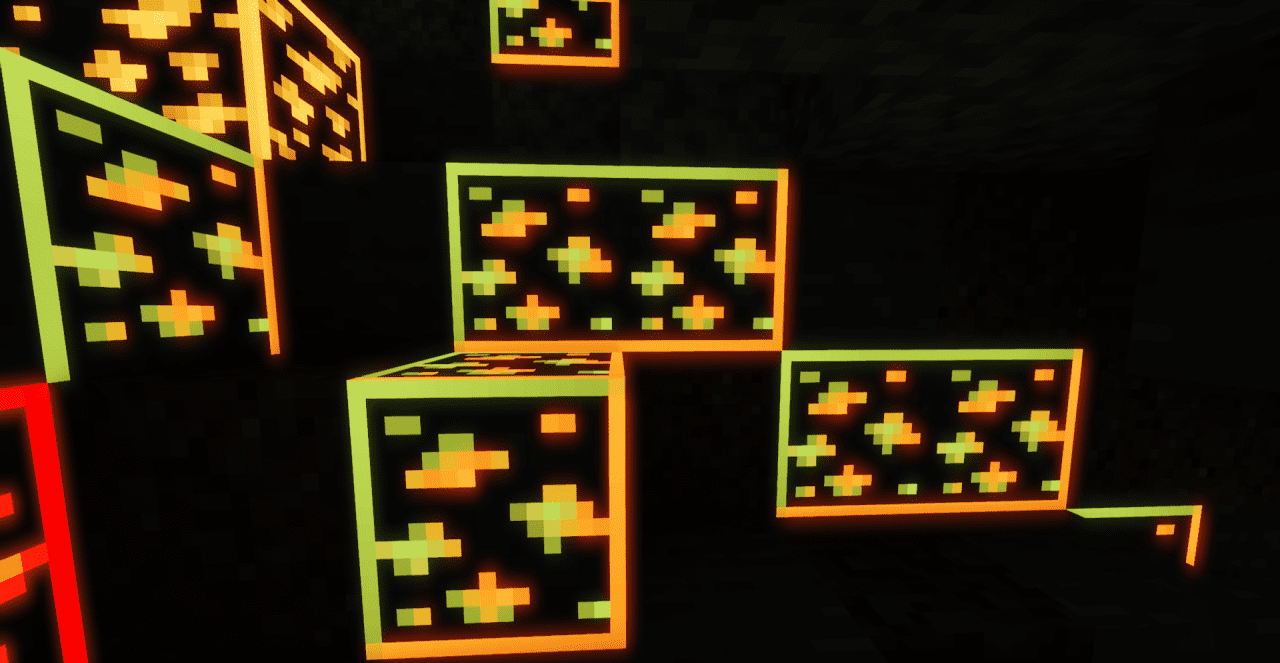
The pack does not make ore huge, does not add extra glow, and does not turn mining into visual chaos. The outline works as a neat highlight of the shape: the player notices the resource faster, but the block still remains part of the cave. This option is useful in dark tunnels, during fast digging, and in places where there are many similar gray surfaces.
How to install the texture pack:
First step: download and install Outlined Ores
Second step: copy the texture pack to the C:\Users\USER_NAME\AppData\Roaming\.minecraft\resourcepacks
Third step: in game settings choose needed resource pack.
Comments (1)