



Patrix for Minecraft 26.2
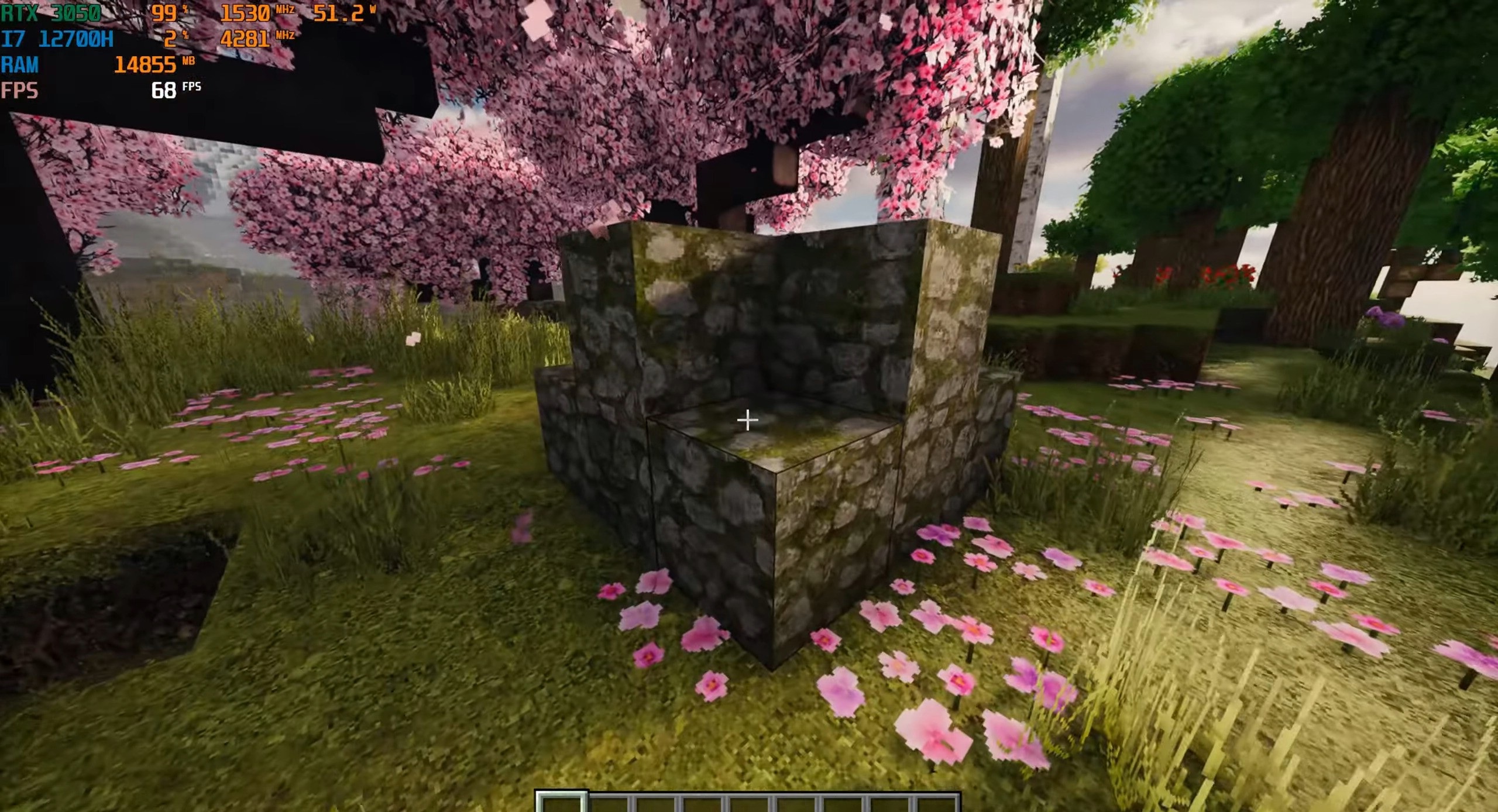
Patrix brings Minecraft into a more realistic visual style without breaking the game's familiar color foundation. The pack adds photorealistic textures, detailed 3D models, and shader materials, making stone, wood, dirt, plants, and decorative blocks look deeper and sharper.
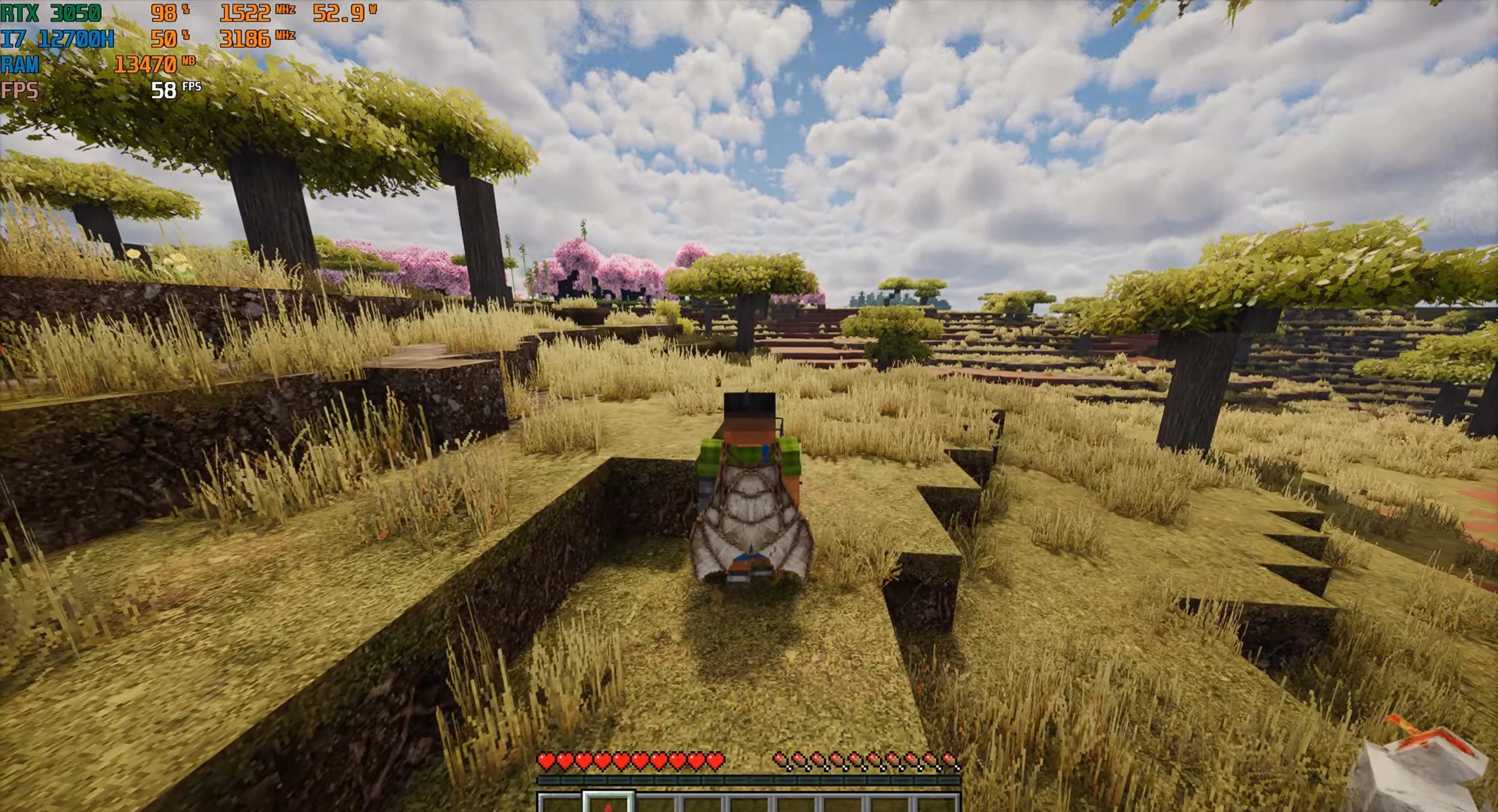
The colors remain close to the standard palette, so old builds do not start to feel out of place after installation. Shaders supporting normal maps, reflections, or LabPBR are required for the correct appearance because a significant part of the effect is based on surface relief and its response to light. Texture randomization and large-scale texture mapping are also used so that the world does not look repetitive.
How to install the texture pack:
First step: download and install Patrix
Second step: copy the texture pack to the C:\Users\USER_NAME\AppData\Roaming\.minecraft\resourcepacks
Third step: in game settings choose needed resource pack.
Comments (0)