



PDB3Ds Blocky Armor Stands for Minecraft 26.2
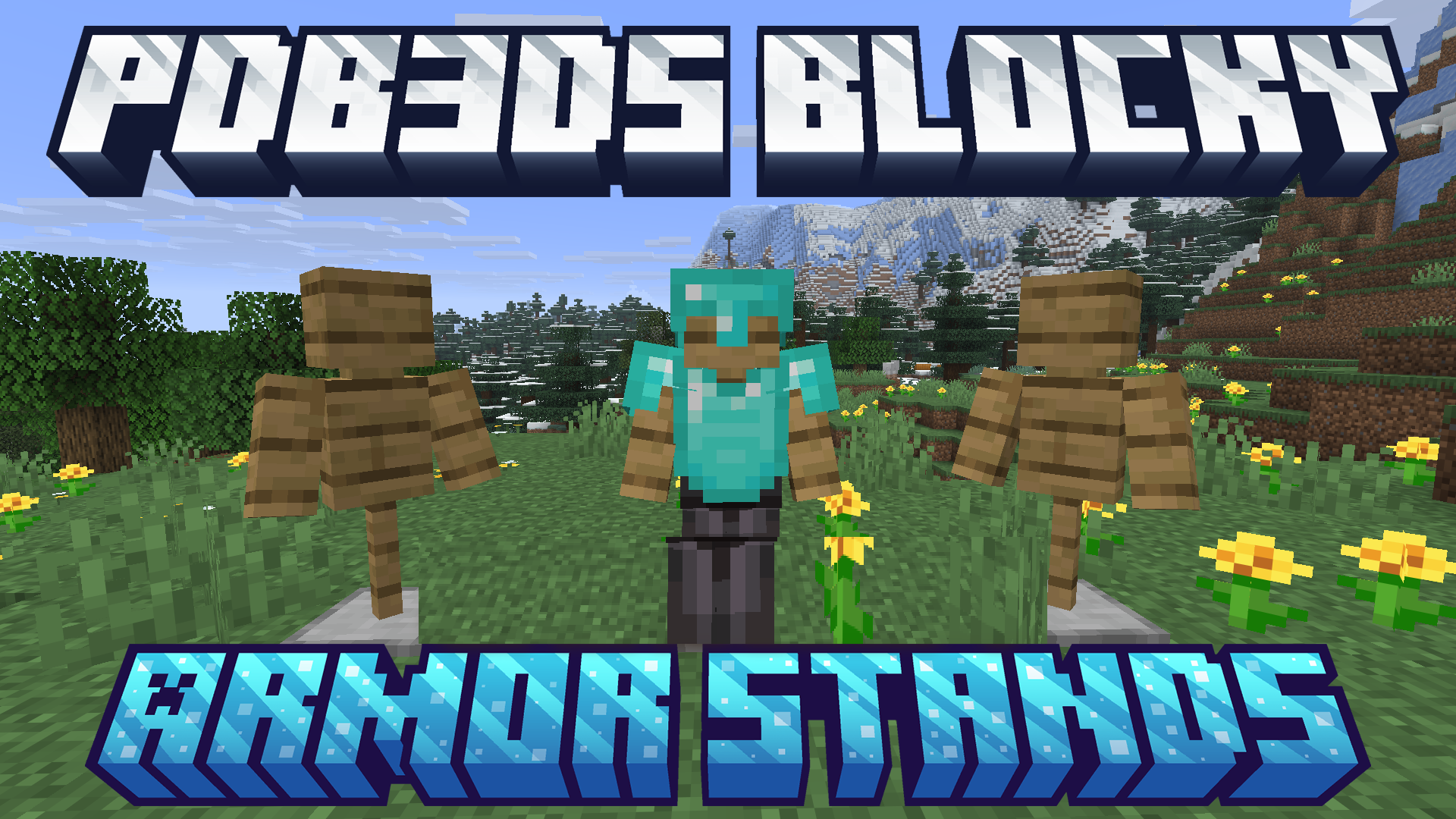
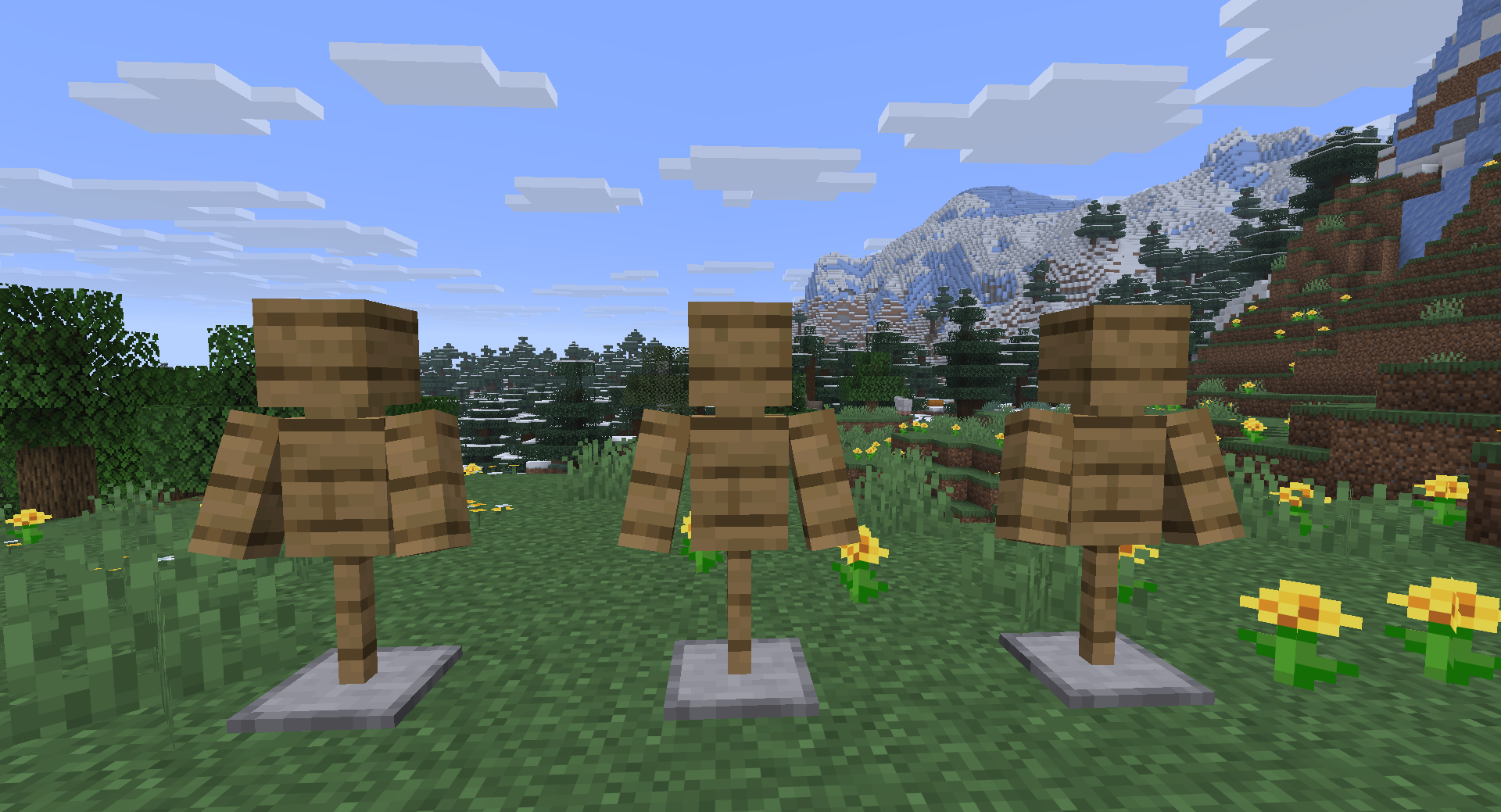
The thin standard armor stand turns into a more massive blocky construction after installing PDB3Ds Blocky Armor Stands. The new model receives angular arms, legs, and a body that better match character proportions and the overall structure of the Minecraft world.
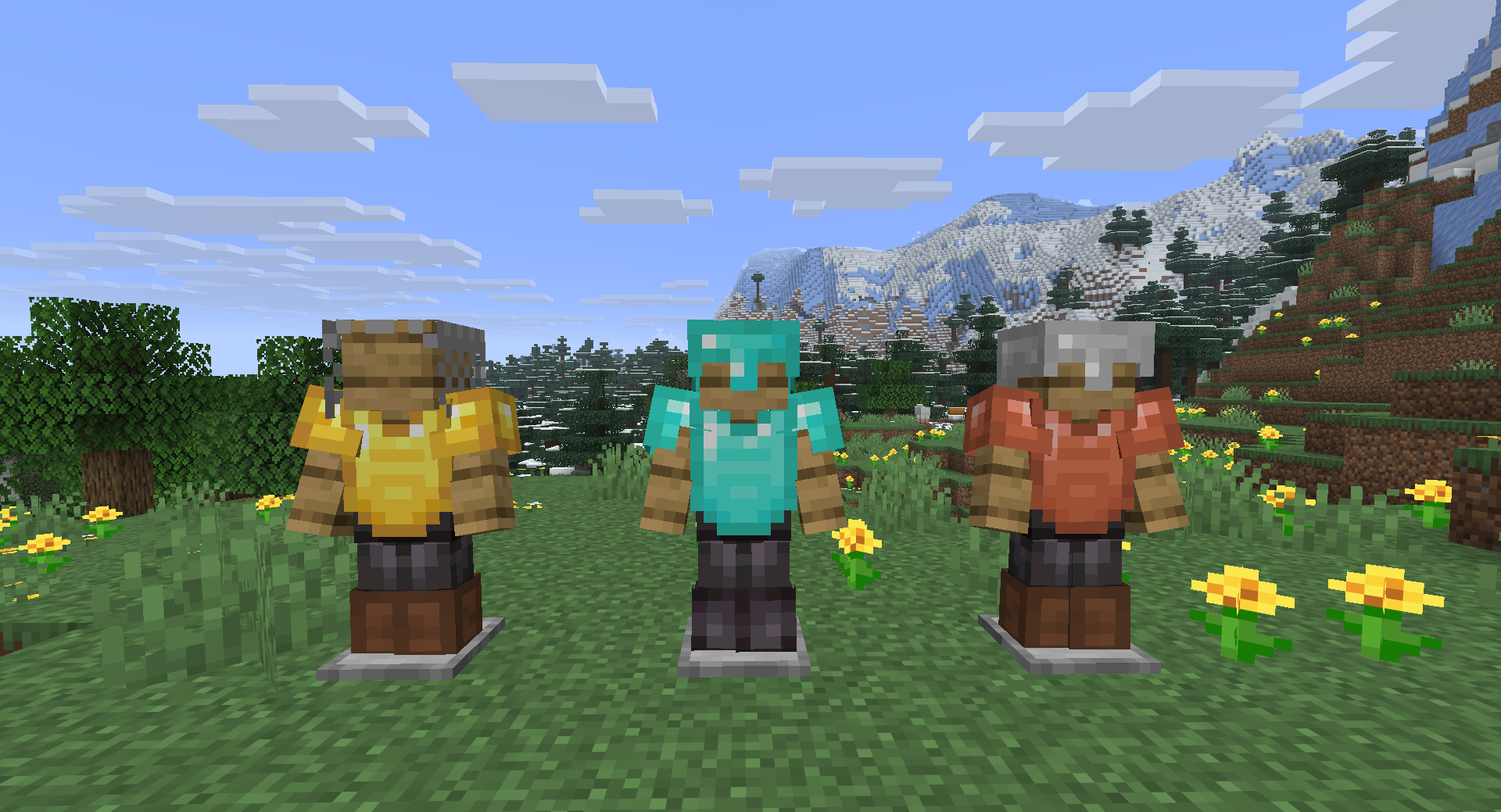
Thanks to the increased thickness, displayed armor sets stand out more clearly in armories, shops, museums, and medieval halls. The stand is still used in the usual way: armor, heads, and other supported items can be placed on it. The resource pack changes only its appearance, adding a sturdier and more expressive model without introducing any new functions.
How to install the texture pack:
First step: download and install PDB3Ds Blocky Armor Stands
Second step: copy the texture pack to the C:\Users\USER_NAME\AppData\Roaming\.minecraft\resourcepacks
Third step: in game settings choose needed resource pack.
Comments (0)