



Pinku’s Green GUI for Minecraft 26.2
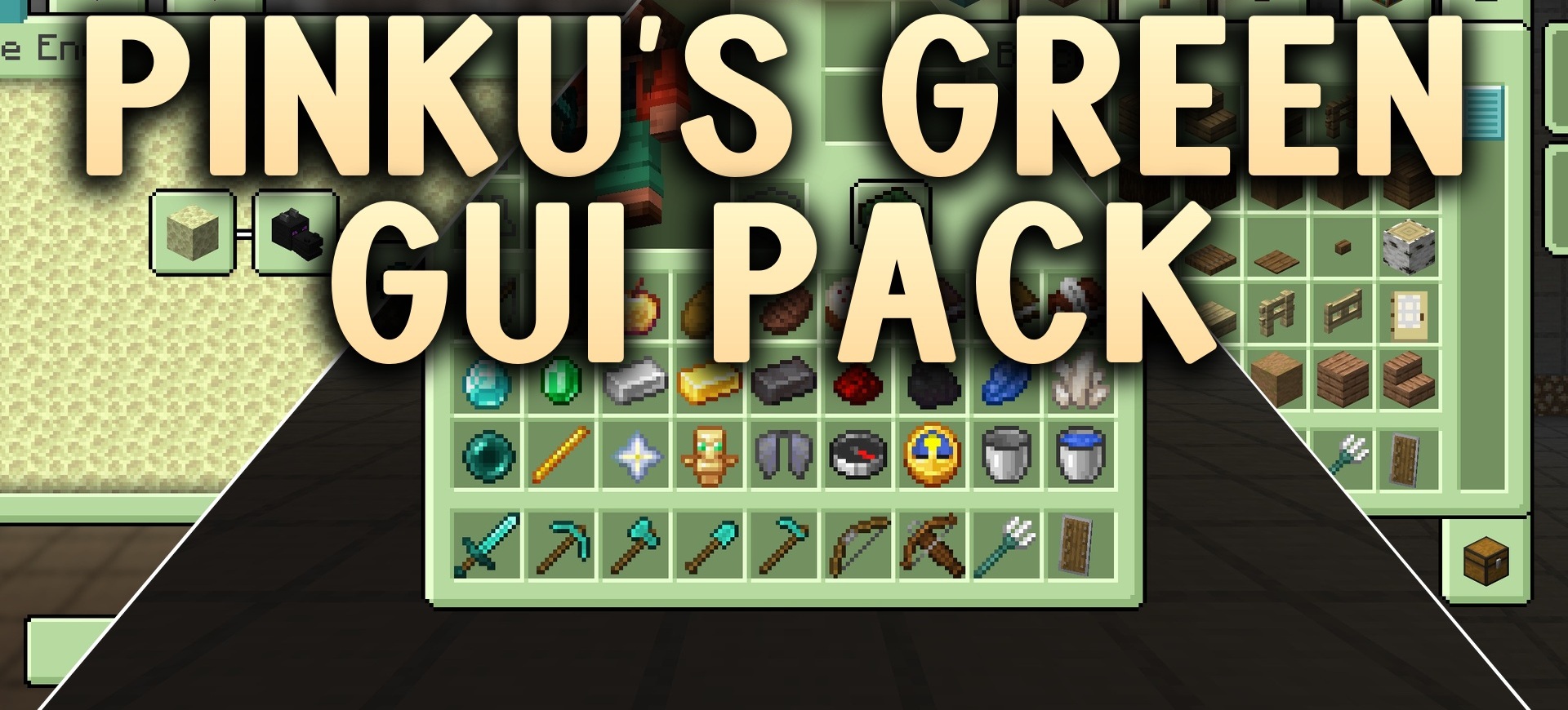
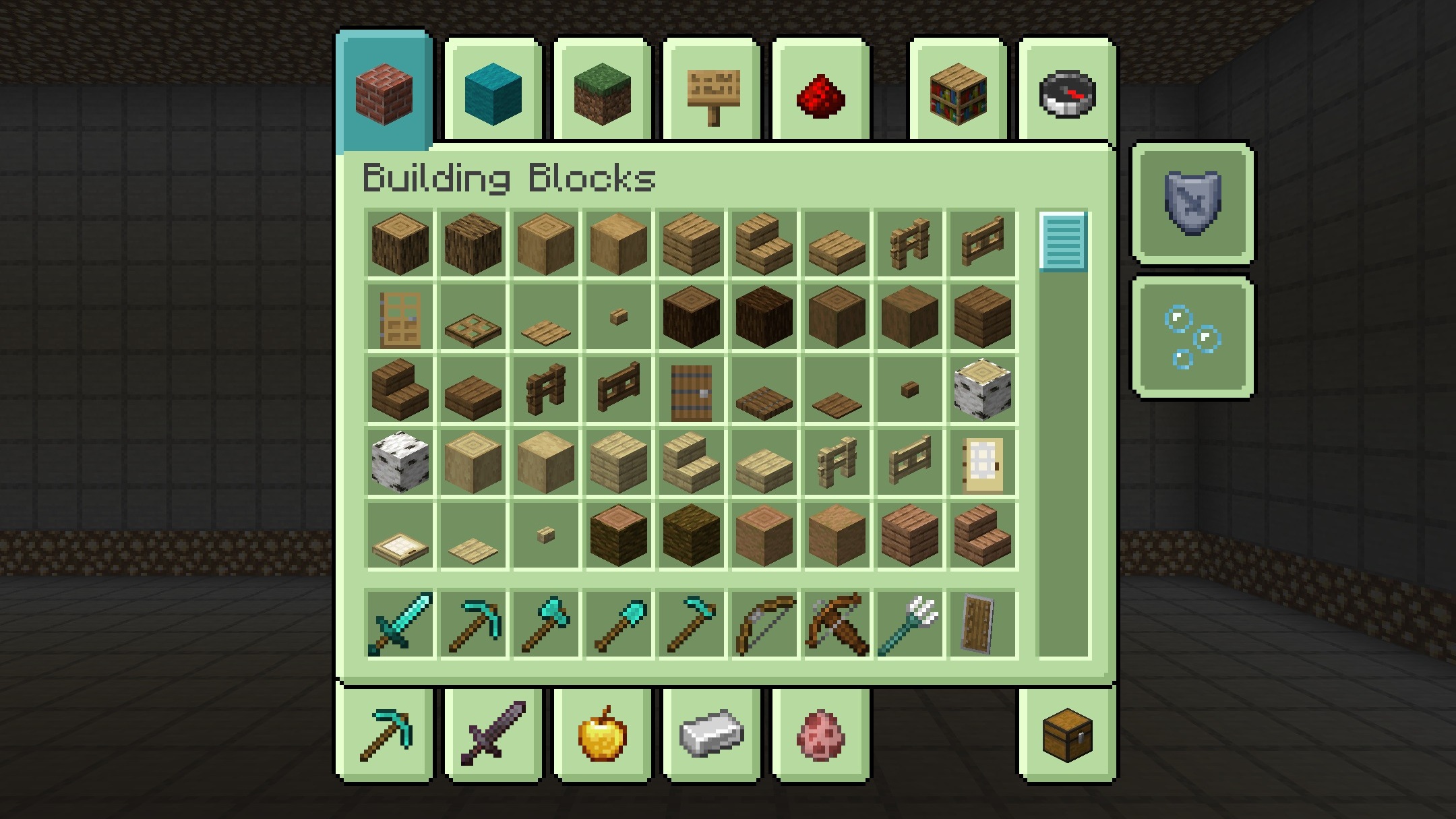
Pinku’s Green GUI creates a calmer green interface. Gray windows are replaced with soft pastel shades of green, while active buttons and highlighted elements receive mint-blue accents. The new theme extends to the inventory, crafting table, creative tabs, pause menu, and other standard screens.
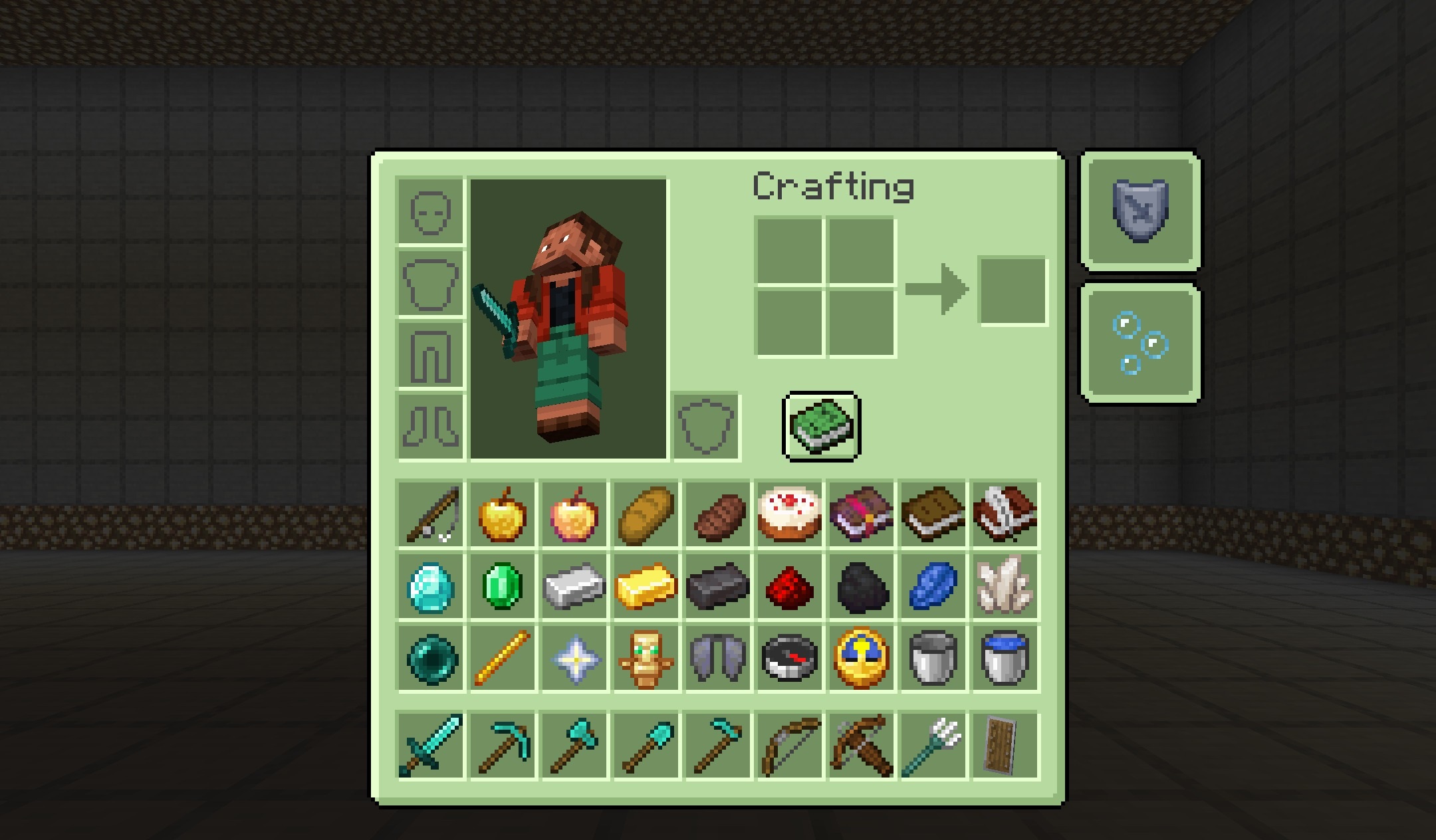
The hotbar is also redesigned to match the overall palette. The arrangement of buttons and slots remains the same, so there is no need to get used to the controls again. The pack does not affect world or item textures, allowing it to be used together with other resource packs.
How to install the texture pack:
First step: download and install Pinku’s Green GUI
Second step: copy the texture pack to the C:\Users\USER_NAME\AppData\Roaming\.minecraft\resourcepacks
Third step: in game settings choose needed resource pack.
Comments (0)