



Pinku’s Pink GUI Pack for Minecraft 26.2
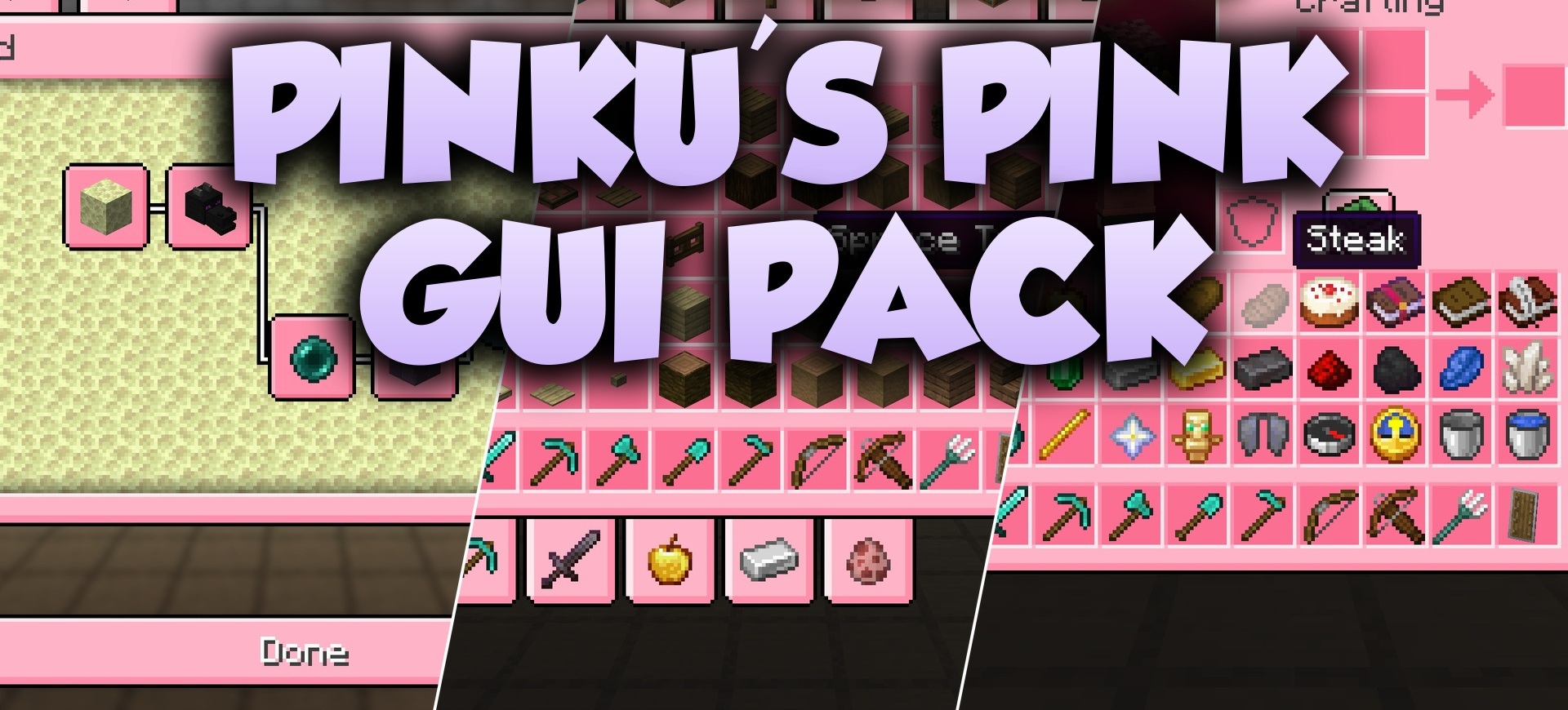
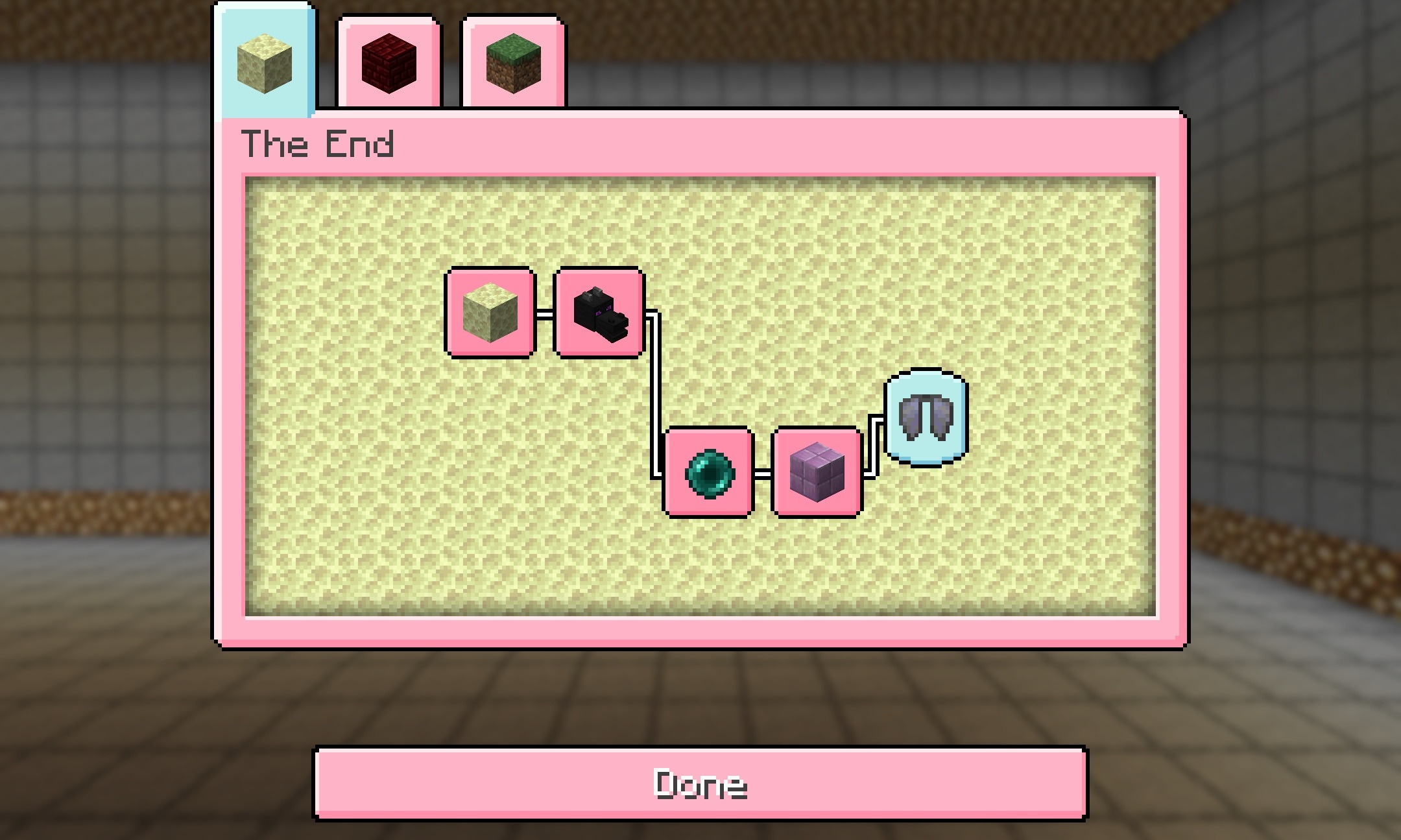
Pinku’s Pink GUI Pack replaces Minecraft’s gray windows with a pastel-pink interface with light-blue accents. The inventory, crafting table, storage interfaces, pause screen, settings, and main menu receive new designs. The hotbar also becomes pink, while the selected slot is highlighted with a blue marker.
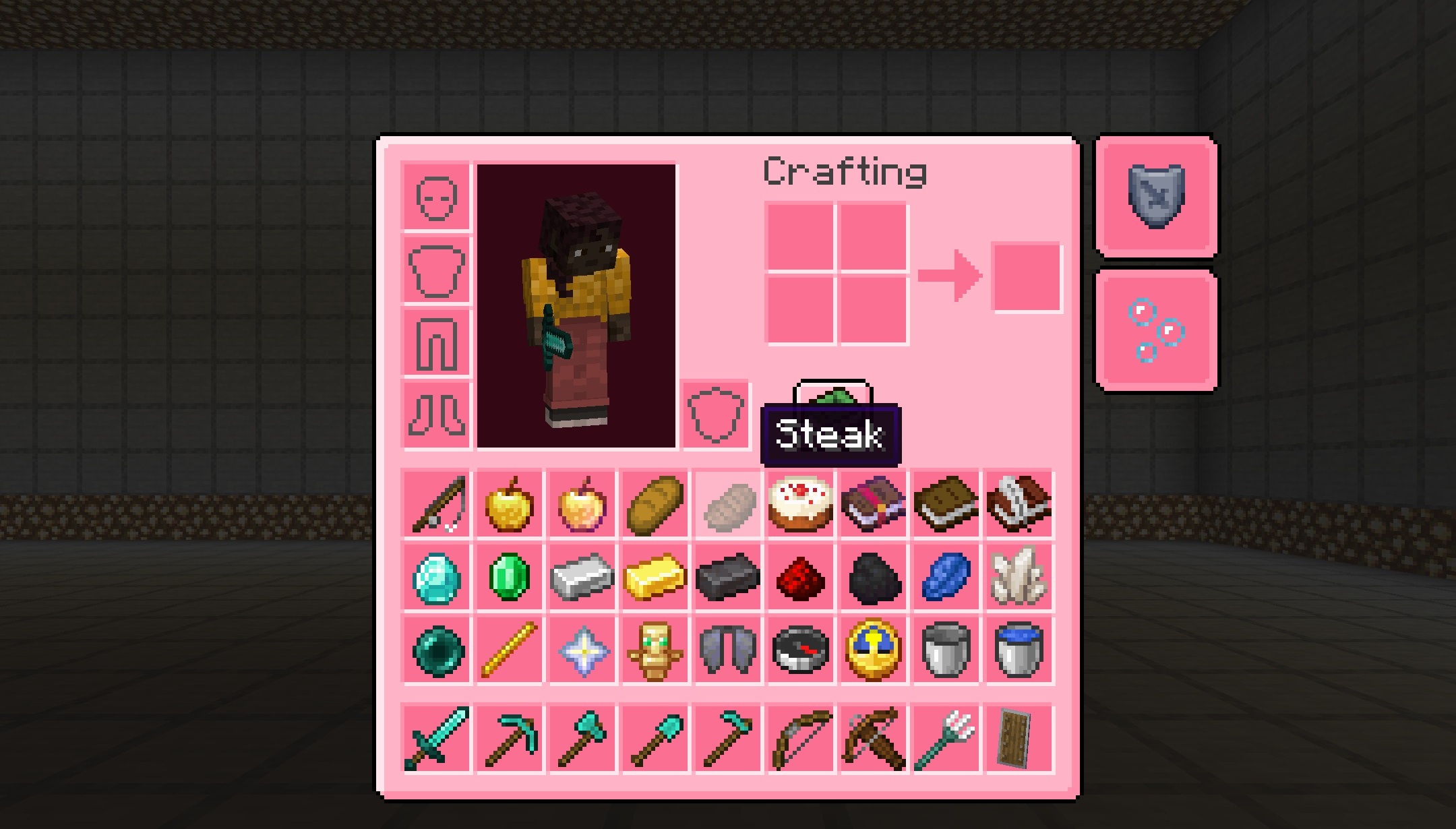
At the same time, item icons, block textures, and the contents of the world remain standard, so the changes do not interfere with quickly navigating the menus. The pack does not attempt to completely redesign the interface structure and keeps the familiar arrangement of buttons and slots.
How to install the texture pack:
First step: download and install Pinku’s Pink GUI Pack
Second step: copy the texture pack to the C:\Users\USER_NAME\AppData\Roaming\.minecraft\resourcepacks
Third step: in game settings choose needed resource pack.
Comments (0)