



Pollachius for Minecraft 26.2
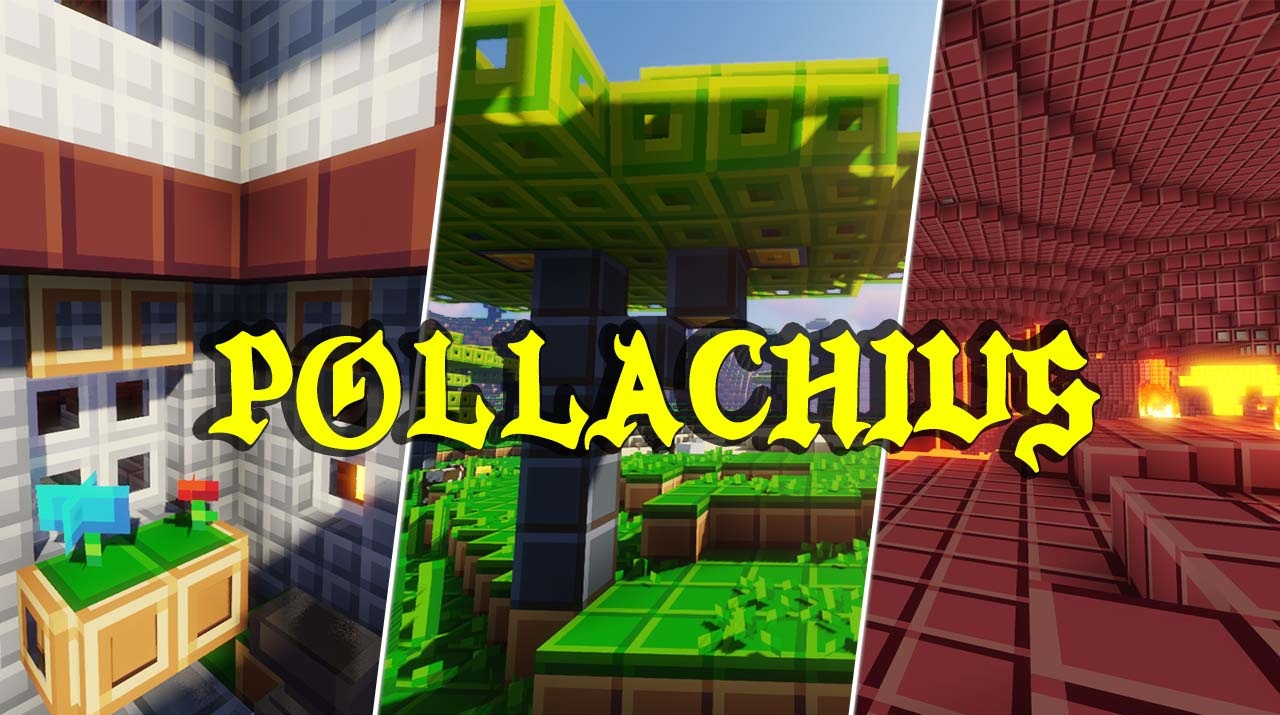
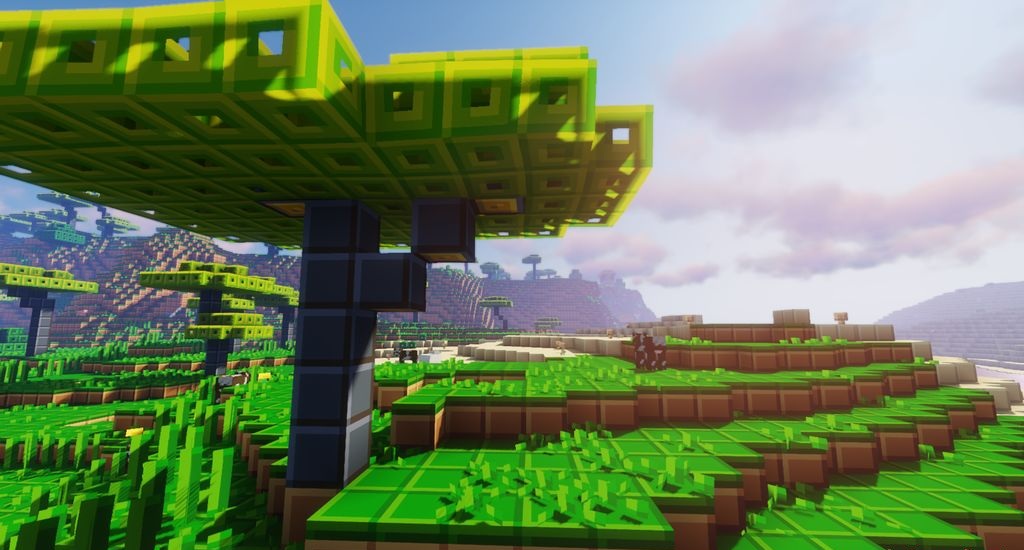
Pollachius does not try to make Minecraft realistic or overloaded with details. Its strength is elsewhere: the pack brings the world into a bright, clean, and understandable style, where every block looks simpler, but not poorer. The textures become more minimalistic, the colors richer, and the overall picture easier to perceive.
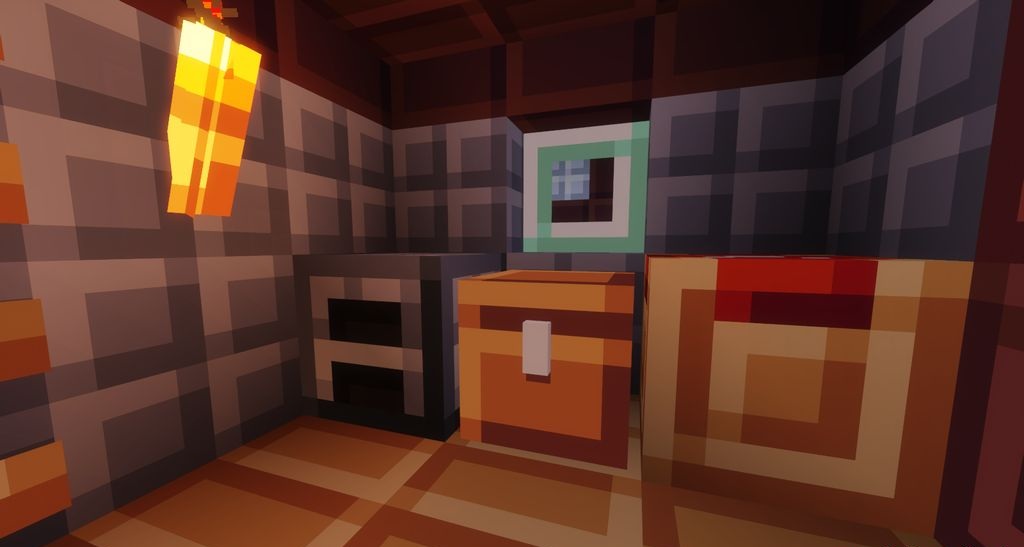
This approach works well in building: walls, roofs, roads, and decor read neatly, without visual noise. At the same time, the add-on does not require a powerful computer and preserves good performance even on weak devices. The game gains the feeling of a fresher, more collected version of vanilla Minecraft.
How to install the texture pack:
First step: download and install Pollachius
Second step: copy the texture pack to the C:\Users\USER_NAME\AppData\Roaming\.minecraft\resourcepacks
Third step: in game settings choose needed resource pack.
Comments (0)