



Prismatic Atmosphere for Minecraft 26.2
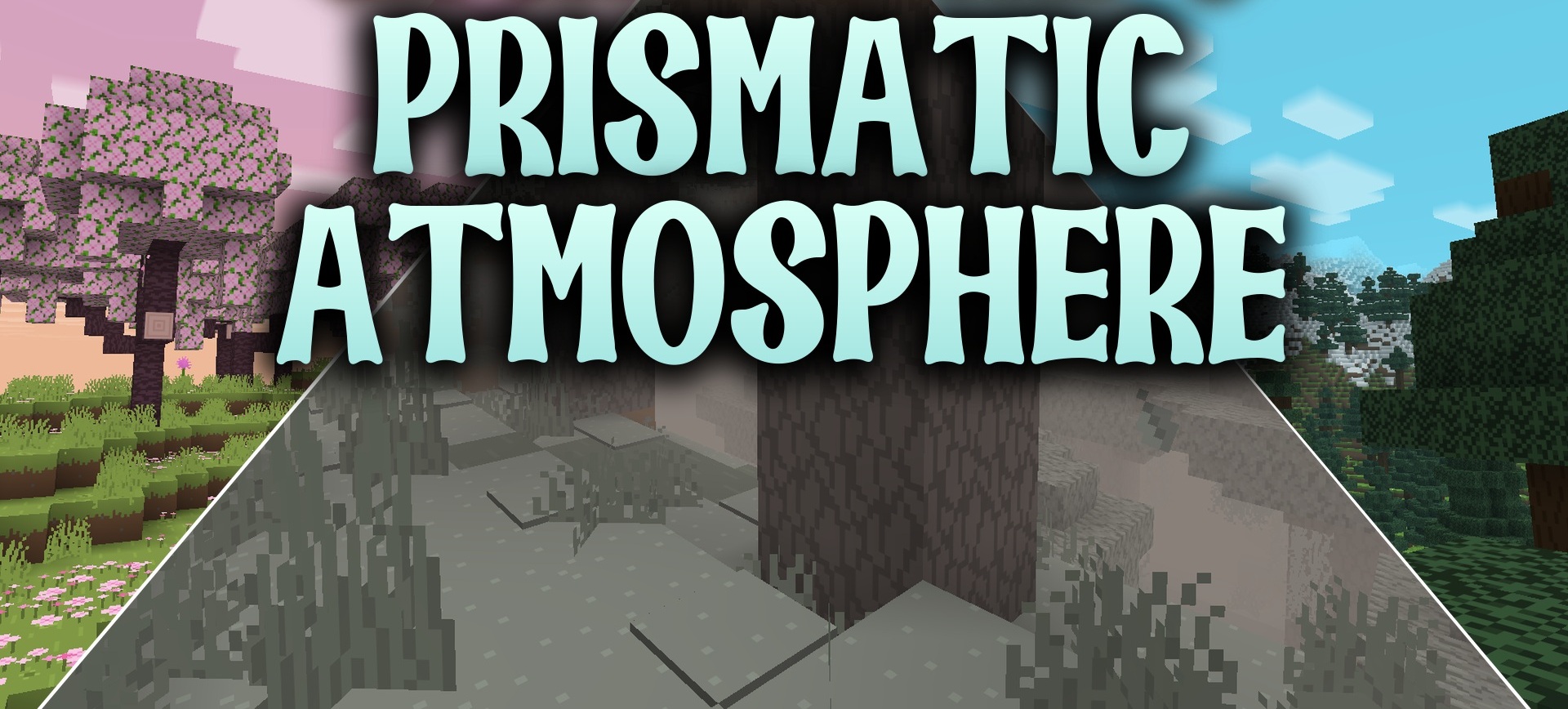
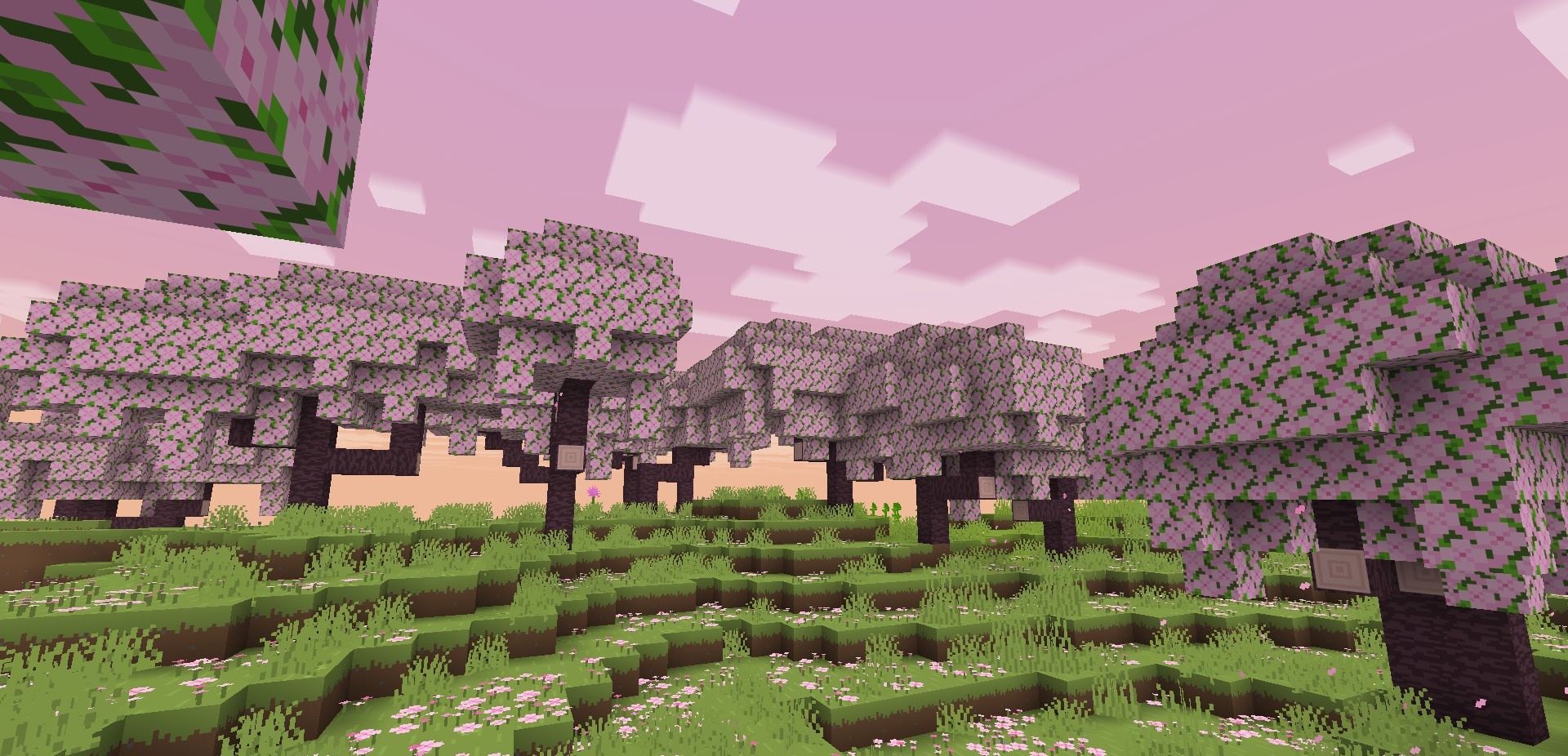
Prismatic Atmosphere changes not individual blocks, but the overall mood of each biome through its own sky and fog colors. Deserts receive warmer sunny shades, cherry groves become brighter and calmer, while gloomy areas such as the Pale Garden become noticeably darker.
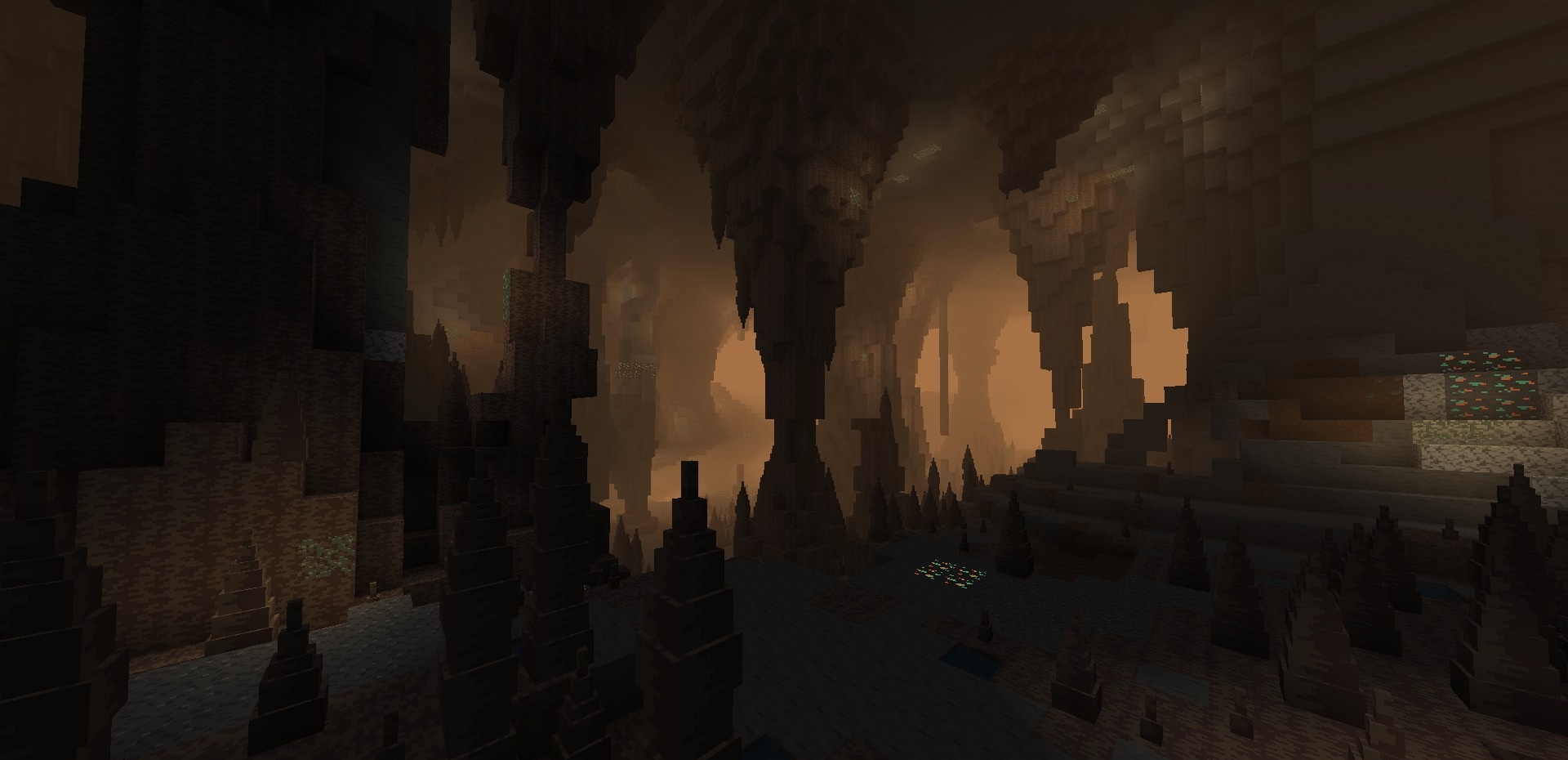
Caves use separate color profiles: dripstone areas are covered with a dusty haze, while sulfurous areas receive more toxic shades. Because of this, the transition between biomes is felt not only through vegetation and blocks, but also through the atmosphere itself. Polytone support improves the smoothness of color transitions between neighboring areas.
How to install the texture pack:
First step: download and install Prismatic Atmosphere
Second step: copy the texture pack to the C:\Users\USER_NAME\AppData\Roaming\.minecraft\resourcepacks
Third step: in game settings choose needed resource pack.
Comments (0)