



Rainbow’s Foliage for Minecraft 26.2
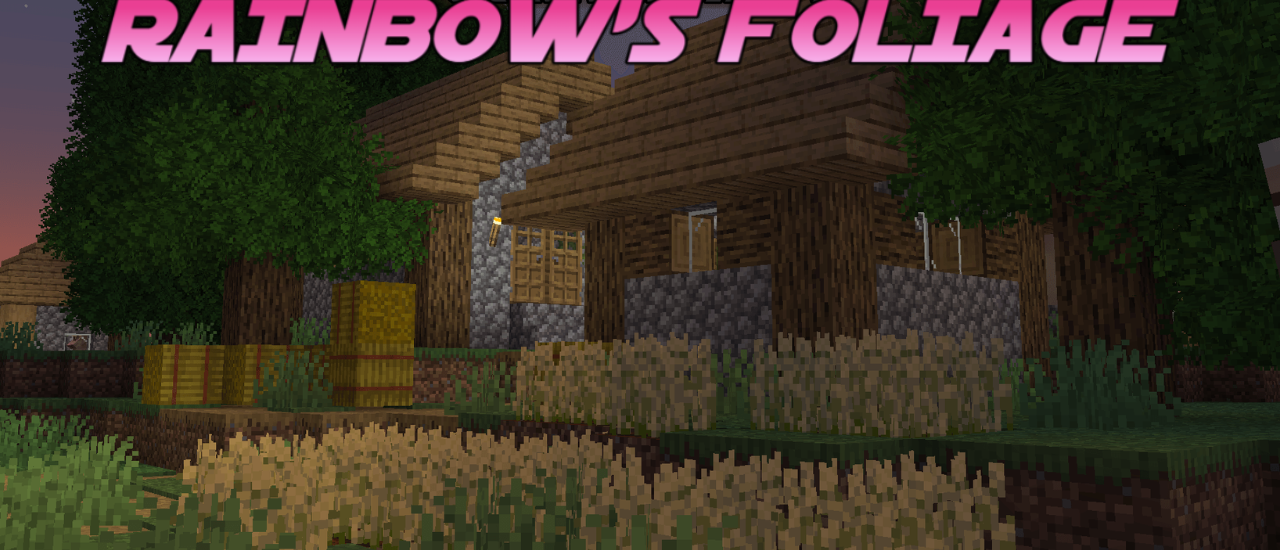
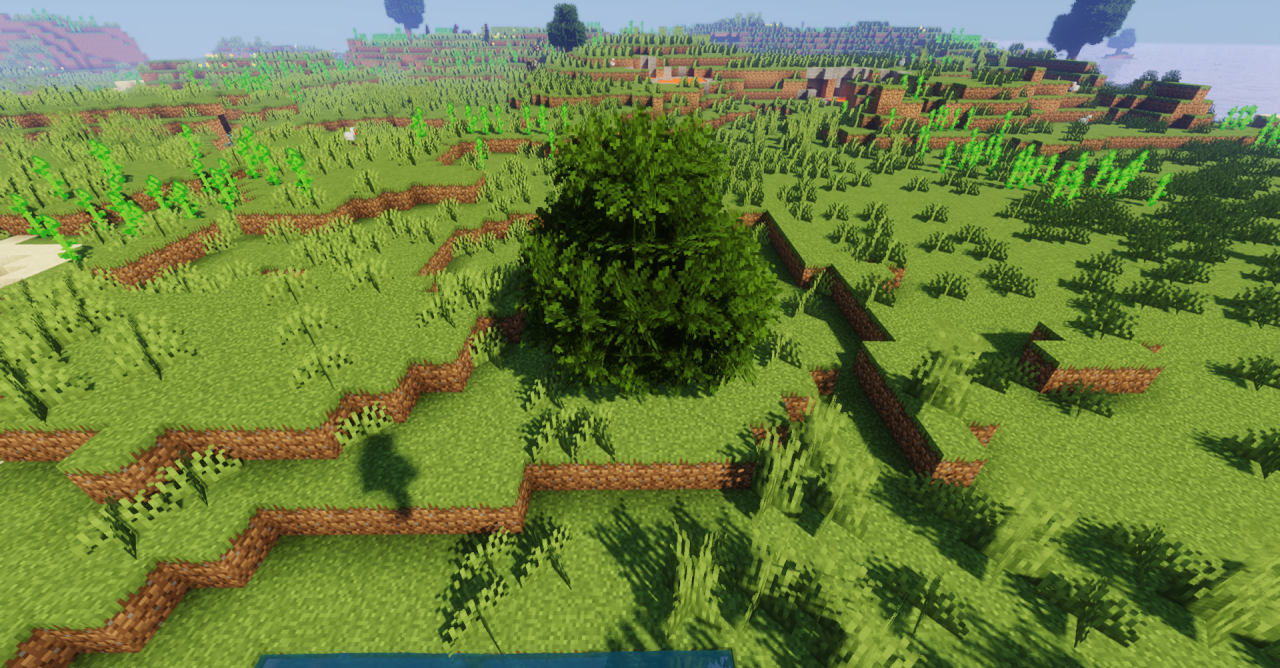
Rainbow’s Foliage makes tree canopies noticeably fuller without adding resource-intensive 3D models. The foliage gains more visual variety, and block edges no longer look like identical flat cubes. As a result, forests and jungles become denser while retaining Minecraft’s familiar blocky style.
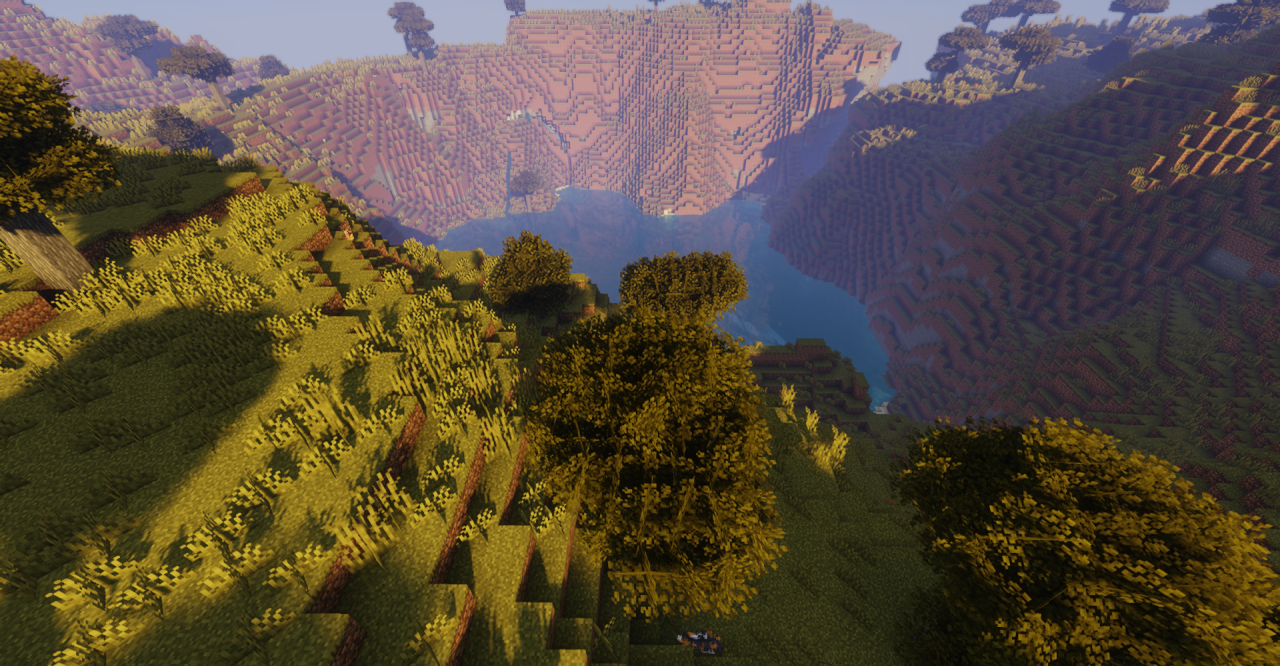
The pack has virtually no impact on performance, as it uses modified models and angles rather than complex 3D geometry. It works on its own in newer versions, while some older builds may require Puzzle. Other texture packs can be installed on top of it, provided they do not replace the leaf models.
How to install the texture pack:
Step 1: Download the texture pack using the link below.
Step 2: Extract the downloaded archive and copy the Rainbow’s Foliage folder to c:\Users\Пользователь\AppData\Roaming\.minecraft\resourcepacks\ (if this folder does not exist, create it yourself) (For Windows)
Step 3: In the game, go to Settings, then Resource Packs. Click the new texture pack’s icon in the list on the left.
Comments (0)