



Rainbow’s Foliage Polytone for Minecraft 26.2
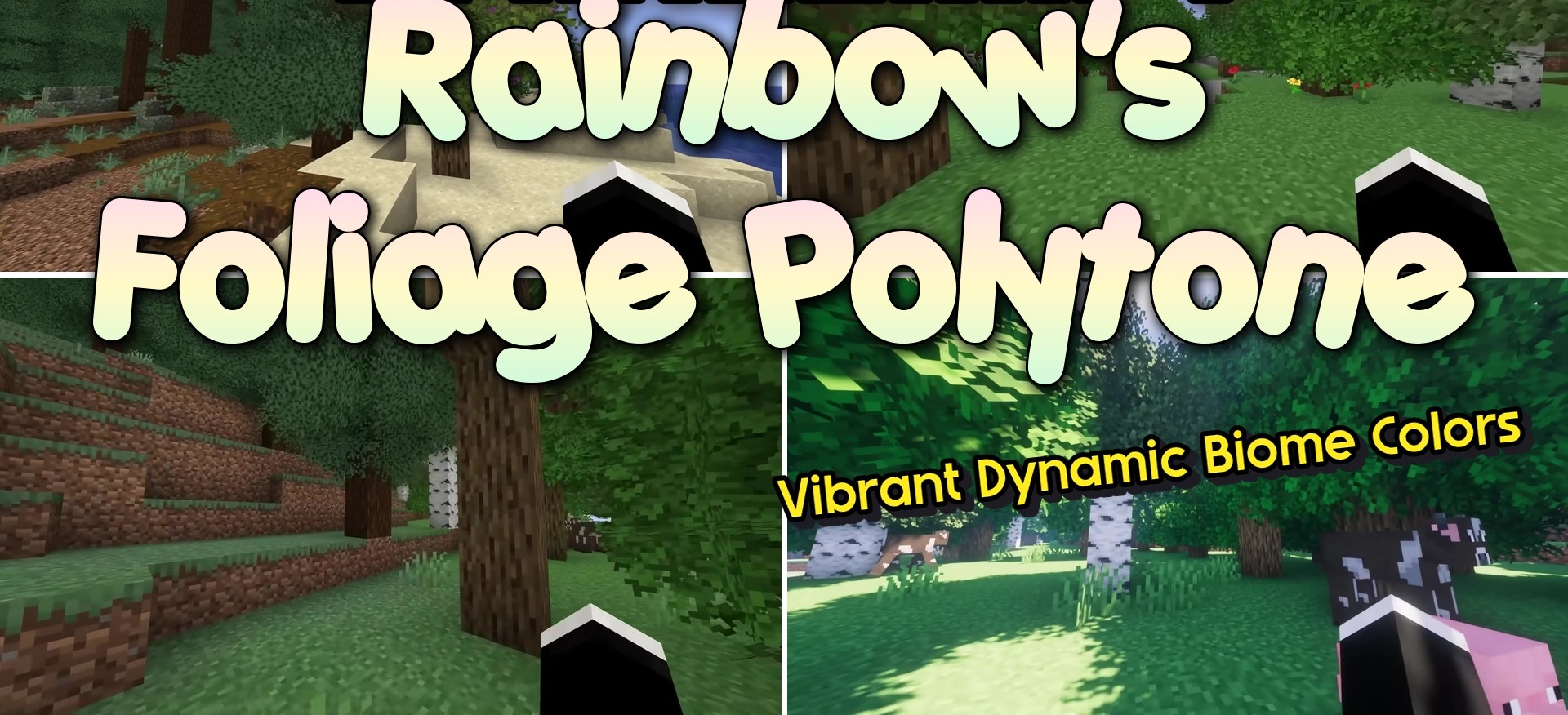
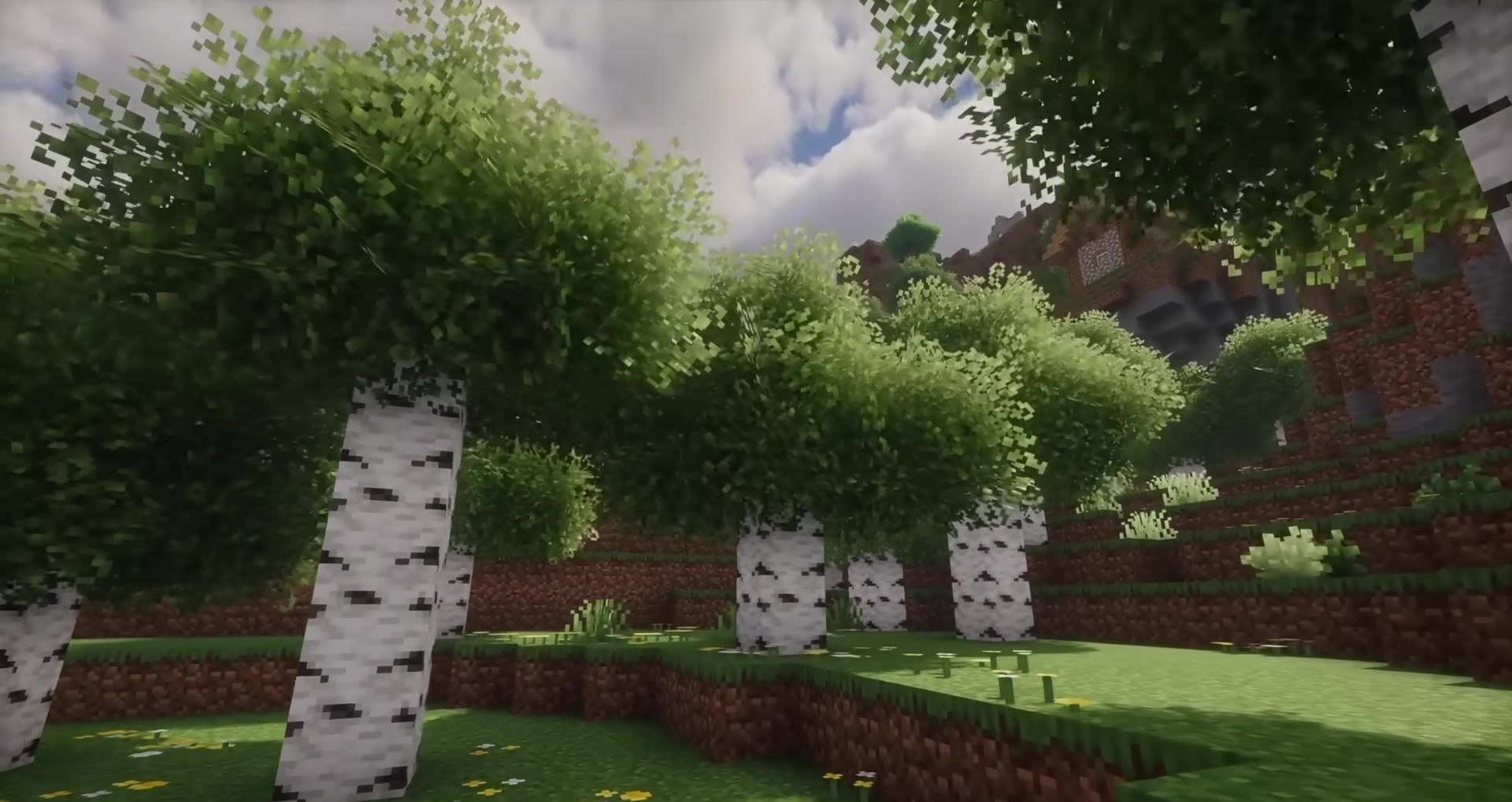
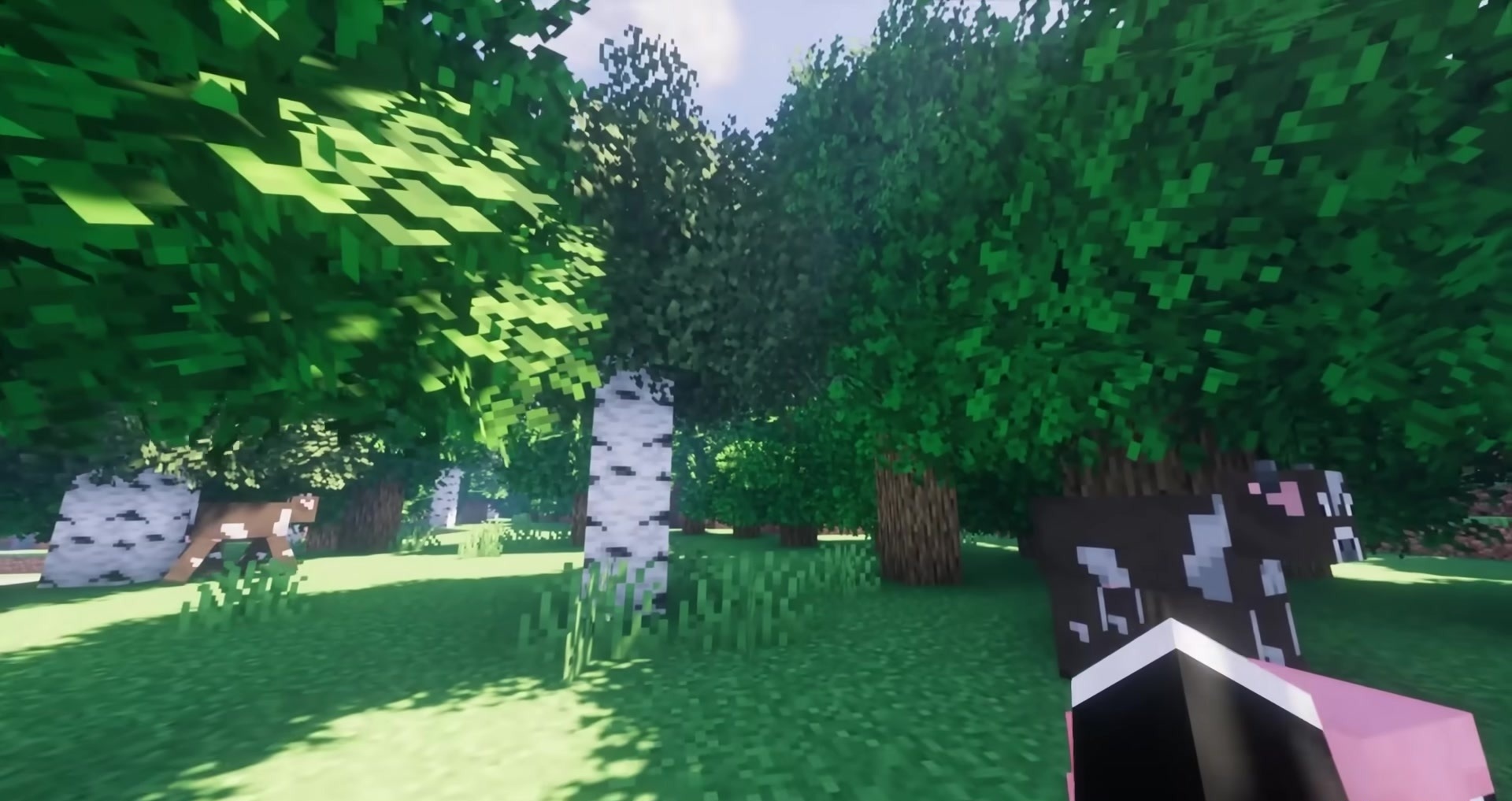
Rainbow’s Foliage makes tree canopies noticeably fuller without adding heavy volumetric models. The foliage gains more visual variety, while the edges of blocks no longer look like identical flat cubes. Thanks to this, forests and jungles become denser while retaining Minecraft’s familiar blocky style. The pack has almost no impact on performance because it uses modified models and angles instead of complex three-dimensional geometry.
On newer versions, it works on its own, while some older setups may require Puzzle. Other texture packs can be installed on top of it as long as they do not replace the leaf models.
How to install the texture pack:
First step: download and install Rainbow’s Foliage Polytone
Second step: copy the texture pack to the C:\Users\USER_NAME\AppData\Roaming\.minecraft\resourcepacks
Third step: in game settings choose needed resource pack.
Comments (0)