



Realistic Wolves for Minecraft 26.2
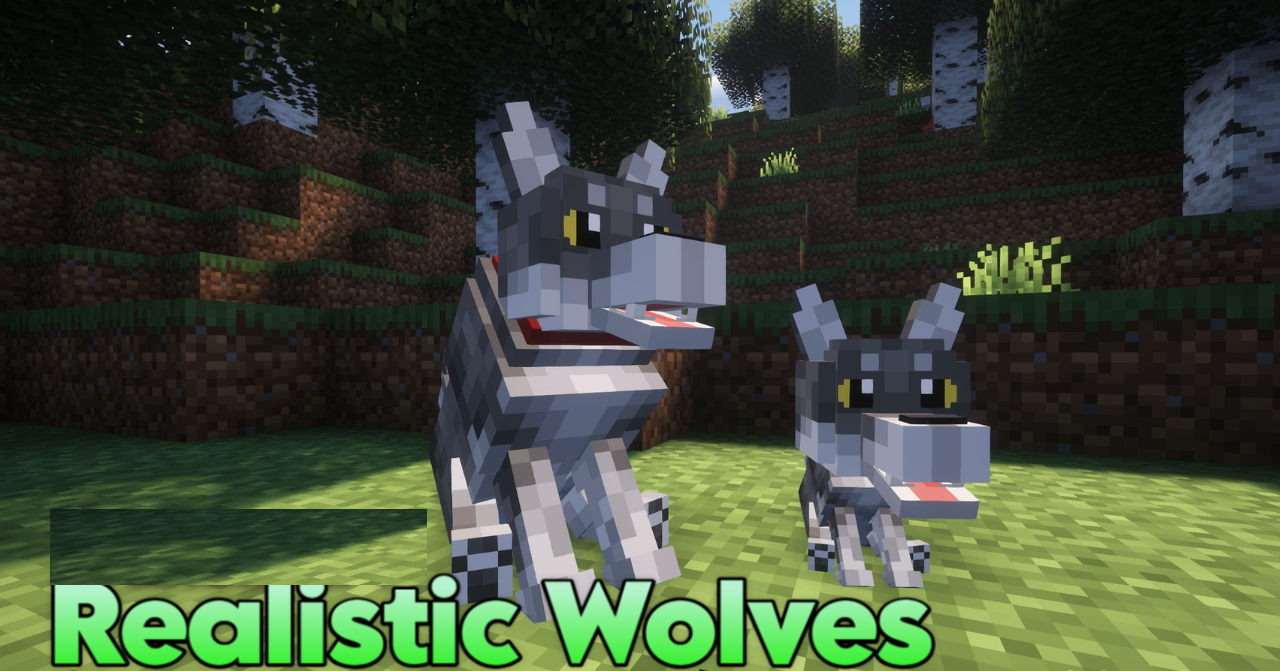
Realistic Wolves focuses on one mob, but changes it noticeably. Wolves receive more detailed fur, new color shades, and more expressive faces. The vanilla wolf usually looks quite simple: a gray body, basic shape, and minimal detail.
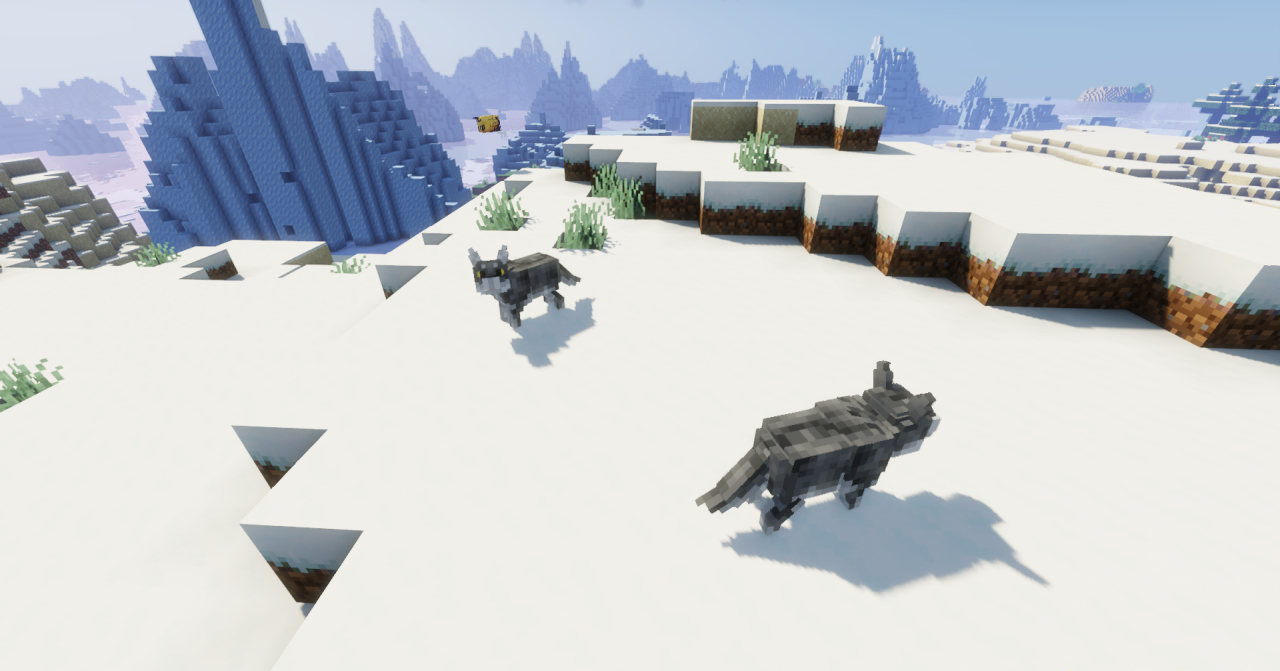
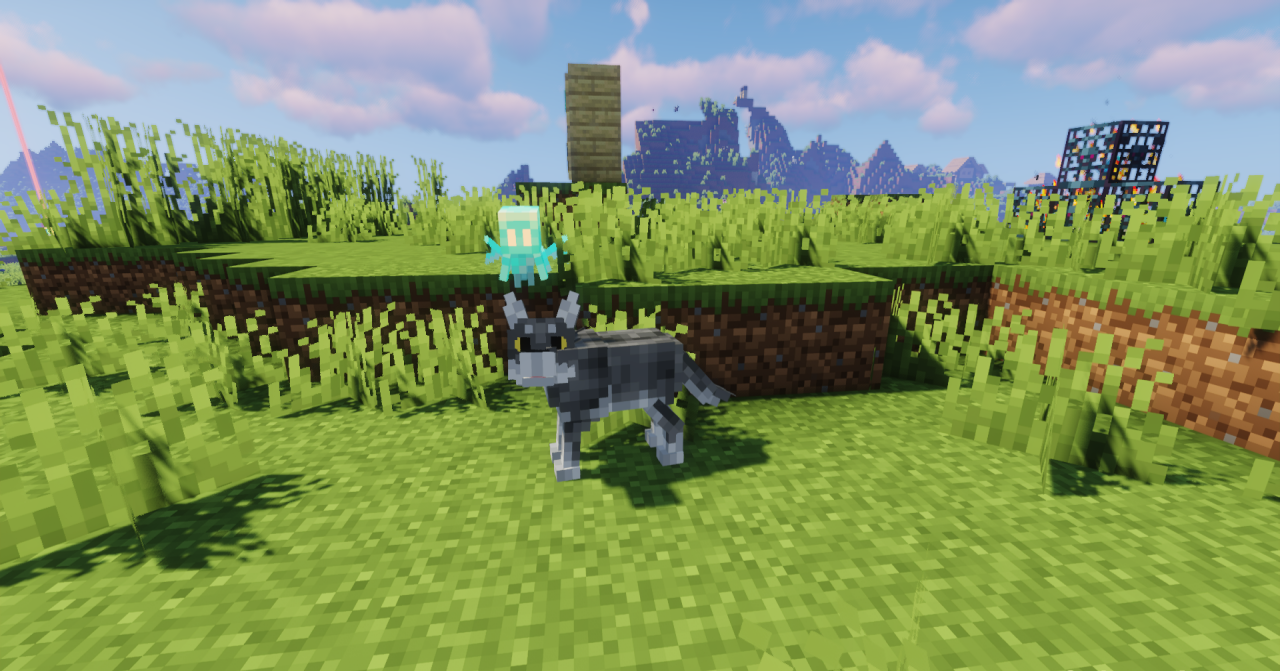
After installing the pack, the texture gains more naturalness without touching the model itself or the behavior. Tamed wolves, forest packs, and pets near the base look less identical and stand out better against other animals. The fur becomes more dimensional through the pattern, and color variations help move away from the feeling of copies of the same mob.
How to install the texture pack:
First step: download and install Realistic Wolves
Second step: copy the texture pack to the C:\Users\USER_NAME\AppData\Roaming\.minecraft\resourcepacks
Third step: in game settings choose needed resource pack.
Comments (0)