



Realistic Woods for Minecraft 26.2
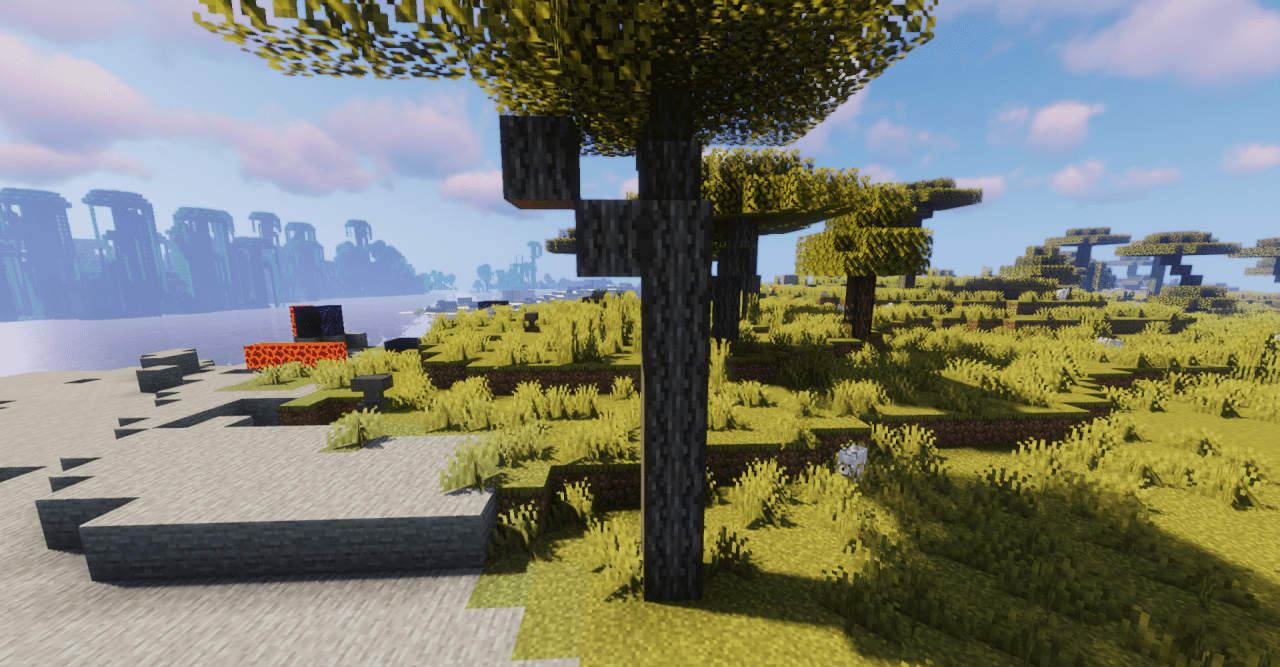
Realistic Woods reworks wood so that wooden blocks stop looking too smooth and identical. More pronounced fibers, knots, shade transitions, and small differences between surfaces appear in the textures. Because of this, logs, planks, and wooden elements read better as a material, not just as a colored building block.
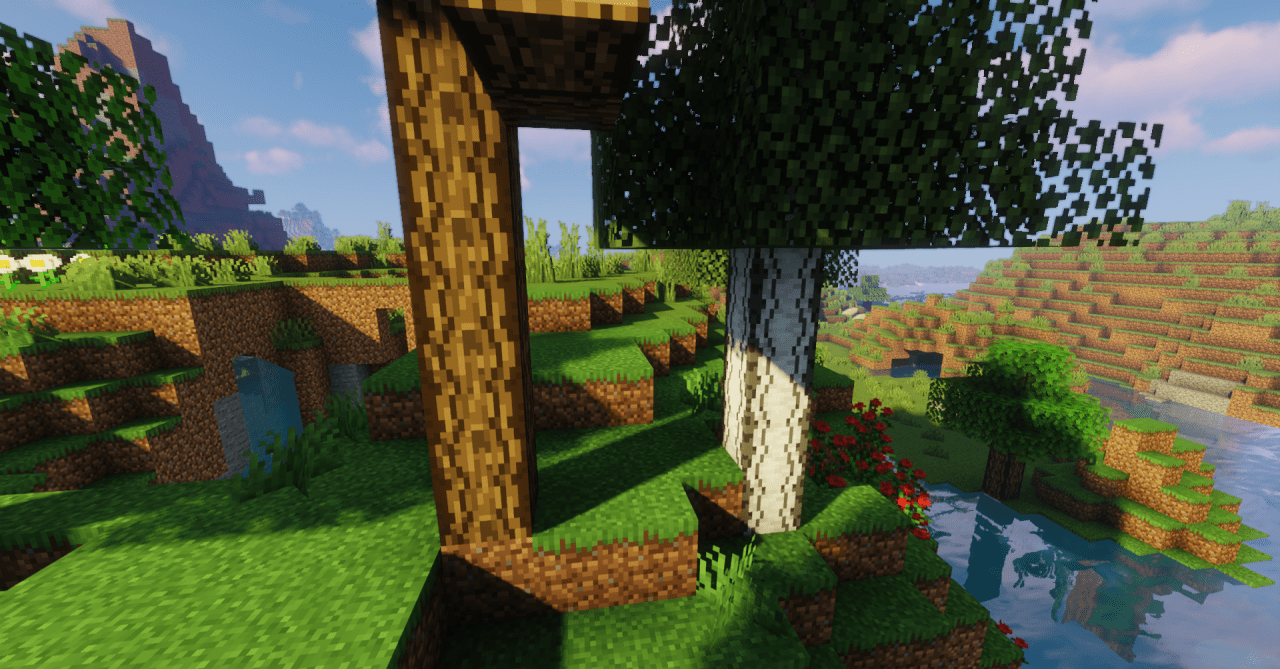
In builds, the direction of the texture becomes more noticeable: walls, floors, beams, and roofs get more depth. At the same time, the pack does not take wood into photorealism so far that it stands out from the blocky world. Wood remains recognizable, but it looks denser and richer.
How to install the texture pack:
First step: download and install Realistic Woods
Second step: copy the texture pack to the C:\Users\USER_NAME\AppData\Roaming\.minecraft\resourcepacks
Third step: in game settings choose needed resource pack.
Comments (0)