



Recolourful Containers GUI + HUD for Minecraft 26.2
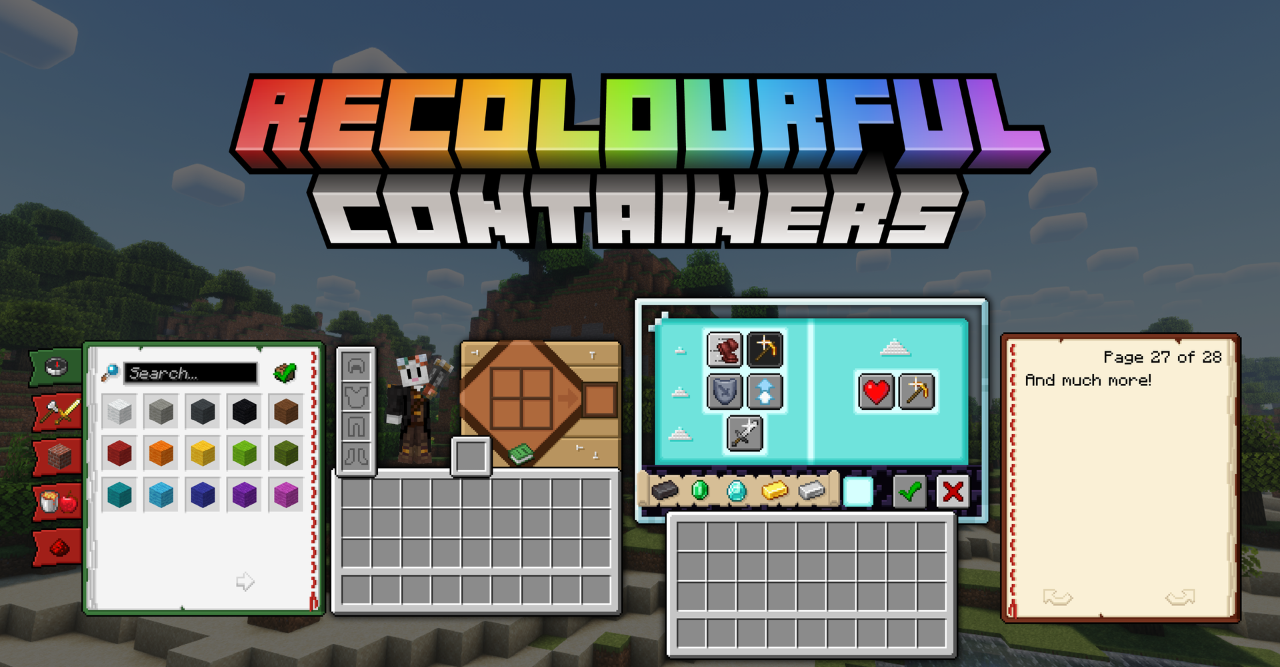
In standard Minecraft, many menus look almost the same: the crafting table, furnace, enchanting table, and other blocks quickly merge into one gray mass. Recolourful Containers GUI + HUD makes interfaces more distinguishable.
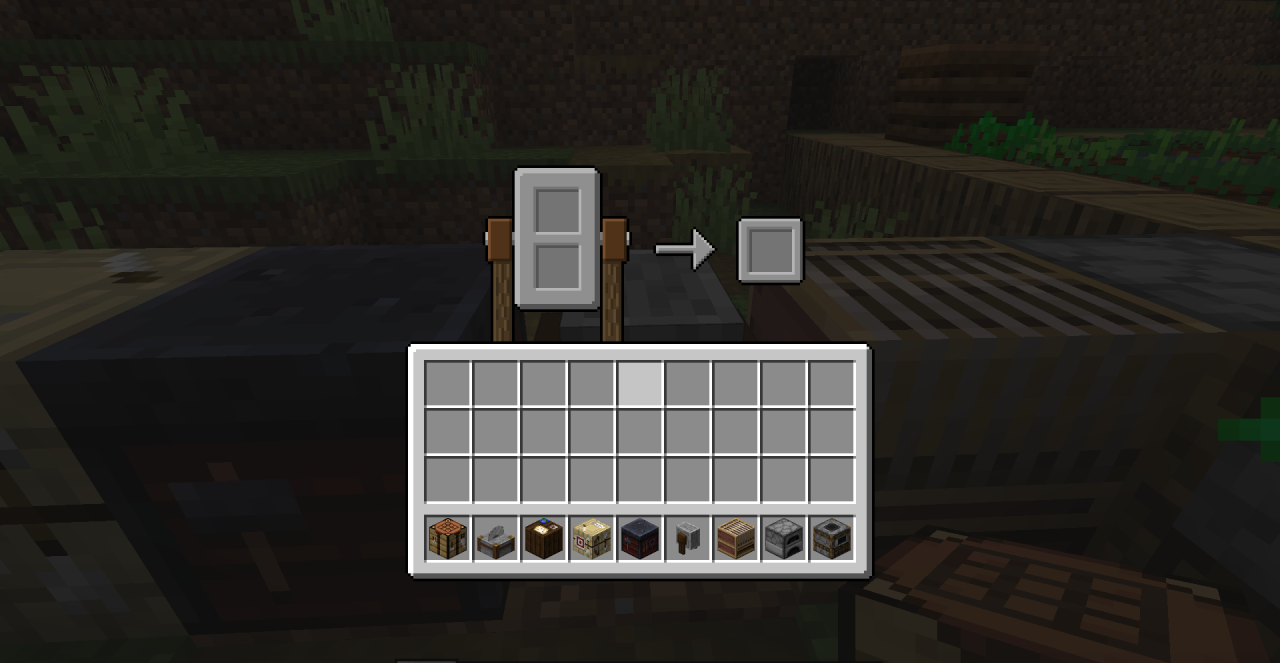
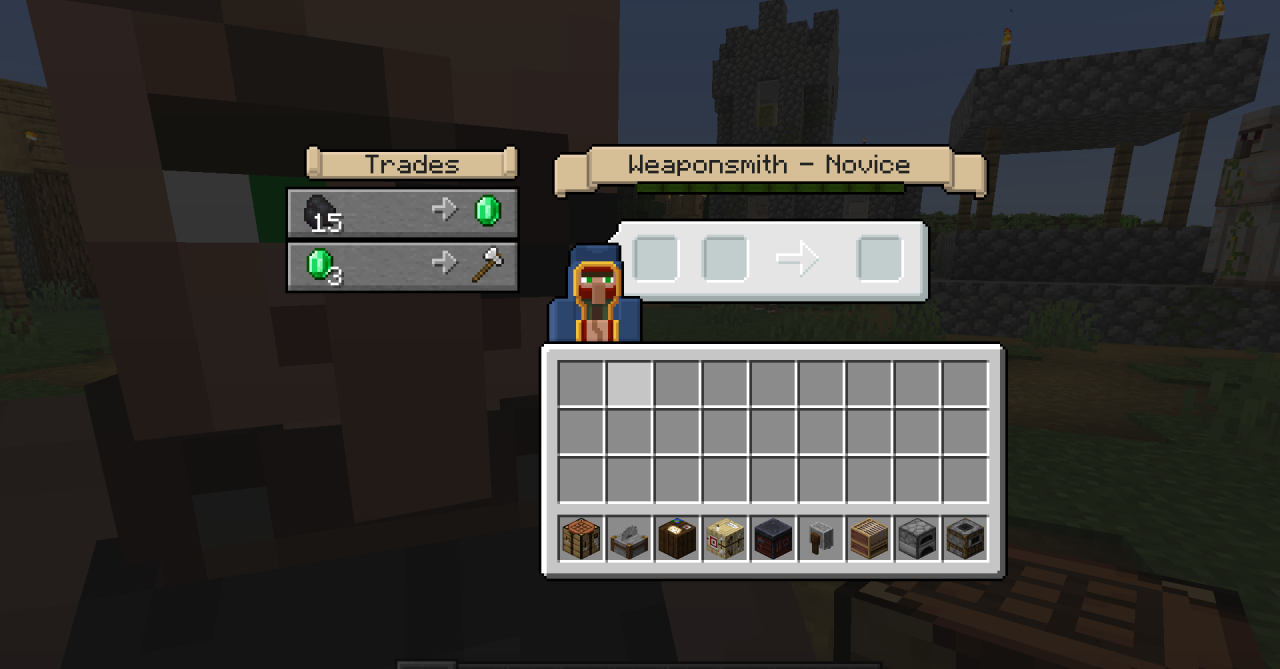
Each container receives a design connected to the block itself, so the crafting, enchanting, or other interactive item screen feels separate, not just like a copy of the basic GUI. The colors help you read faster where you are and make frequent menu opening less boring. At the same time, the pack affects not only windows, but also HUD elements, so the visual style feels more consistent.
How to install the texture pack:
First step: download and install Recolourful Containers GUI + HUD
Second step: copy the texture pack to the C:\Users\USER_NAME\AppData\Roaming\.minecraft\resourcepacks
Third step: in game settings choose needed resource pack.
Comments (0)