



Redstone Tweaks for Minecraft 26.2
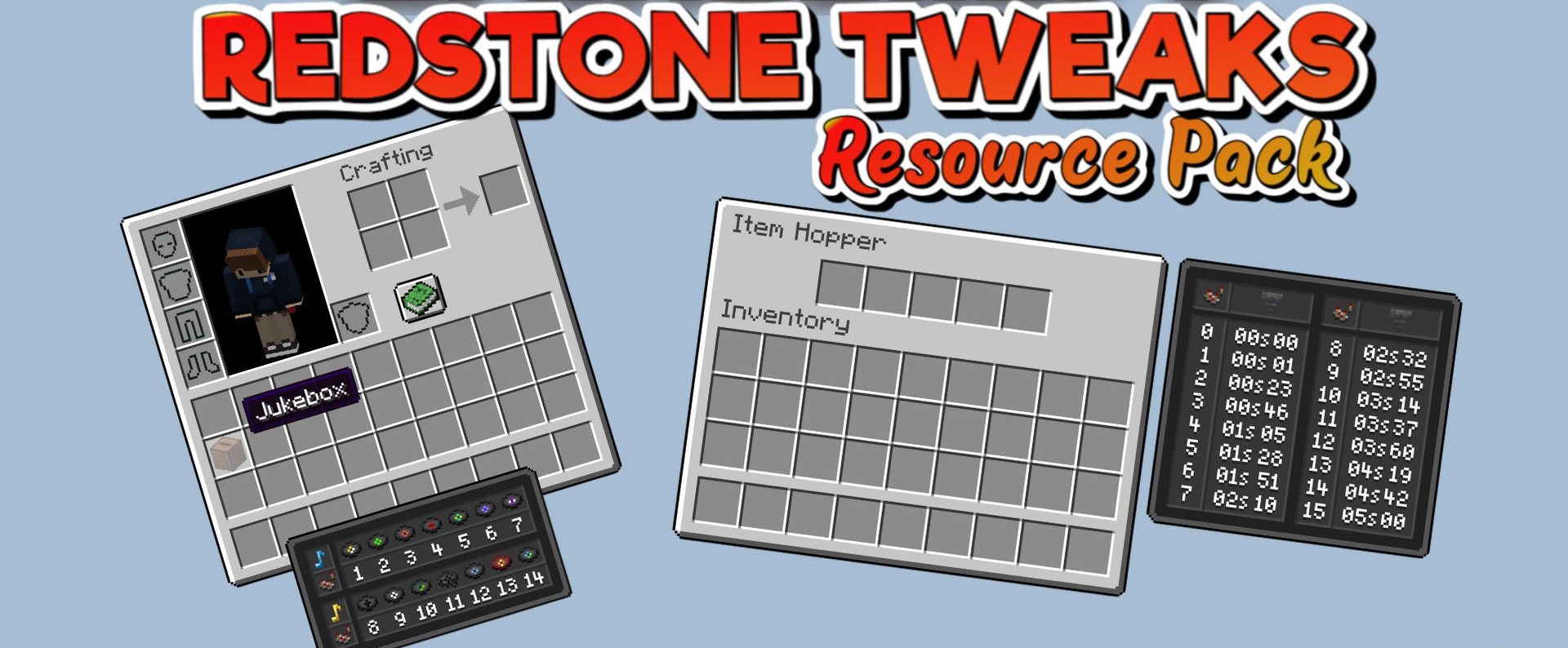
Redstone Tweaks makes redstone easier to understand visually while preserving the vanilla style. The pack displays the states of redstone blocks and components that normally have to be checked through the behavior of a circuit. This makes it easier to read circuits, locate active sections, track changes, and understand why a mechanism is not working as expected.
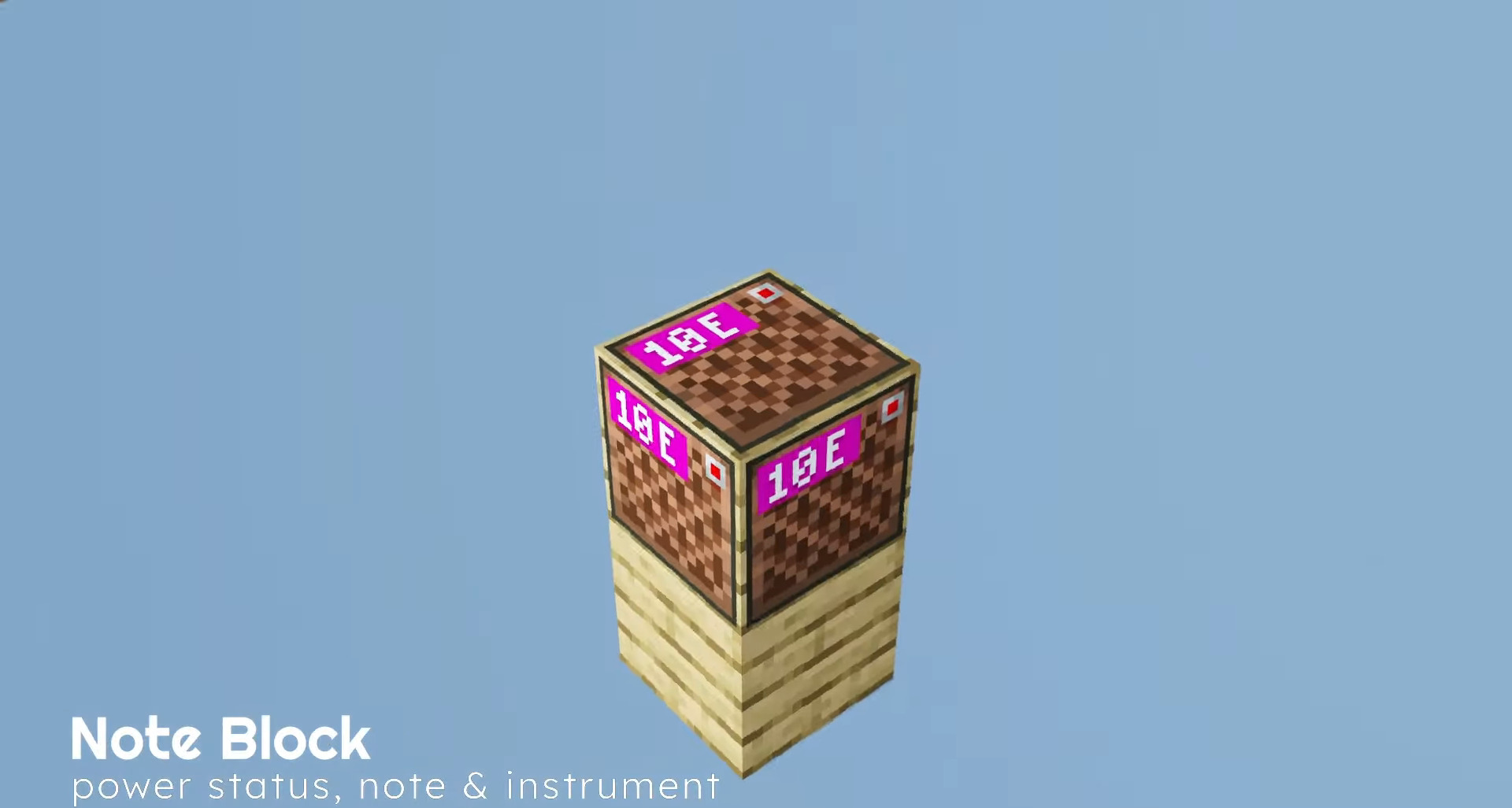
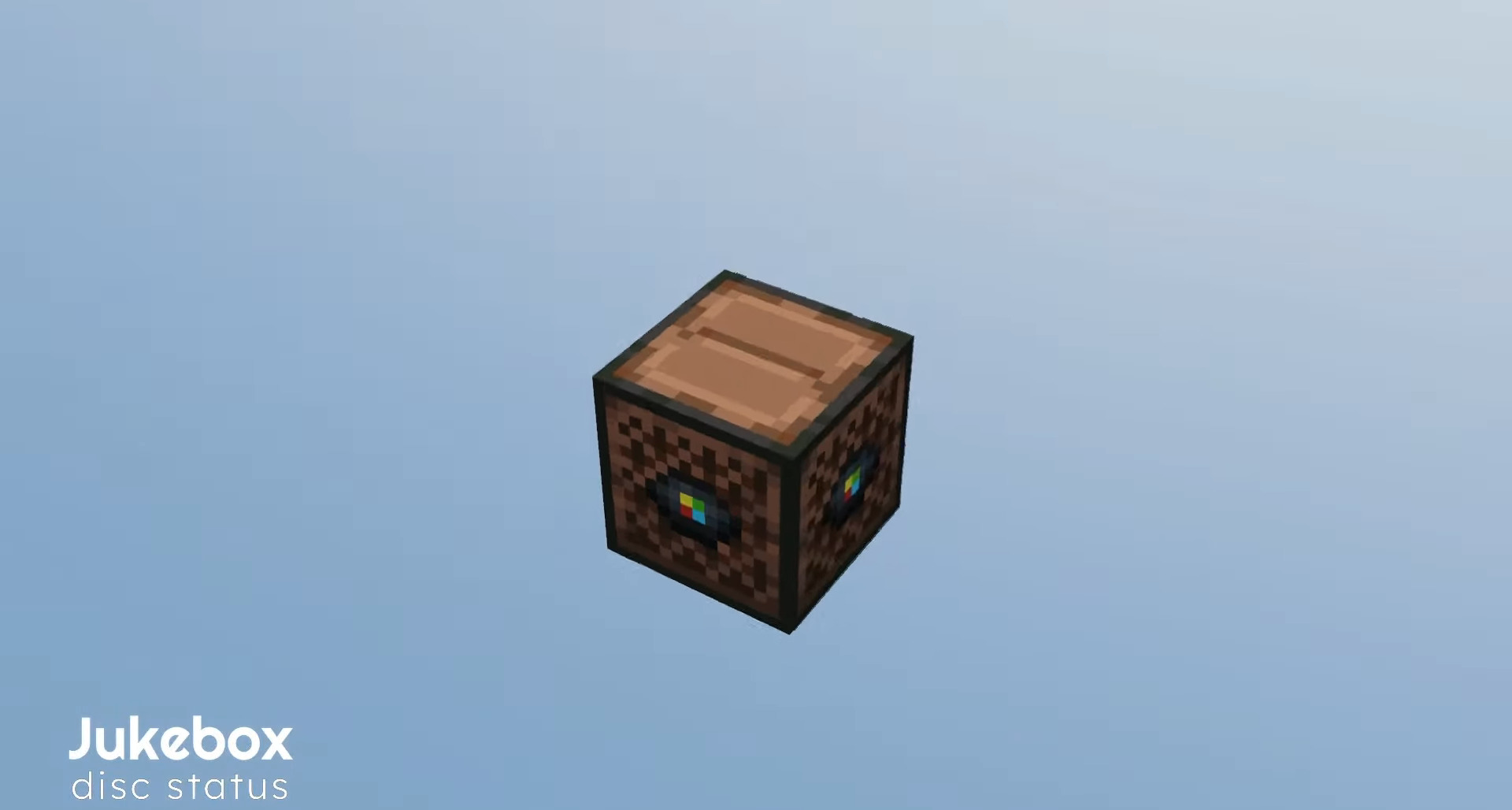
The visual changes do not turn redstone into a different set of blocks; they clarify familiar elements and make them more informative. The resource pack does not change signals, delays, or block mechanics, but helps reveal what is already happening inside a circuit and is normally hidden behind standard textures.
How to install the texture pack:
First step: download and install Redstone Tweaks
Second step: copy the texture pack to the C:\Users\USER_NAME\AppData\Roaming\.minecraft\resourcepacks
Third step: in game settings choose needed resource pack.
Comments (0)