



Remodeled Doors 3D for Minecraft 26.2
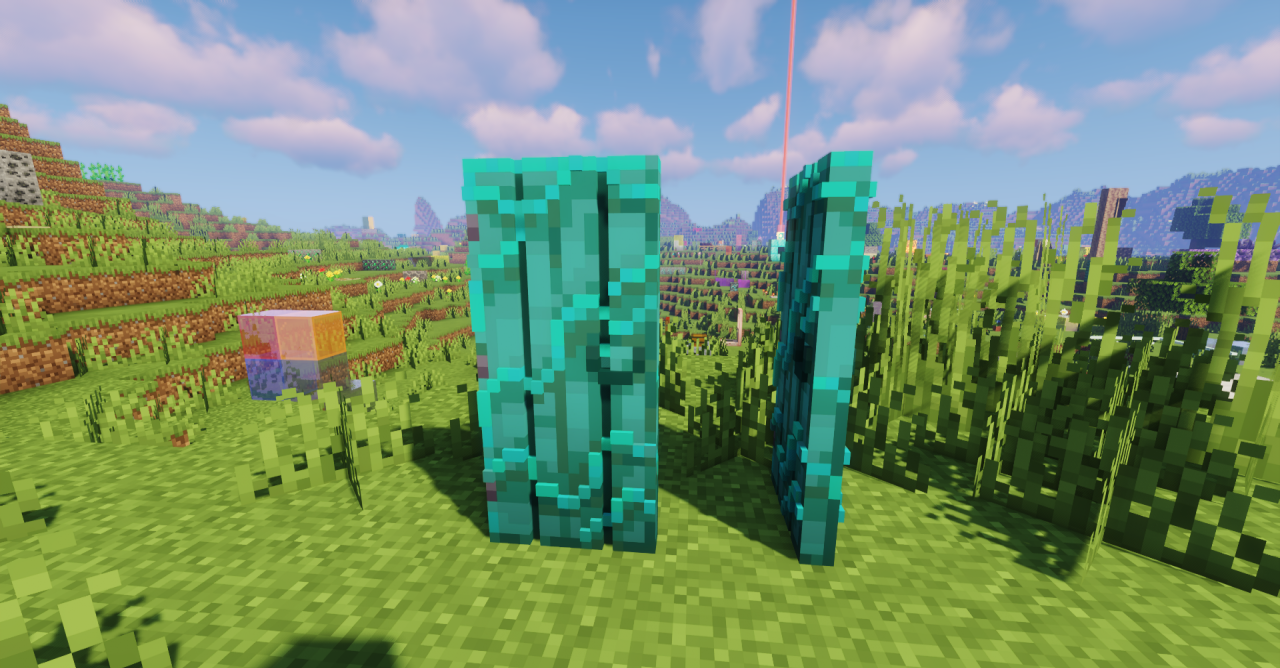
Flat doors often look too symbolic, especially in detailed builds. Remodeled Doors 3D turns standard doors and trapdoors into full 3D models with depth, side textures, and a more expressive shape. A door now looks not like a thin plane with a pattern, but like a separate object set into the wall.
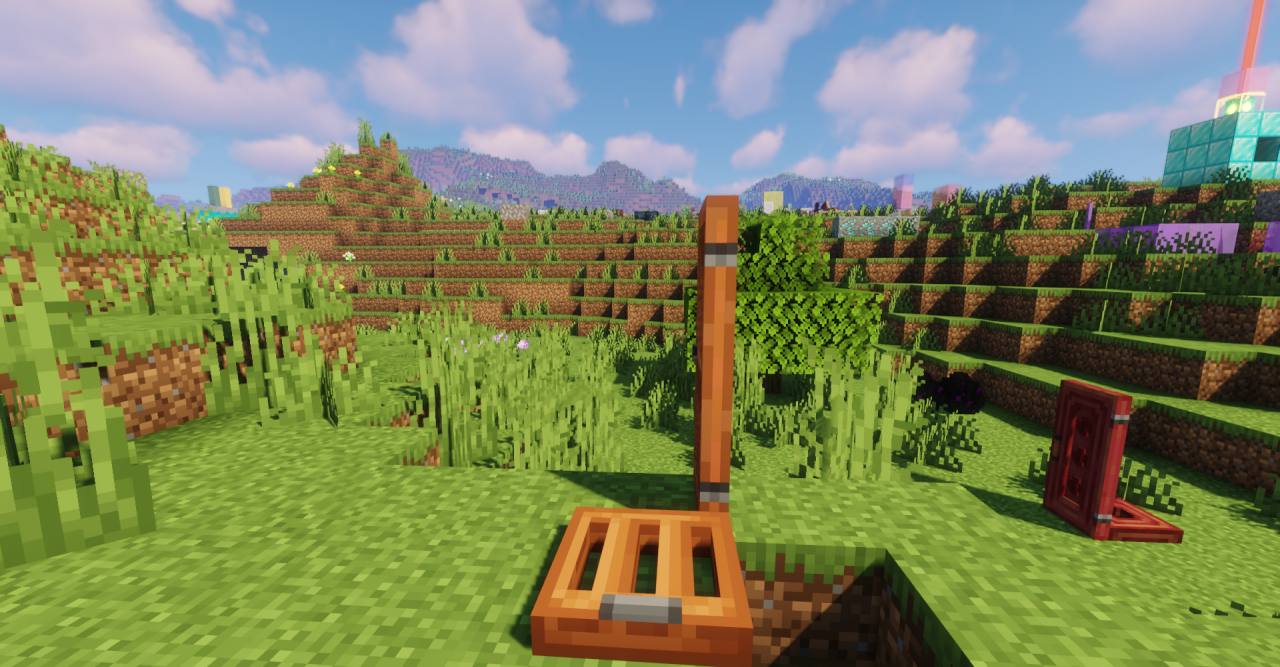
This is noticeable on facades, in interiors, castles, houses, basements, and decorative passageways. The pack also updates item icons in the interface so that they match the new models instead of clashing with the overall appearance. It does not change how doors open, their durability, or their recipes; its effect is entirely visual, but it immediately makes entrances, trapdoors, and passageways look more three-dimensional.
How to install the texture pack:
First step: download and install Remodeled Doors 3D
Second step: copy the texture pack to the C:\Users\USER_NAME\AppData\Roaming\.minecraft\resourcepacks
Third step: in game settings choose needed resource pack.
Comments (0)