



ReShaded for Minecraft 26.2
Harsh shading on block faces can sometimes make the world look darker and dirtier than necessary. ReShaded softens this part of the visuals by removing harsh shadows from block textures. Lighting looks more even, and the environment becomes cleaner and brighter without installing shaders.
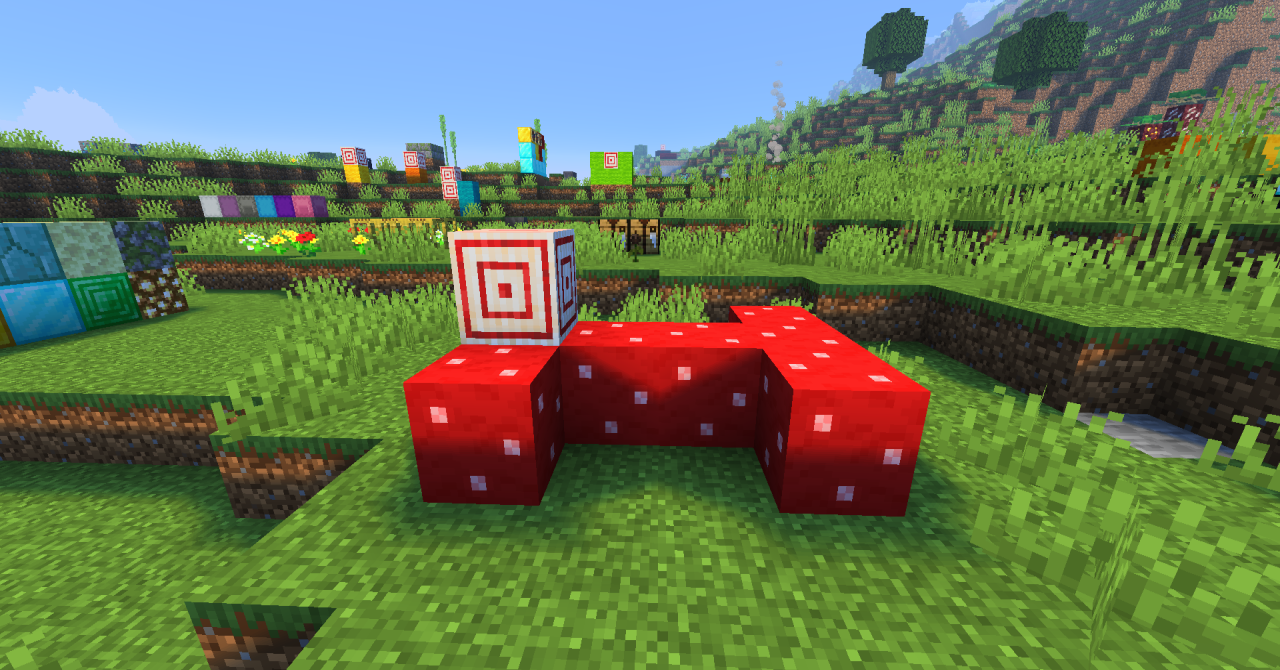
The pack preserves the classic 16×16 aesthetic, so Minecraft does not begin to look like a different game. Instead of deep contrasts on every side of a block, the presentation becomes flatter and clearer, allowing materials to read more calmly. The texture pack works well with other texture packs because it is not based on completely replacing every object.
How to install the texture pack:
First step: download and install ReShaded
Second step: copy the texture pack to the C:\Users\USER_NAME\AppData\Roaming\.minecraft\resourcepacks
Third step: in game settings choose needed resource pack.
Comments (0)