



rotrBLOCKS for Minecraft 26.2
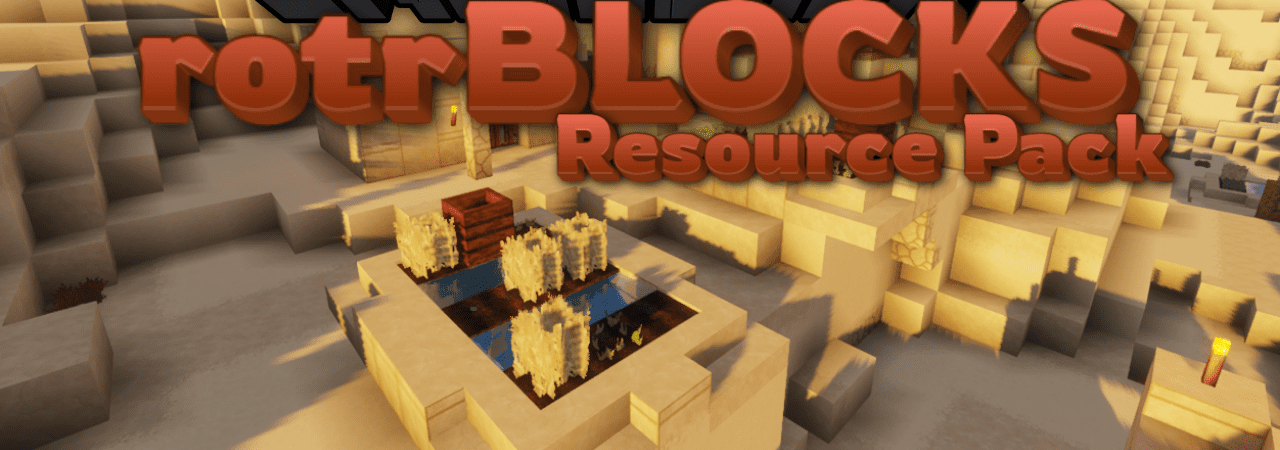
Realism here is built not on completely replacing the vanilla style, but on adding depth to materials. rotrBLOCKS adds PBR/POM effects that give blocks relief, indentations, roughness, and a more complex response to light. Stone, wood, bricks, dirt, and decorative materials look less flat while retaining Minecraft's recognizable foundation.
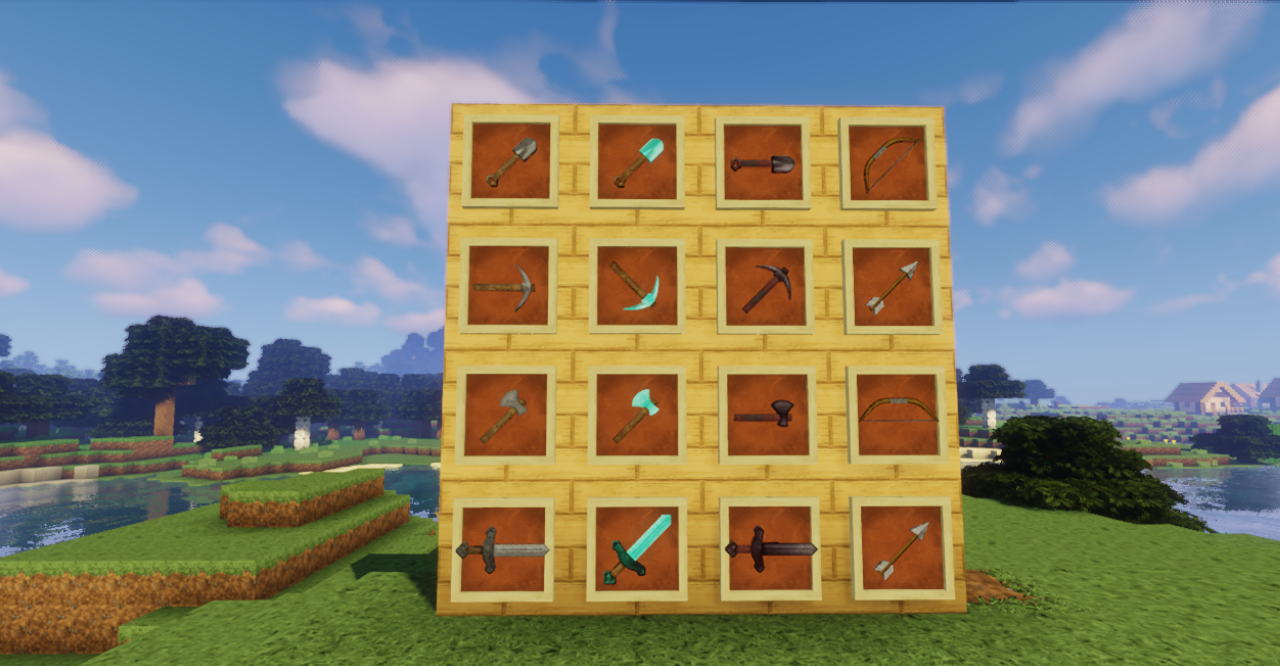
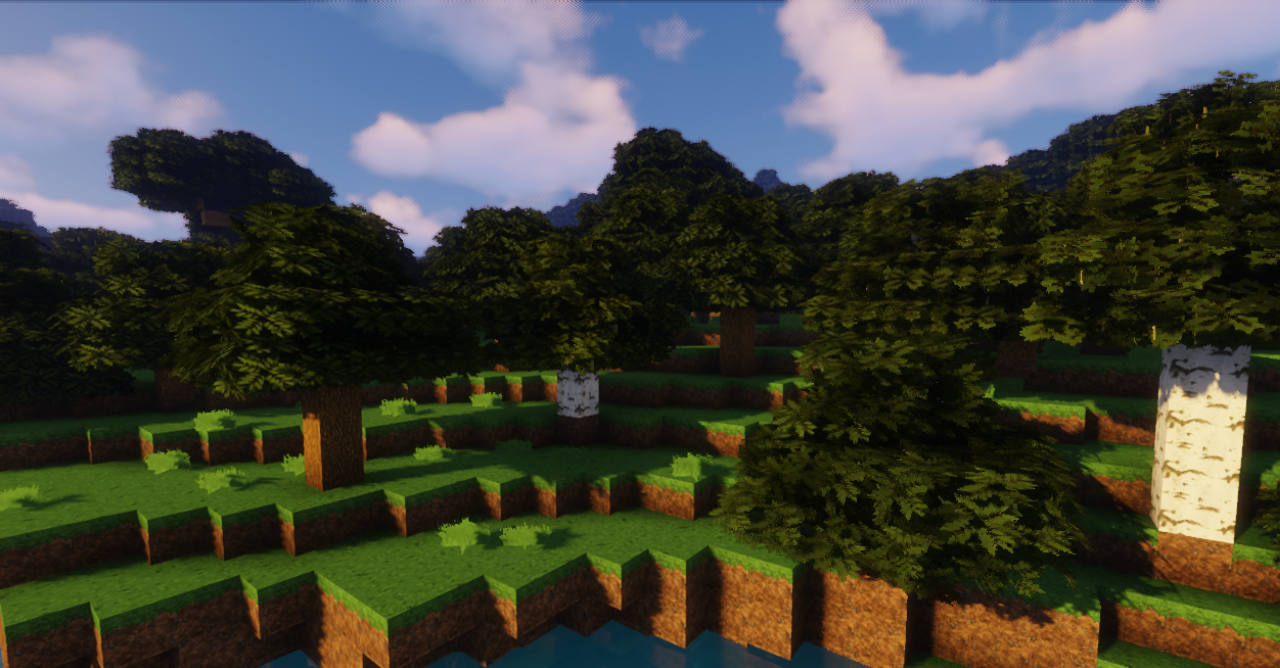
Surfaces become easier to read from different angles: where there are cracks, where there are protrusions, and where a material should be rough or smoother. The pack also improves transitions between blocks, making the environment look more cohesive.
How to install the texture pack:
First step: download and install rotrBLOCKS
Second step: copy the texture pack to the C:\Users\USER_NAME\AppData\Roaming\.minecraft\resourcepacks
Third step: in game settings choose needed resource pack.
Comments (0)