



Simplecraft X16 for Minecraft 26.2
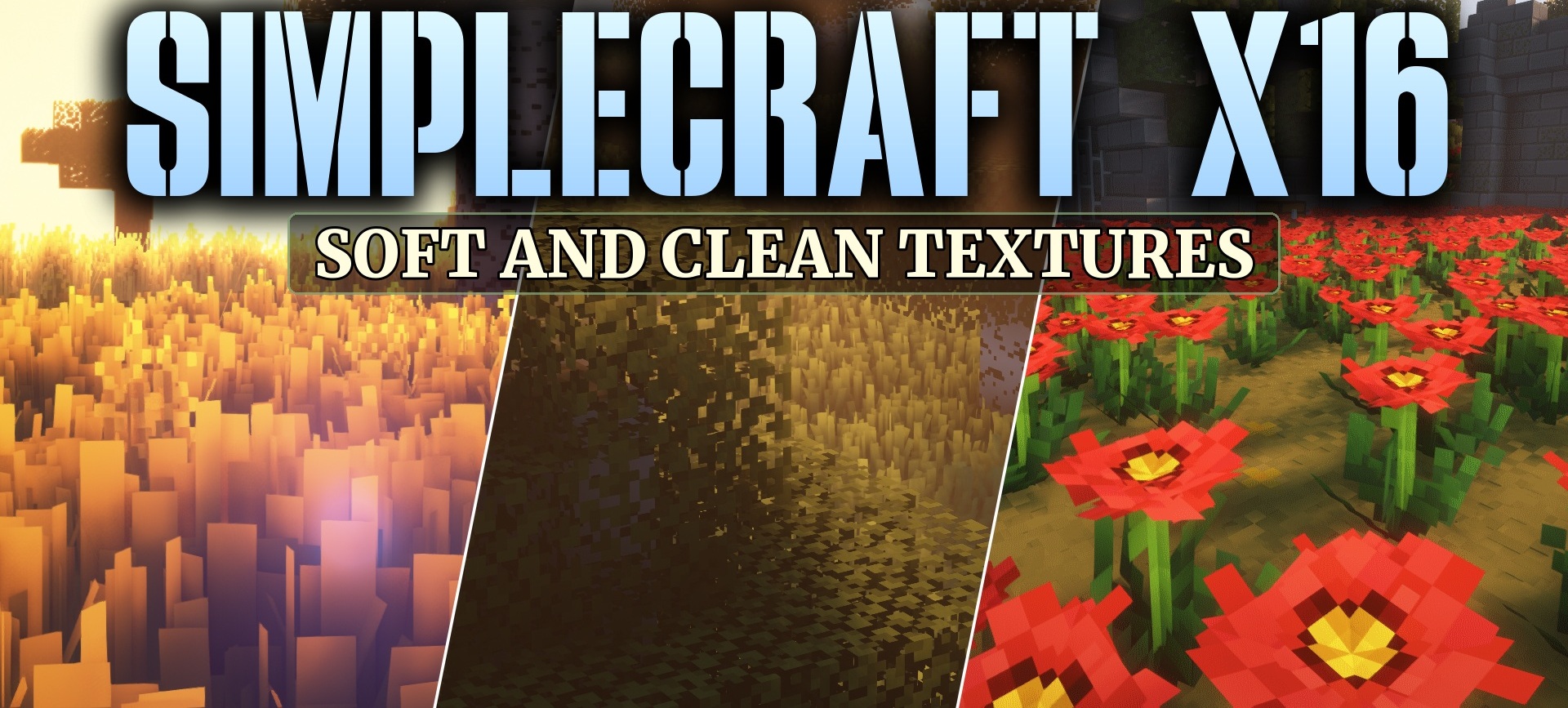
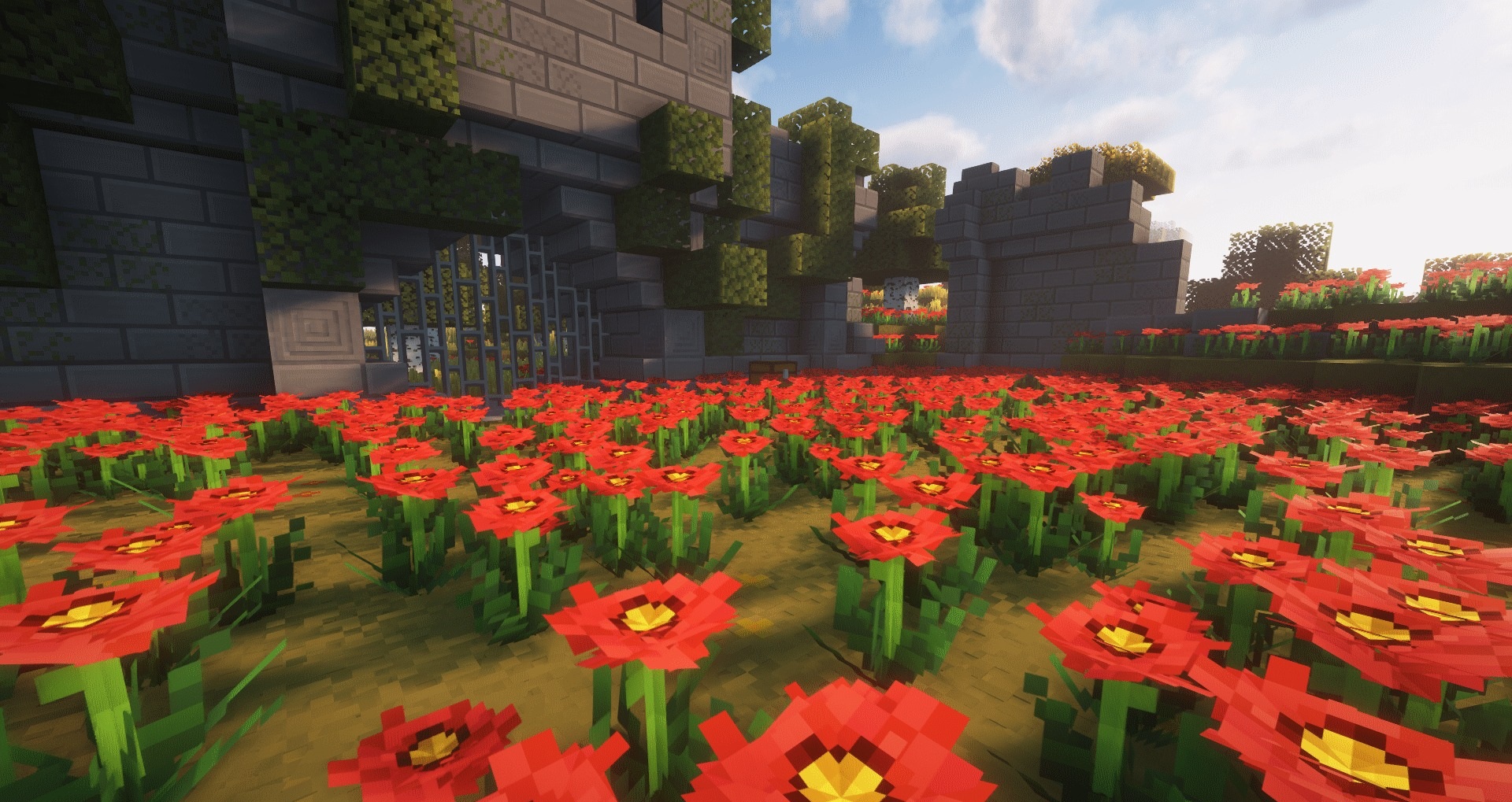
Simplecraft X16 resource pack helps simplify the graphics and make them visually calmer. It keeps the standard 16x resolution but replaces bright and noisy textures with a softer palette. Some blocks have small random variations, so large surfaces do not look as if they are made from a single repeating pattern.
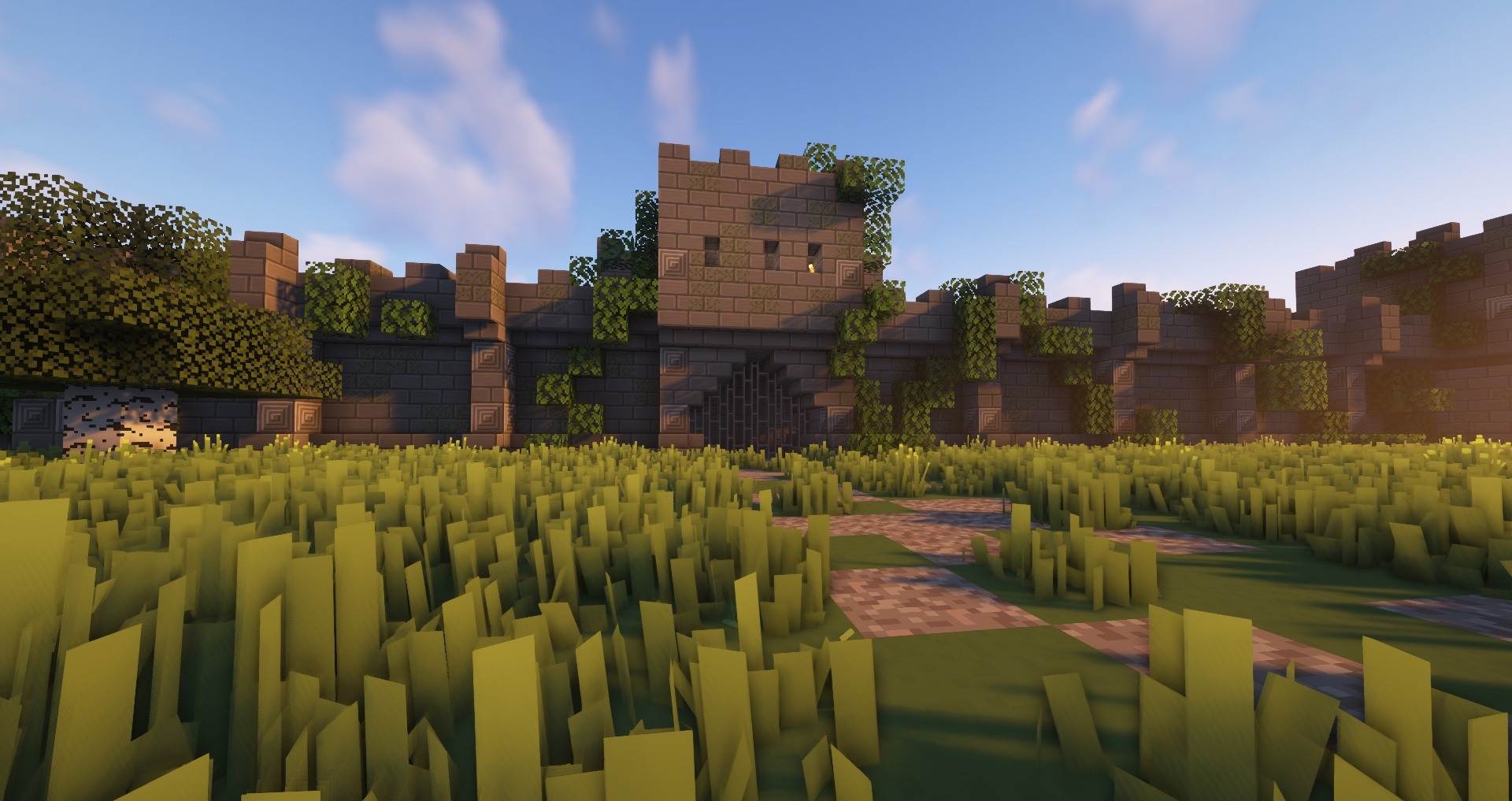
Certain items receive animations, while tools gradually change their appearance as they lose durability. Some blocks are supplemented with their own three-dimensional models, giving the environment more depth. Minecraft receives a clean, simple, and slightly more three-dimensional appearance.
How to install the texture pack:
First step: download and install Simplecraft X16
Second step: copy the texture pack to the C:\Users\USER_NAME\AppData\Roaming\.minecraft\resourcepacks
Third step: in game settings choose needed resource pack.
Comments (0)