



Simplistic GUI for Minecraft 26.2

Simplistic GUI removes unnecessary heaviness from the interface. Instead of the usual textured windows and rough vanilla elements, more even, clean, and minimalistic panels appear. The pack makes the menus visually lighter: the lines become neater, the contrasts clearer, and the overall appearance more modern.
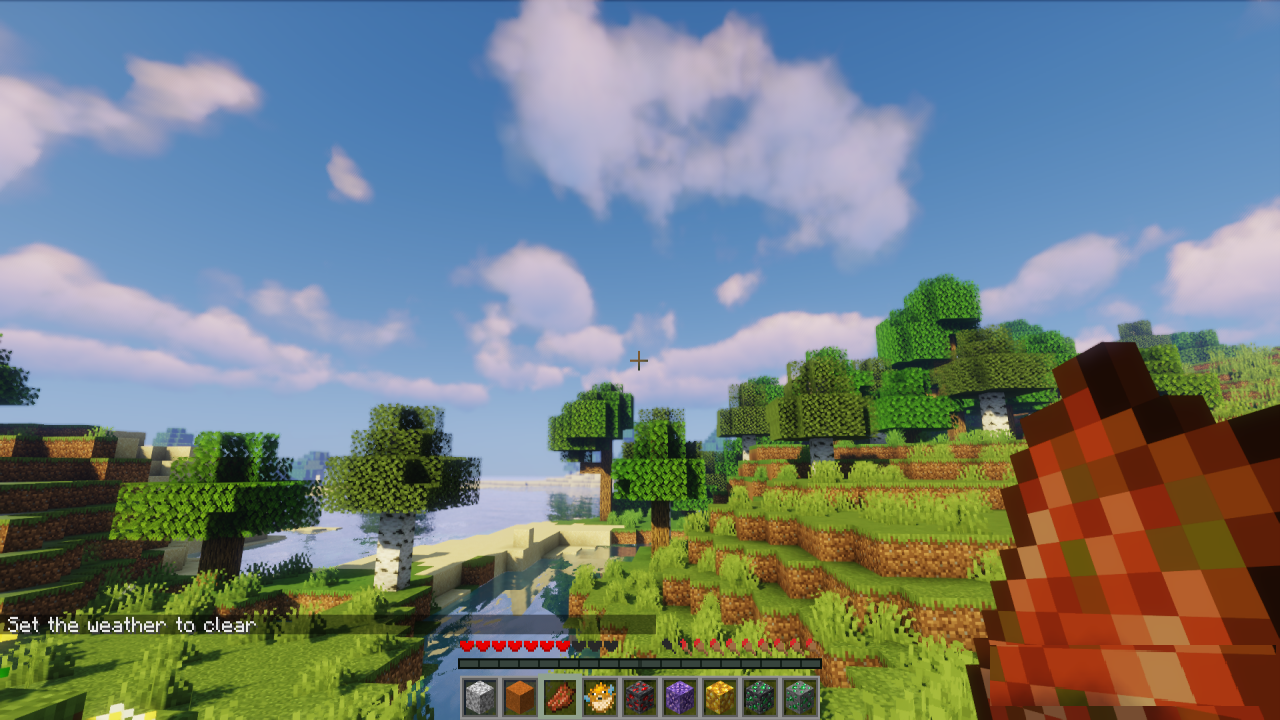
At the same time, it does not break the familiar placement of buttons, slots, and HUD elements, so it is easy to navigate the game from the first minutes. The inventory, crafting screens, settings, and other windows look less cluttered, which is noticeable during long play sessions. The main task of the pack is to make the interface calmer, cleaner, and more pleasant while preserving the familiar functionality.

How to install the texture pack:
First step: download and install Simplistic GUI
Second step: copy the texture pack to the C:\Users\USER_NAME\AppData\Roaming\.minecraft\resourcepacks
Third step: in game settings choose needed resource pack.
Comments (0)