



Smart Boost for Minecraft 26.2
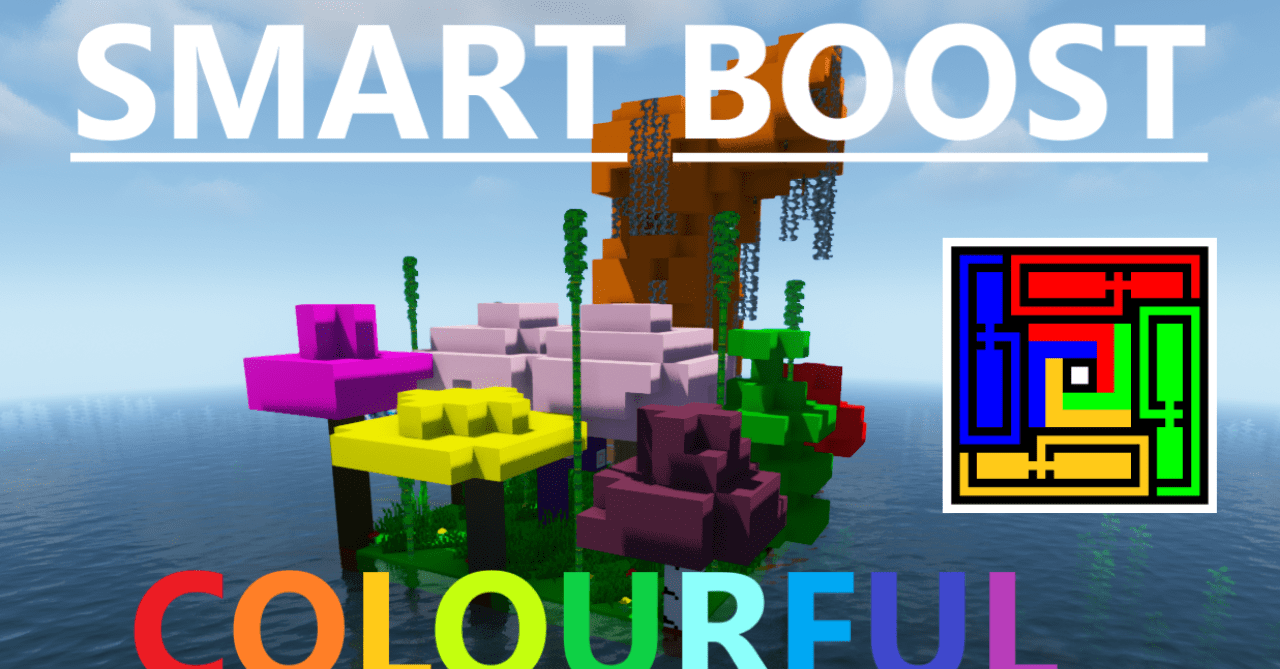
Smart Boost chooses a clean, smooth, and minimalistic approach to textures. Instead of rough detailing or realism, the pack makes the picture more even: blocks look neater, colors read more softly, and the whole world becomes more consistent. This style suits those who like a modern visual look without extra noise.
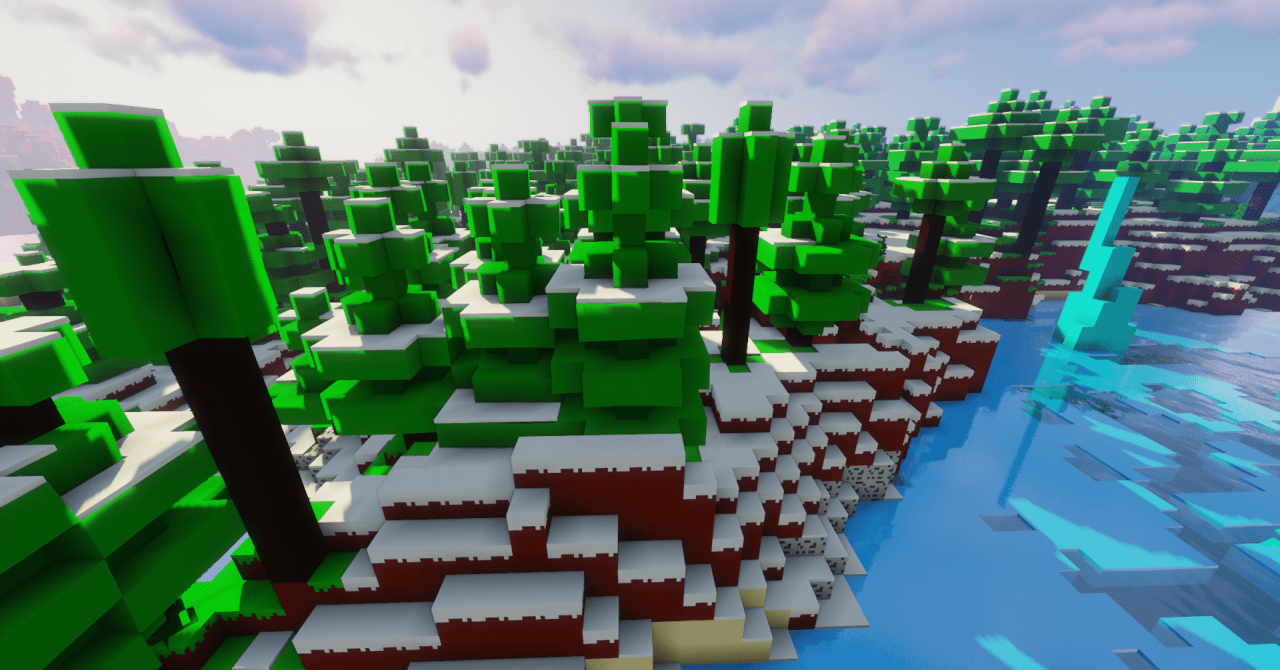
In building, this is especially noticeable: walls, floors, roads, and large surfaces look calmer, do not break apart into overly active pixels, and combine better with each other. It is convenient to use in survival, PvP, building, and server lobbies, where readability and a pleasant appearance without overload are important.
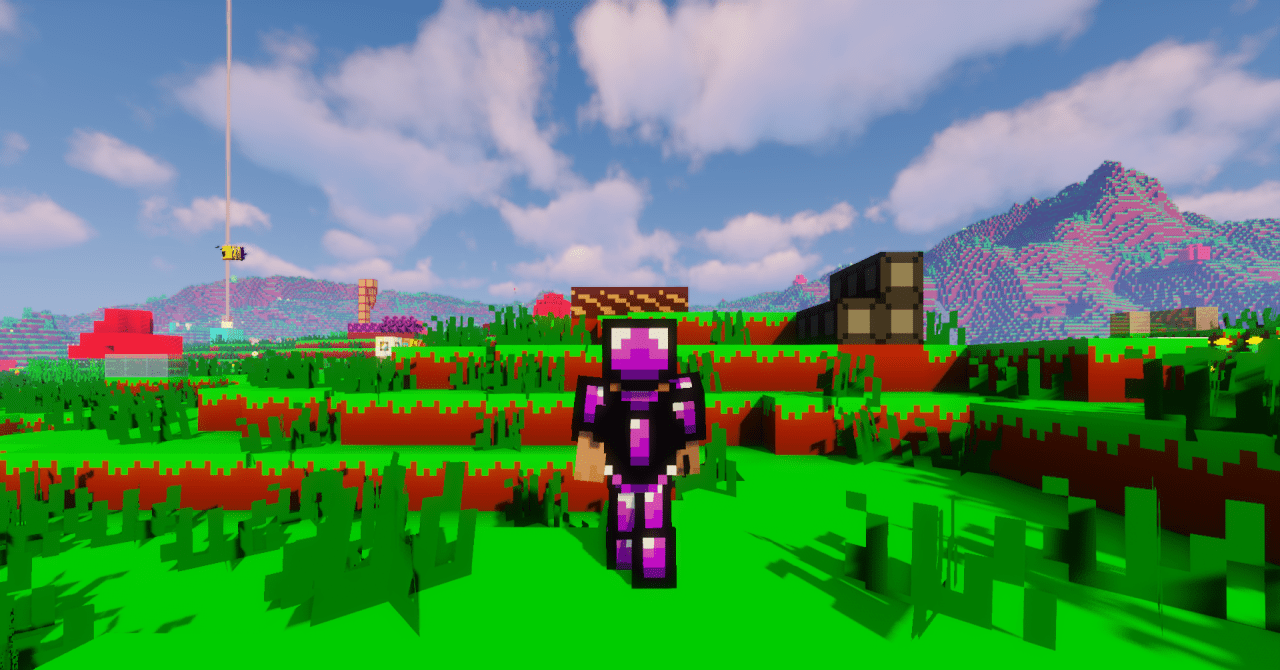
How to install the texture pack:
First step: download and install Smart Boost
Second step: copy the texture pack to the C:\Users\USER_NAME\AppData\Roaming\.minecraft\resourcepacks
Third step: in game settings choose needed resource pack.
Comments (0)