



Spooky Birch for Minecraft 26.2
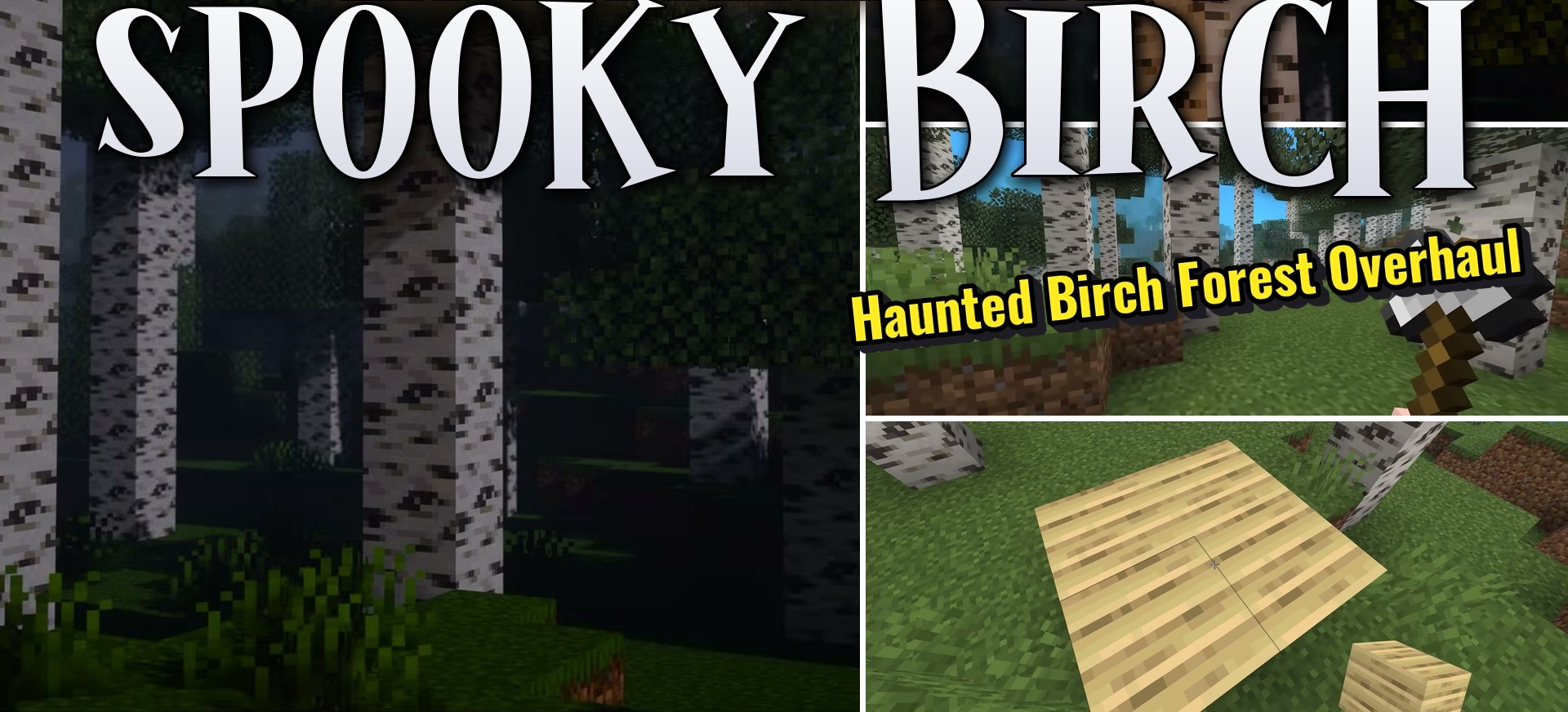
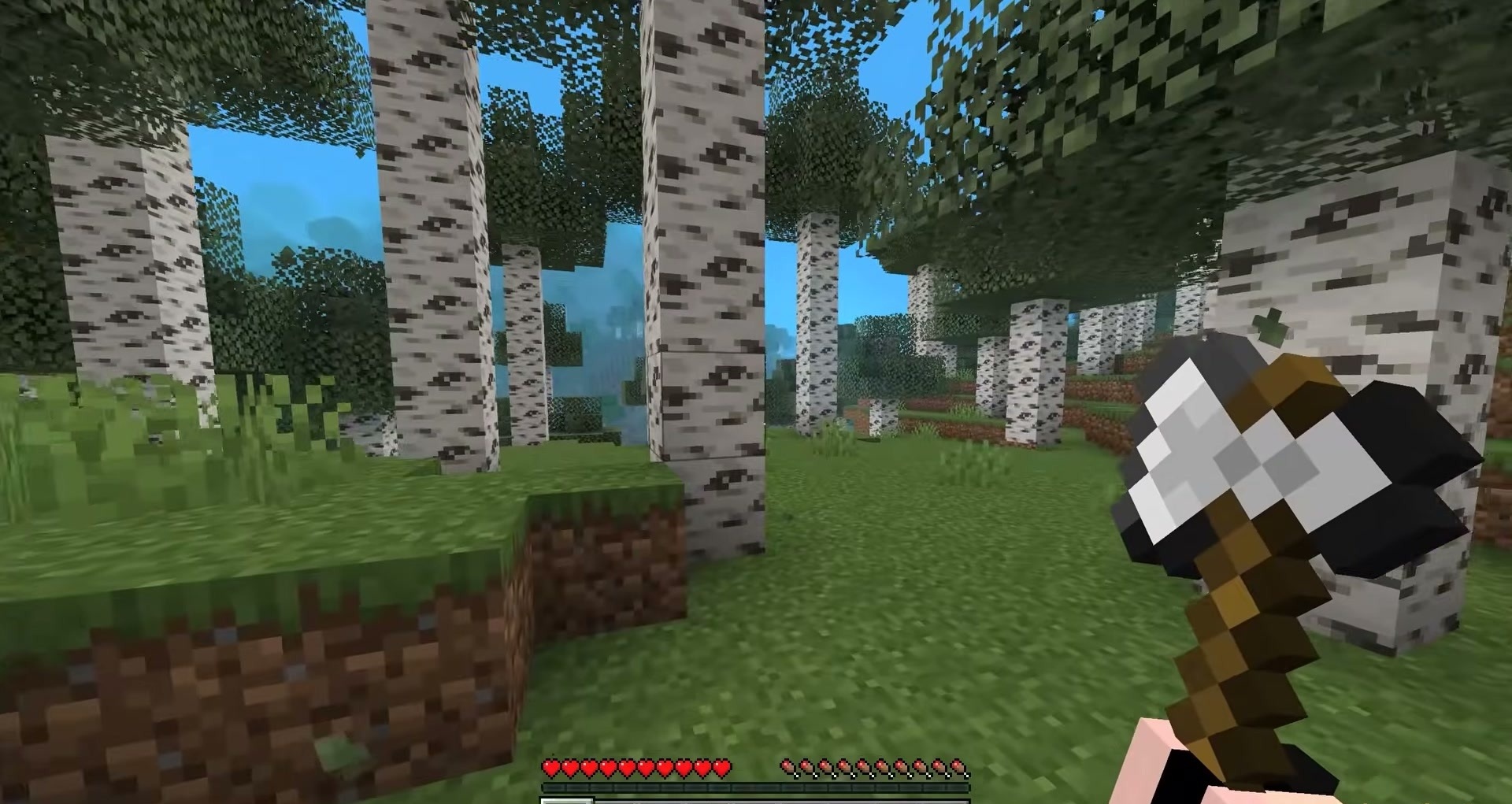
Birch forests in Spooky Birch literally begin to watch the player. Black spots on the bark turn into eyes built directly into the log texture. They periodically blink and move, creating the feeling of a living tree, although the blocks themselves remain ordinary birch wood and do not receive new mechanics.
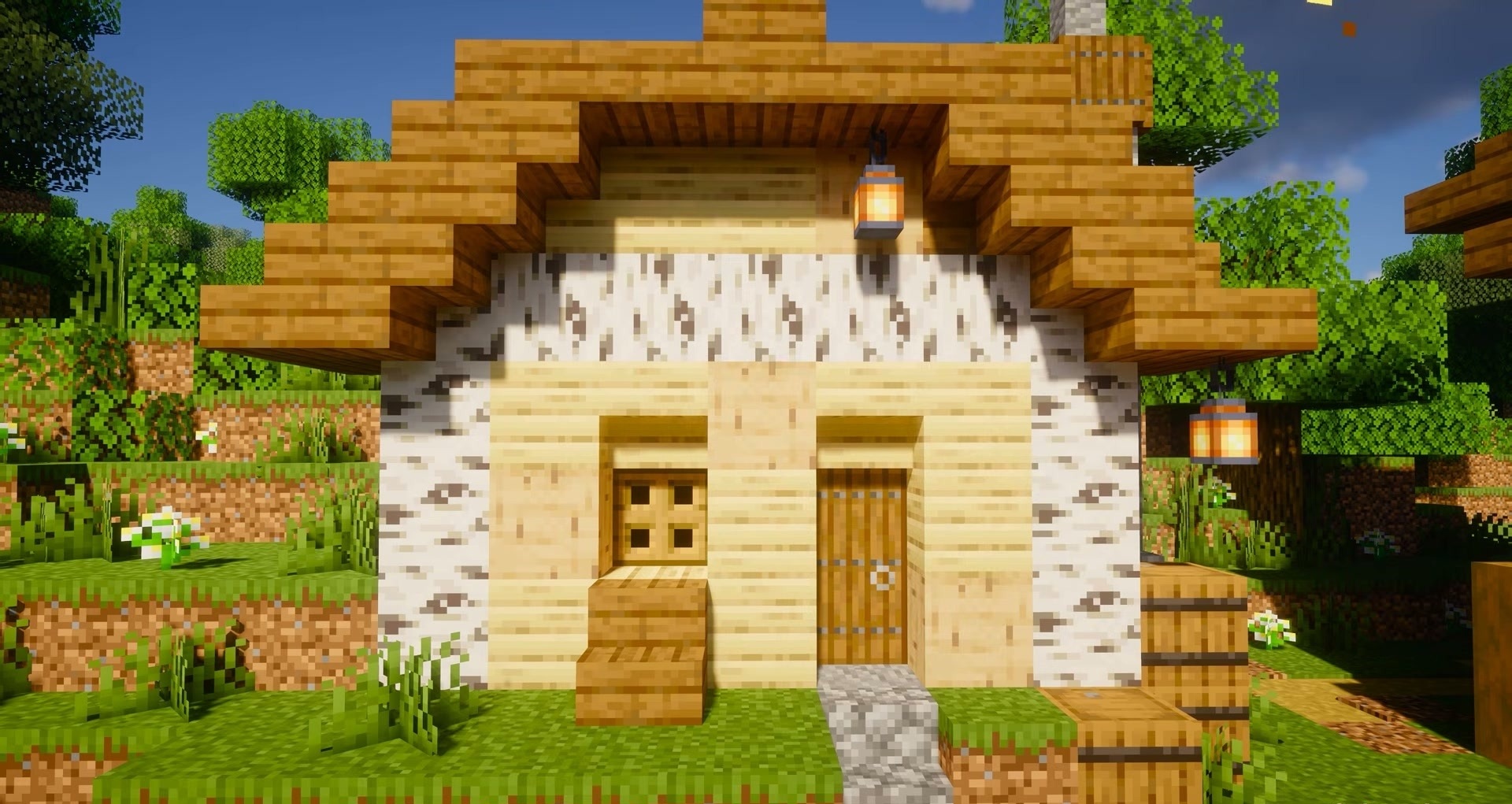
The changes apply to all corresponding logs, so the effect remains both in natural forests and after the wood is used in buildings. The animations are made in a pixel style and do not require complex geometry. Ordinary tree cutting or walking between trunks gains a slight horror tone without adding mobs.
How to install the texture pack:
First step: download and install Spooky Birch
Second step: copy the texture pack to the C:\Users\USER_NAME\AppData\Roaming\.minecraft\resourcepacks
Third step: in game settings choose needed resource pack.
Comments (0)