



Starry GUI and Hotbar for Minecraft 26.2
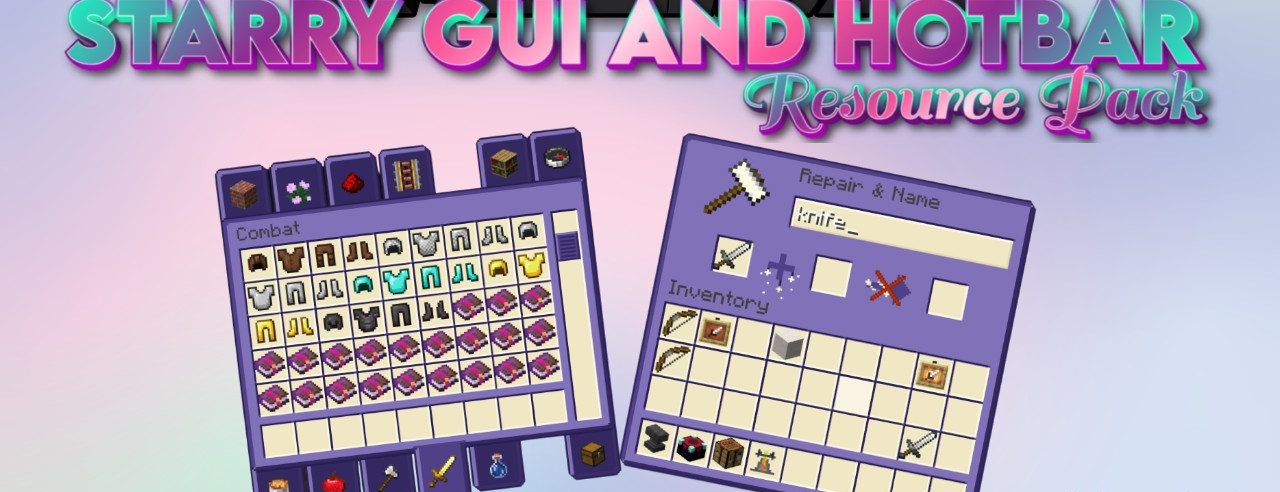
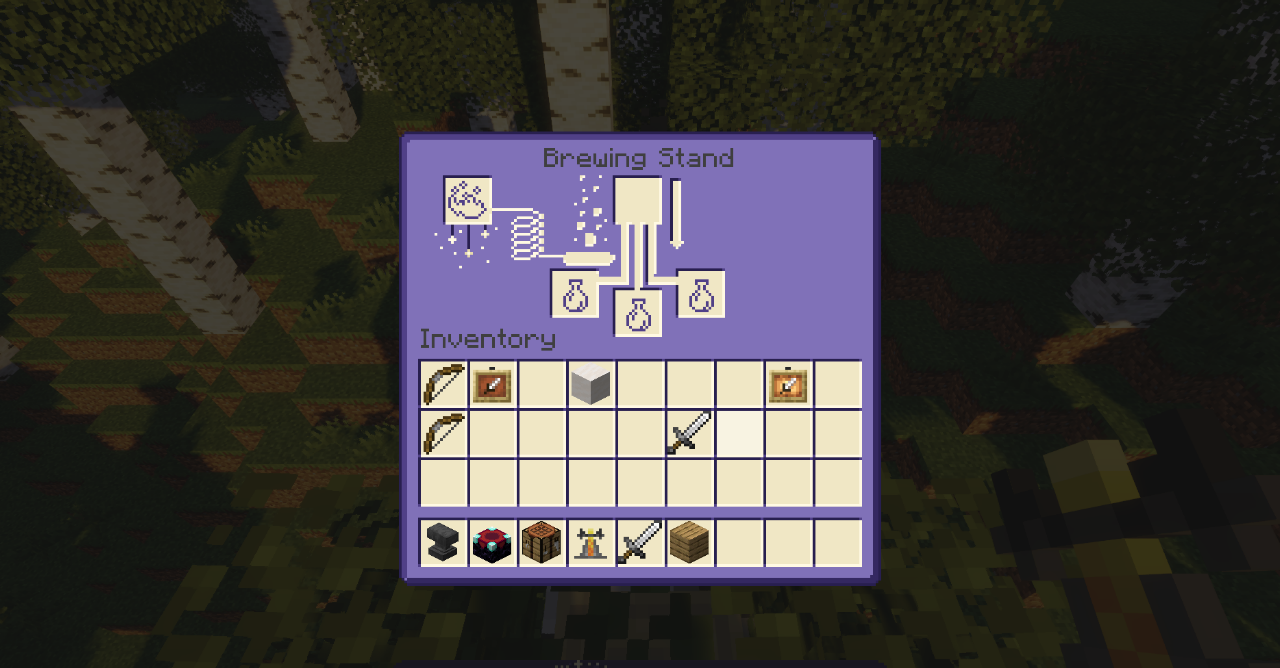
Starry GUI and Hotbar changes not the world, but the shell of the game. The inventory, menu, hotbar, and other interface elements move into a purple starry theme. Instead of standard gray windows, softer dark-purple panels appear with small light accents that resemble stars.
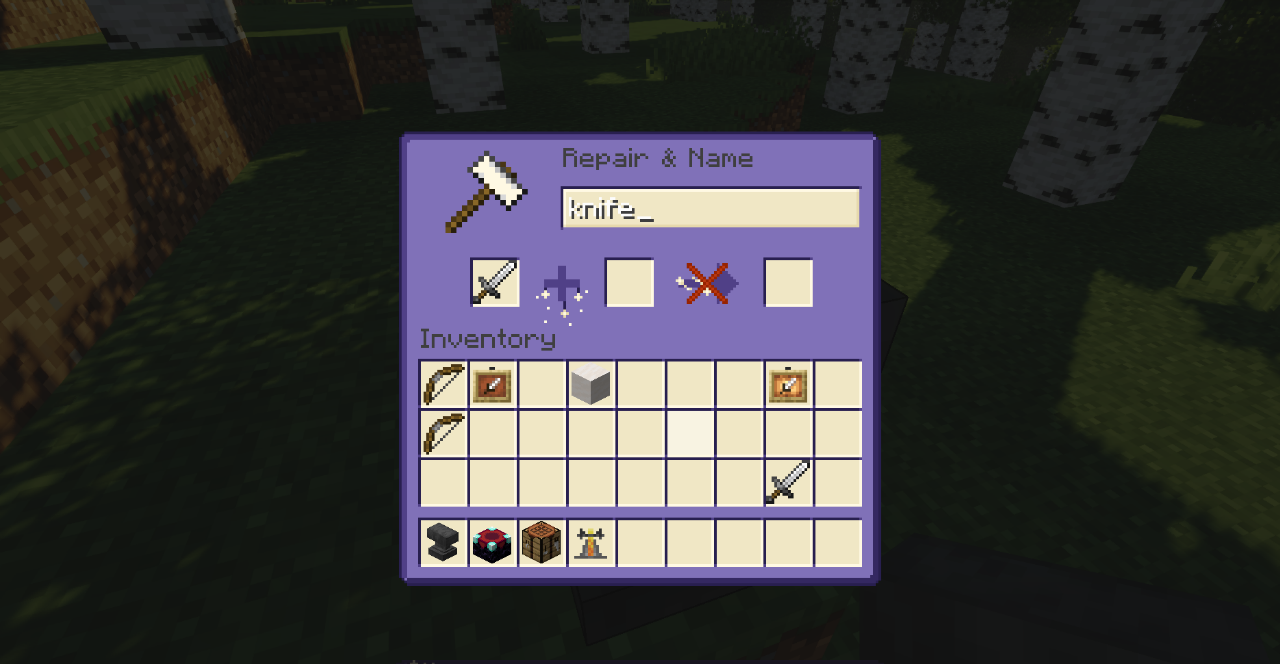
The hotbar also receives a new design, so the style remains visible not only in menus, but also during ordinary gameplay. The pack does not rearrange buttons, does not change the logic of the interface, and does not add extra elements over the screen. The main change is the mood of the GUI: it becomes less dry, slightly cosmic, and more decorative.
How to install the texture pack:
First step: download and install Starry GUI and Hotbar
Second step: copy the texture pack to the C:\Users\USER_NAME\AppData\Roaming\.minecraft\resourcepacks
Third step: in game settings choose needed resource pack.
Comments (0)