



STONEBORN UI Overhaul for Minecraft 26.2
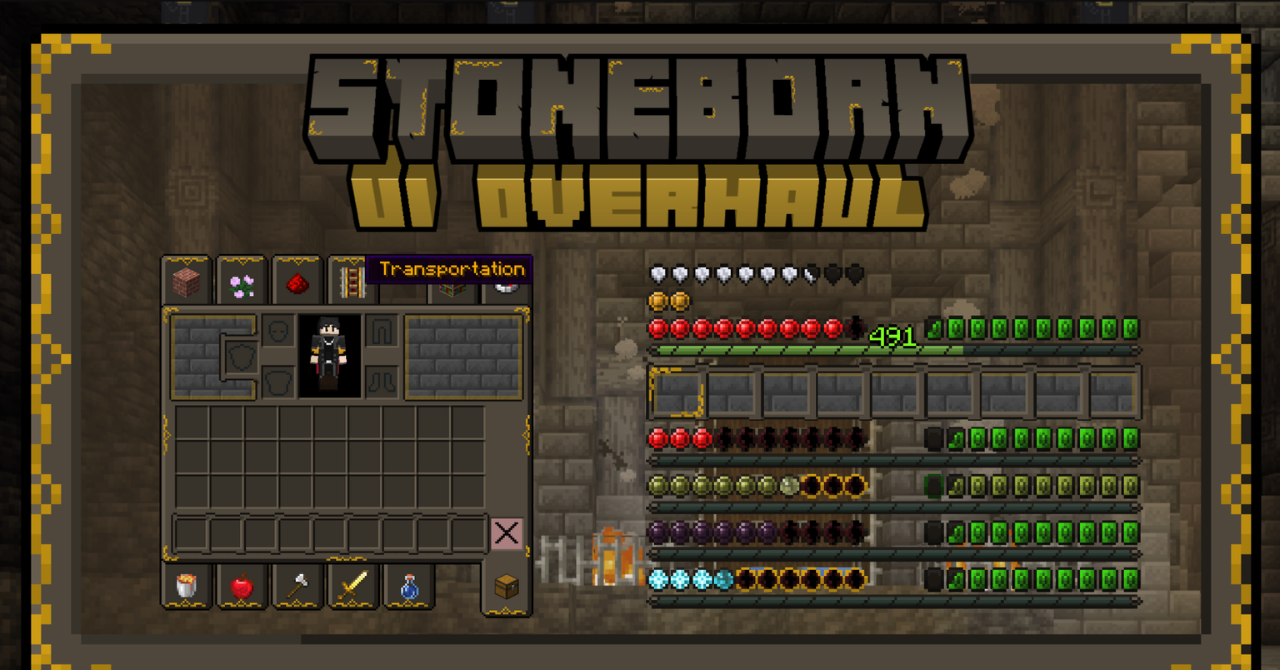
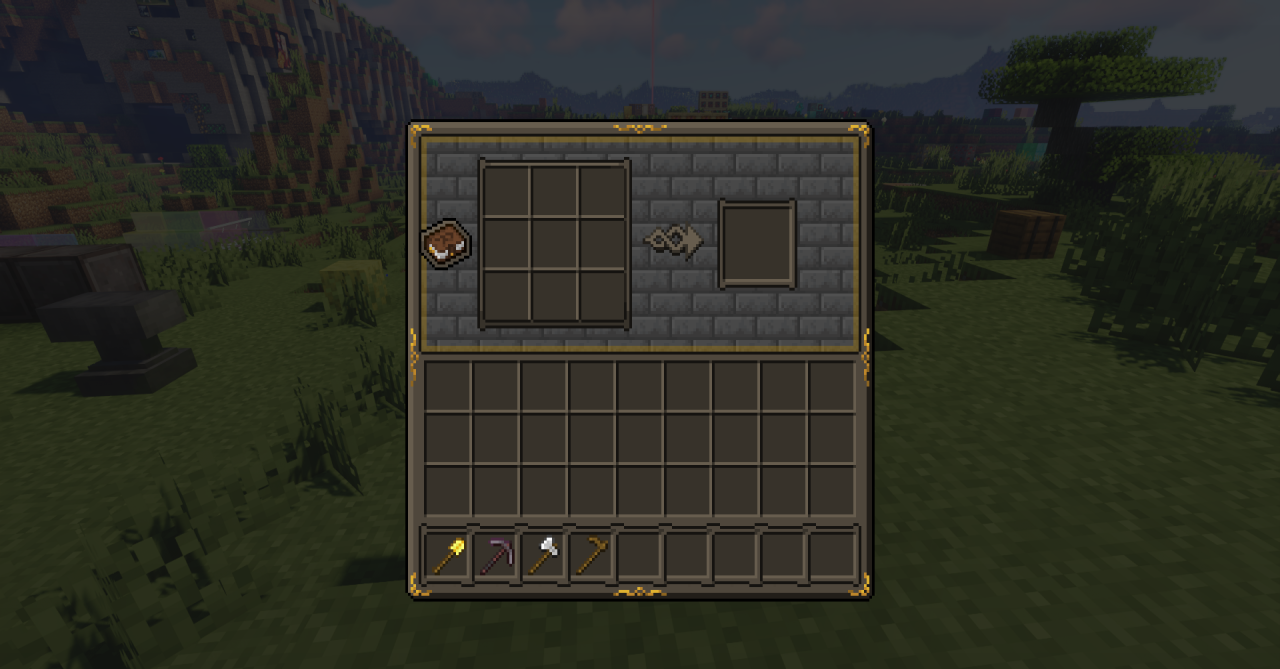
STONEBORN UI Overhaul completely changes menus, inventories, and gameplay panels by giving them a calm fantasy style. Frames, slots, and decorative elements receive patterns reminiscent of interfaces from old role-playing games, but they do not obscure items or important indicators.
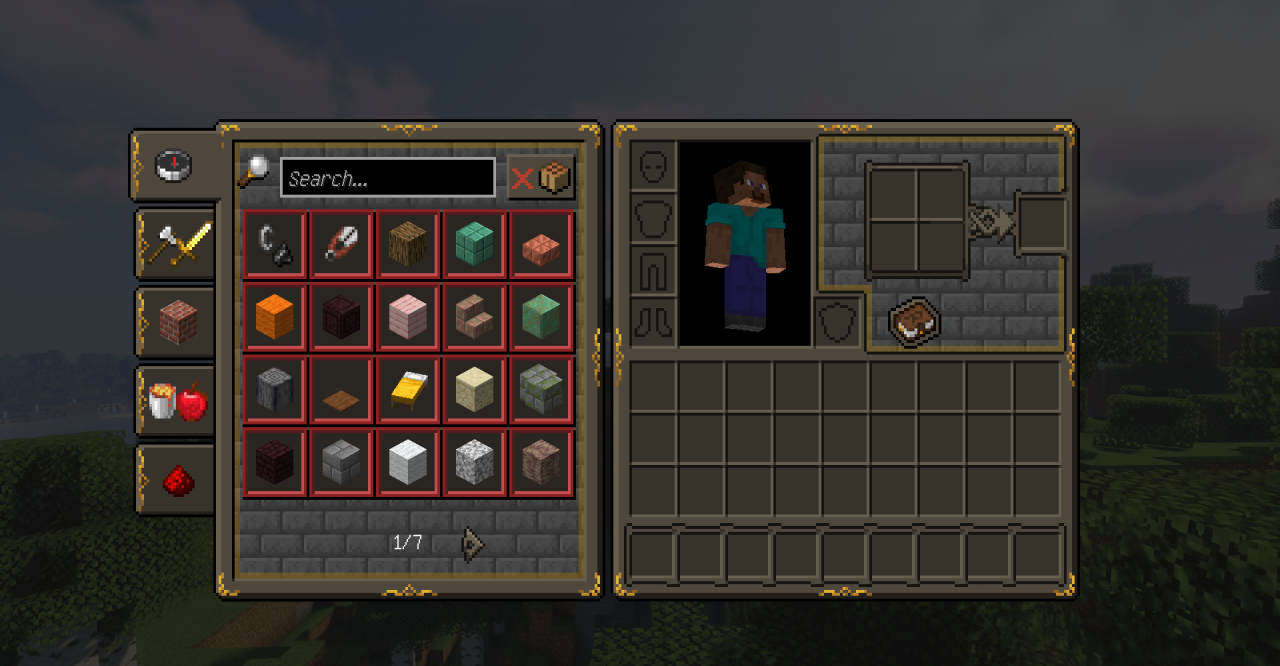
The colors are restrained enough that the screen does not look overloaded even when many windows are open. The updated design blends well with castles, medieval modpacks, and adventure maps. At the same time, the button placement and familiar structure of the Minecraft menus remain unchanged.
How to install the texture pack:
First step: download and install STONEBORN UI Overhaul
Second step: copy the texture pack to the C:\Users\USER_NAME\AppData\Roaming\.minecraft\resourcepacks
Third step: in game settings choose needed resource pack.
Comments (0)